

What is n8n?
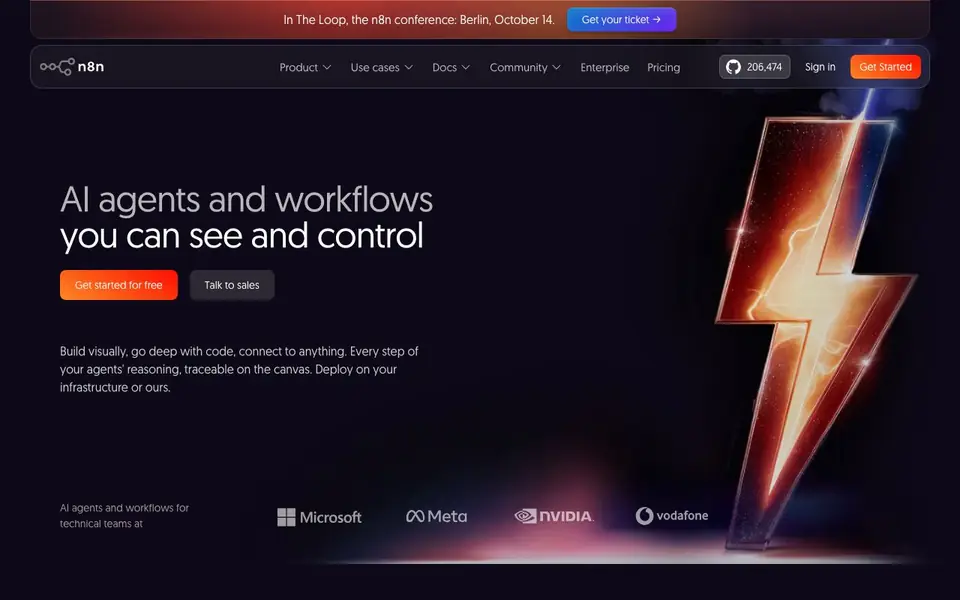
n8n is a workflow automation platform that combines AI capabilities with business process automation. You build workflows on a visual canvas, connecting AI models, data, and over 500 apps. Every step of your agents' reasoning is traceable, so you can see and control what happens.
You start by dragging nodes onto the canvas. Use pre-built nodes for common apps or custom API connections for everything else. Write JavaScript or Python anywhere in your workflow when you need more control. Test with real data, re-run single steps, and inspect inputs and outputs right next to each step's settings.
n8n suits technical teams like IT Ops, Sec Ops, Dev Ops, and Sales. You can deploy on your own infrastructure (on-prem, air-gapped) or use the managed cloud. the website says enterprise features like SSO, RBAC, audit logs, and human-in-the-loop approvals. It has 206.5k GitHub stars and a 4.7/5 G2 rating.
n8n features
- Visual workflow builder: Drag and drop nodes to connect AI models, apps, and data without coding.
- Code anywhere: Write JavaScript or Python in any workflow step for custom logic and flexibility.
- 500+ integrations: Use pre-built nodes for common apps or custom API connections for anything else.
- Human-in-the-loop: Add approvals and rule-based automation to control AI actions and keep humans in charge.
- Full observability: Inspect every execution, including prompts, responses, and next steps, with logs and history.
What you can do with n8n
- Onboard new employees by automating tasks across HR and IT systems.
- Enrich security incident tickets with context from multiple sources.
- Convert natural language into API calls for DevOps workflows.
- Generate customer insights from reviews and feed them into CRM tools.
How to get started with n8n
- Sign up for free on n8n.io and choose to use the cloud or self-host with Docker.
- Start a new workflow and drag nodes from the integrations list onto the canvas.
- Connect your AI model and data, add logic or code, then test with real data before activating.
Tips for better results with n8n
- Start with a simple workflow using pre-built nodes for your core apps, then add custom JavaScript or Python only where you need more control.
- Use n8n's re-run single step feature to test changes without executing the whole workflow, saving time when debugging complex automations.
- Inspect inputs and outputs next to each step's settings in n8n to trace exactly how data flows, helping you catch errors early.
- Leverage n8n's human-in-the-loop approvals for AI actions that need oversight, ensuring you stay in control of automated decisions.
n8n pricing
n8n has a free way to start, with paid plans for heavier use. Check n8n.io for current limits and prices.
What to check before you rely on n8n
- Check the pricing page for exact limits on free vs paid plans, since the website labels n8n as freemium but does not state specific quotas.
- Verify whether your required integrations are among the 500+ pre-built nodes, or if you need custom API connections for less common apps.
- Review data privacy options for your deployment, as n8n supports on-prem and air-gapped setups, but the website does not detail all compliance certifications.
Who n8n is for
n8n suits IT operations teams, Security operations teams, DevOps engineers and Sales teams. If that is not you, the AI agents below may fit better.
Similar tools compared with n8n
| Tool | What it is | Pricing |
|---|---|---|
| n8n | AI workflow automation platform | Freemium |
| Lindy | AI teammate for team workflows | Freemium |
| Zapier | AI workflow and agent orchestration platform | Freemium |
| LM Studio | Local AI agent for work and code | See website |
| Manus | AI agent that executes tasks | See website |
n8n FAQ
Is n8n free to use?
The website says you can 'Get started for free' and mentions a hosted version. It also offers enterprise plans, so it's freemium. Check the Pricing page for details on free limits and paid tiers.
Can I use n8n without coding?
Yes. The visual builder lets you create workflows with drag-and-drop nodes. You can add JavaScript or Python only when you need it, so non-coders can start without writing any code.
What apps can n8n connect to?
n8n has over 500 pre-built integrations for common apps. For anything else, you can create custom API connections. The website says you can 'connect to anything that speaks MCP'.
Can I run n8n on my own servers?
Yes. You can deploy with Docker, access the full source code on GitHub, and run it on-prem or air-gapped. A managed cloud version is also available if you prefer not to host it yourself.
Does n8n offer a free plan and what does it include?
n8n is freemium, so you can start for free. The free plan lets you build and run workflows with the visual builder, code nodes, and access to over 500 integrations. For details on limits like execution counts or active workflows, check the pricing page on n8n.io.
Can n8n run on my own servers or only in the cloud?
n8n can run on your own infrastructure, including on-premises or air-gapped setups, using Docker. The website also offers a managed cloud version if you prefer not to handle hosting. You can deploy either way, depending on your data control needs.
What data does n8n collect or handle when I use it?
n8n lets you control where your data goes by deploying on your own servers or using their managed cloud. The website mentions you can protect data with on-prem or air-gapped deployment. For specifics on data processing in the cloud, review n8n's privacy policy or contact their sales team.


