

What is LM Studio?
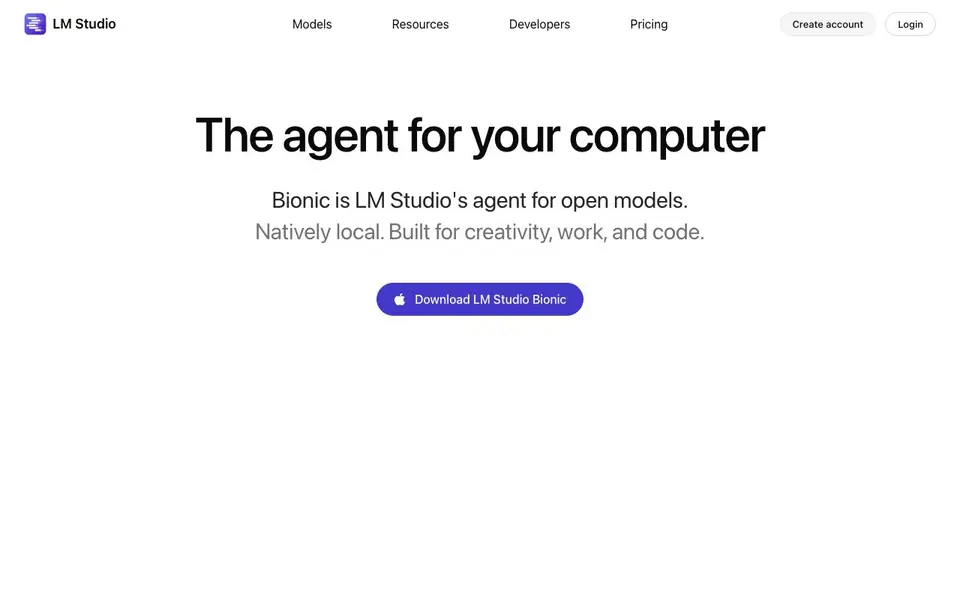
LM Studio Bionic is an agent that lives on your computer. It works with open models that you download and run locally, so your data stays on your device. You can use it for creative tasks, everyday work, and coding projects.
You start by downloading the app and picking a model from within it. Then you talk to Bionic naturally — your speech is transcribed in real time and processed locally. You can ask it to create or edit documents, and every change is saved automatically. It also handles coding tasks, automations, and computer control.
Bionic is built on the LM Studio runtime, using MLX and llama.cpp. For demanding jobs, you can run frontier open models like GLM 5.2, Kimi K3, or DeepSeek V4 Pro. The company says its cloud services use Zero Data Retention, which means your data isn't stored. The website doesn't list pricing details, so you'd need to check their pricing page for that.
LM Studio features
- Local model downloads: Get the latest open LLMs directly inside the app for chats or agentic tasks.
- Document editing: Create and edit documents with automatic saving as you work with the agent.
- Coding assistance: Ask Bionic to help with coding tasks, automations, and computer control.
- Real-time voice transcription: Speak naturally and your words are transcribed instantly, with audio processed locally.
- Frontier model support: Run powerful open models like GLM 5.2, Kimi K3, and DeepSeek V4 Pro for demanding tasks.
What you can do with LM Studio
- Create and edit documents without leaving your computer.
- Automate repetitive tasks on your machine with simple instructions.
- Write or debug code with the agent's help.
- Control your computer through voice commands.
How to get started with LM Studio
- Download LM Studio Bionic from the website.
- Create an account and log in.
- Download a local LLM within the app, then start chatting or giving agentic tasks.
Tips for better results with LM Studio
- Download LM Studio Bionic and pick a local model from within the app first, so your data stays on your device and you avoid cloud dependency.
- Use Bionic for document editing and coding tasks, and rely on its real-time voice transcription to speed up your workflow without typing long prompts.
- For demanding jobs, run Bionic with frontier open models like GLM 5.2 or DeepSeek V4 Pro to get better results on complex coding or creative work.
- Ask Bionic to automate repetitive tasks on your computer, and test its computer control features with simple instructions before scaling up.
LM Studio pricing
LM Studio’s homepage does not list prices. Check lmstudio.ai for current plans.
What to check before you rely on LM Studio
- Check the pricing page because the website does not list any pricing details for LM Studio Bionic, so you need to verify costs before committing.
- Verify the Zero Data Retention claim for cloud services, but note the website does not state how local data is handled beyond saying it stays on your device.
- Confirm which operating systems LM Studio Bionic supports, since the website does not specify platform requirements or download compatibility.
Who LM Studio is for
LM Studio suits developers, knowledge workers, privacy-conscious users and automation enthusiasts. If that is not you, the AI agents below may fit better.
Similar tools compared with LM Studio
| Tool | What it is | Pricing |
|---|---|---|
| LM Studio | Local AI agent for work and code | See website |
| n8n | AI workflow automation platform | Freemium |
| Lindy | AI teammate for team workflows | Freemium |
| Zapier | AI workflow and agent orchestration platform | Freemium |
| Manus | AI agent that executes tasks | See website |
LM Studio FAQ
What is LM Studio Bionic?
It's an AI agent that runs on your computer. You can use it to create and edit documents, handle coding tasks, automate workflows, and control your computer. It works with open models you download locally.
Is my data private when using Bionic?
Yes, the website says your voice and audio data are processed locally and never leave your device. Their cloud services also use Zero Data Retention, meaning they don't store your data.
What models can I use with Bionic?
You can download the latest local LLMs directly within the app. For demanding tasks, you can run frontier open models like GLM 5.2, Kimi K3, and DeepSeek V4 Pro.
How much does LM Studio Bionic cost?
The website doesn't state pricing details on the homepage. You'd need to check their pricing page or create an account to see what plans are available.
What operating systems does LM Studio Bionic run on?
The LM Studio Bionic website does not specify which operating systems it supports. To find out if it runs on your device, check the download page or the Bionic documentation linked from the site.
Can LM Studio Bionic export documents to formats like PDF or Word?
The LM Studio Bionic website mentions creating and editing documents with automatic saving, but it does not list specific export formats. For details on what file types you can export to, check the Bionic documentation.
Does LM Studio Bionic require an account to use?
The LM Studio Bionic website includes a 'Create account' button and a login option, but it does not clearly state whether an account is mandatory for using the app. Check the download or documentation pages for account requirements.


