

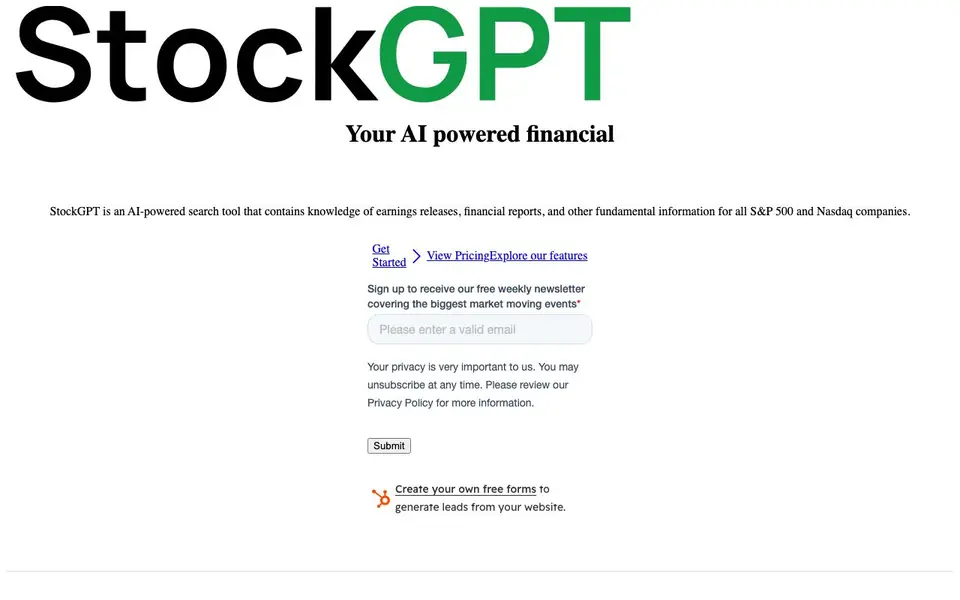
What is StockGPT?
StockGPT is an AI-powered search tool built for financial research. It holds knowledge from earnings releases, financial reports, and other fundamental data for all S&P 500 and Nasdaq companies. You can ask questions and get summaries instead of digging through lengthy documents yourself.
You start by typing a question about a company or industry. The tool searches through transcripts and reports to give you accurate answers. You can filter searches by specific transcripts, across multiple quarters or years, or across entire industries and sectors. The data is updated as soon as new transcripts become publicly available.
StockGPT suits investors, analysts, and anyone researching public companies. The free plan gives you transcripts for Nasdaq companies with up to five searches per day. Pro plans start at $7 monthly or $49 yearly, offering unlimited searches and advanced filters by industry and size. The website notes it continues to expand its database over time.
StockGPT features
- Search transcripts: Ask for summaries and get specific answers on product updates and company performance.
- Customizable filters: Narrow searches by specific transcripts, multiple quarters or years, or entire industries.
- No hallucinations: Get accurate answers straight from the tool's data without made-up information.
- Up-to-date data: New transcripts are added as soon as they are publicly available.
- Industry research: Ask broad questions like how inflation affected automotive companies in a given year.
What you can do with StockGPT
- Analyze a company's performance across different quarters using earnings call transcripts.
- Research how a specific industry sector reacted to economic events like inflation.
- Find product update details from a company's latest earnings call.
- Compare financial performance across multiple years for a Nasdaq-listed company.
How to get started with StockGPT
- Sign up for free on the StockGPT website with no credit card required.
- Type a question about a company or industry in the search bar.
- Use filters to narrow results by transcript, timeframe, or sector, then review the AI-generated answers.
Tips for better results with StockGPT
- Start with a specific question about a company or metric, like revenue growth or product updates, to get precise answers from StockGPT's transcripts instead of broad queries.
- Use StockGPT's filters to narrow searches to a single transcript or a range of quarters, which helps you compare performance over time without wading through unrelated data.
- Ask industry-level questions, such as how inflation affected automotive companies in 2022, to leverage StockGPT's coverage across sectors and spot trends across multiple firms.
- Check the date of the latest transcript for the company you research, since StockGPT updates data as soon as new earnings calls are public, ensuring your analysis uses the most current information.
StockGPT pricing
StockGPT has a free way to start, with paid plans for heavier use. Check askstockgpt.com for current limits and prices.
What to check before you rely on StockGPT
- Verify your plan's search limit: the free tier allows only five searches per day, so confirm you have enough quota before starting a deep research session.
- Confirm the company you need is Nasdaq-listed, as StockGPT's database currently covers only Nasdaq transcripts, not all S&P 500 firms.
- Note that the website does not state how often transcripts are added beyond 'as soon as publicly available,' so check for any lag in coverage for very recent earnings calls.
Who StockGPT is for
StockGPT suits investors, financial analysts and stock researchers. If that is not you, the AI business tools below may fit better.
Similar tools compared with StockGPT
| Tool | What it is | Pricing |
|---|---|---|
| StockGPT | AI financial research assistant for stocks | Freemium |
| Tidio | AI customer service and sales platform | Freemium |
| Chatbase | AI customer experience and support agents | Free trial |
| Copy.ai | AI-native go-to-market platform | See website |
| Harvey | AI platform for legal and professional services | See website |
StockGPT FAQ
What data does StockGPT search through?
StockGPT searches earnings releases, financial reports, and other fundamental information for all S&P 500 and Nasdaq companies. It focuses on transcripts, so you can get answers straight from company calls and reports.
Is StockGPT free to use?
Yes, there is a free plan at $0 per month that includes transcripts for all Nasdaq companies and up to 5 searches per day. Paid Pro plans start at $7 monthly or $49 yearly for unlimited searches and advanced filters.
Who is StockGPT designed for?
StockGPT is built for investors, financial analysts, and anyone researching public companies. It helps you analyze company performance, research industries, and get specific answers from financial documents quickly.
Does StockGPT cover companies outside the S&P 500 and Nasdaq?
The website states the database contains transcripts for all Nasdaq companies and all S&P 500 companies, and it will continue to expand over time. It does not specify coverage for other exchanges.
Can StockGPT export or connect to other tools like Excel or Google Sheets?
The StockGPT website does not mention any export options or integrations with external tools like Excel or Google Sheets. To find out if this feature has been added, check the website's feature list or contact their support team directly.
Which devices or platforms does StockGPT run on?
StockGPT is a web-based tool, so you can access it through any modern web browser on your computer, tablet, or smartphone. The website does not mention dedicated mobile apps for iOS or Android, so you would use it via the browser on those devices.
What exactly does the free plan of StockGPT include?
The free plan of StockGPT gives you access to transcripts for all Nasdaq companies, with a maximum of five searches per day. You do not need a credit card to sign up. This plan does not include advanced filters, which are part of the paid Pro plans.


