

What is Spellbook?
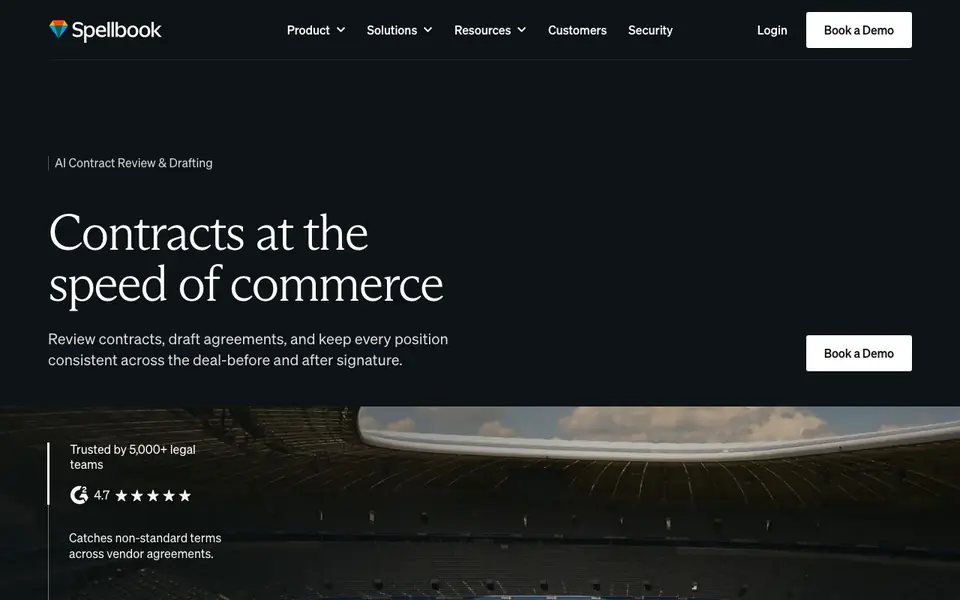
Spellbook is an AI platform built for transactional lawyers and in-house legal teams. It reviews contracts, drafts agreements, and keeps your positions consistent across deals, before and after signature. The tool works directly in Microsoft Word, so you don't have to change how you work.
You start by connecting Spellbook to your existing tools, like email and Slack. Contracts are pulled in automatically and get a first-pass review against your standards. You can then use Spellbook to draft, review, compare, and ask questions about your contracts. It also offers playbooks and a repository to keep your team's positions consistent.
Spellbook is designed for law firms and in-house teams in industries like manufacturing, financial services, healthcare, technology, energy, and retail. It claims to save 75% time on contract work and double throughput without adding headcount. The platform emphasizes enterprise-grade security with zero data retention, SOC 2 Type II, HIPAA, GDPR, and EU AI Act compliance.
Spellbook features
- Automated intake: Pulls contracts from email and Slack and runs a first-pass review against your standards.
- Contract review: Catches non-standard terms across vendor agreements and flags issues for you.
- Drafting assistance: Helps you draft agreements faster with AI suggestions and industry insights.
- Playbooks: Keeps your negotiation positions consistent across deals using your standards.
- Integrations: Connects with tools your team already uses, so you don't have to change your workflow.
What you can do with Spellbook
- Review vendor agreements to catch non-standard terms quickly.
- Draft complex agreements in days instead of weeks.
- Keep contract positions consistent across multiple deals.
- Get industry insights to negotiate deals without outside counsel.
How to get started with Spellbook
- Book a demo or contact Spellbook to discuss your use case.
- Connect Spellbook to your existing tools, like email and Slack.
- Start reviewing and drafting contracts directly in Microsoft Word.
Tips for better results with Spellbook
- Connect Spellbook to your email and Slack first so contracts flow in automatically, then let its first-pass review flag non-standard terms before you start editing.
- Use Spellbook's playbooks to encode your team's negotiation standards, then apply them consistently across every deal to avoid drifting positions on similar clauses.
- Ask Spellbook specific questions about a contract, like what a clause means or how it compares to your playbook, to get targeted answers instead of broad summaries.
- Run your draft through Spellbook's review feature after you finish editing to catch missed issues, and verify its suggestions against your own judgment before finalizing.
Spellbook pricing
Spellbook’s homepage does not list prices. Check spellbook.com for current plans.
What to check before you rely on Spellbook
- Check whether Spellbook's pricing is listed on the website; it is not, so you must contact them for plan costs and any per-user or per-contract limits.
- Verify that your Microsoft Word version and operating system are compatible with Spellbook, since the site does not specify system requirements.
- Confirm what data retention and security certifications apply to your use case; the site claims SOC 2 Type II, HIPAA, GDPR, and EU AI Act compliance but does not detail how to verify them.
Who Spellbook is for
Spellbook suits transactional lawyers, in-house legal teams, law firms and legal operations managers. If that is not you, the AI business tools below may fit better.
Similar tools compared with Spellbook
| Tool | What it is | Pricing |
|---|---|---|
| Spellbook | AI contract review and drafting platform | See website |
| Tidio | AI customer service and sales platform | Freemium |
| Chatbase | AI customer experience and support agents | Free trial |
| Copy.ai | AI-native go-to-market platform | See website |
| Harvey | AI platform for legal and professional services | See website |
Spellbook FAQ
What does Spellbook do?
Spellbook reviews and drafts contracts using AI, right inside Microsoft Word. It helps legal teams catch non-standard terms, keep positions consistent, and speed up contract work.
Who is Spellbook for?
It's designed for transactional lawyers, in-house legal teams, and law firms. It also serves specific industries like manufacturing, financial services, healthcare, technology, energy, and retail.
Does Spellbook work with my existing tools?
Yes. Spellbook integrates with tools you already use, like email and Slack, so you don't have to change your workflow. It also works directly in Microsoft Word.
Is Spellbook secure for legal work?
Spellbook emphasizes enterprise-grade security with zero data retention, meaning LLM providers don't learn from or store your data. It also has SOC 2 Type II, HIPAA, GDPR, and EU AI Act compliance.
Does Spellbook require a Microsoft Word subscription or can it work with other word processors?
Spellbook works directly in Microsoft Word, so you need access to Microsoft Word to use it. The website does not mention support for other word processors like Google Docs. For the most current compatibility details, check the Spellbook website's integrations or support pages.
What does Spellbook's free plan include, if there is one?
The Spellbook website does not mention a free plan or any pricing details. It focuses on enterprise-grade features and security, and asks visitors to book a demo. To find out about pricing or trial options, you would need to contact Spellbook directly through their demo request form.
Can Spellbook export contracts or redlines to other formats besides Word?
Spellbook is designed to work within Microsoft Word, so its output is tied to that environment. The website does not mention exporting to PDF, plain text, or other formats. For specifics on export capabilities, you can check Spellbook's documentation or ask during a demo.


