

What is RunDiffusion?
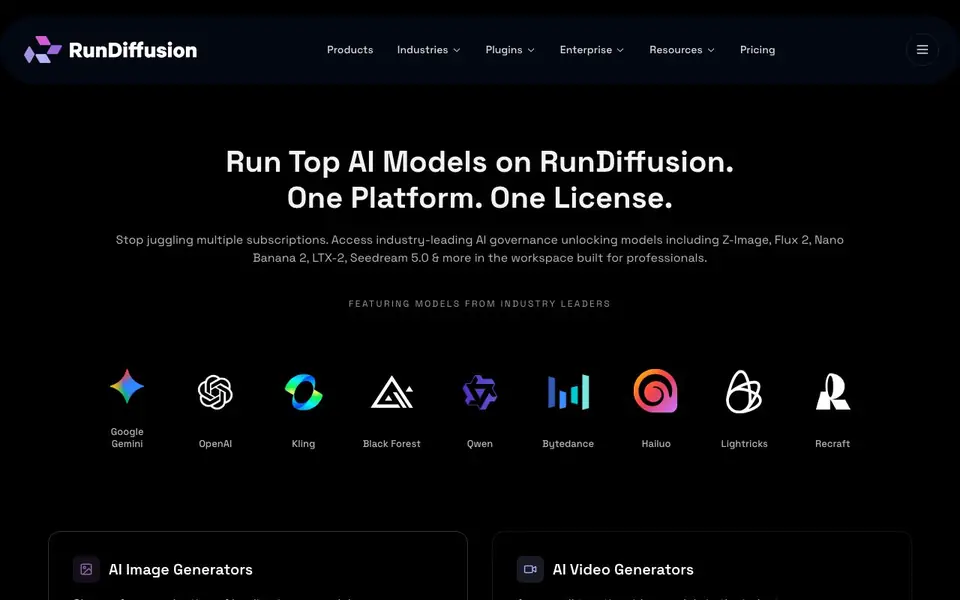
RunDiffusion is a platform that brings many leading AI image and video models into one place. You can access models like Flux 2, Nano Banana, Seedream, Veo 3, Kling, and others without managing separate subscriptions. It is built for creative professionals and teams who want a centralized hub for their AI tools.
You start by choosing an image or video generator from the available list. You can then chain models together into workflows for specific business use cases. The platform includes exclusive tools like a person and object remover, background removal, and a headshot generator. It also offers open source tools like ComfyUI and Auto1111 directly within the interface.
RunDiffusion is designed for teams, with shared workflows, assets, and enterprise-grade security controls. It suits architecture, interior design, advertising, gaming, and fashion studios. The website mentions that teams appreciate the ease of use and the ability to compare multiple tools in one environment without deep technical setup.
RunDiffusion features
- Model library: Access leading image and video models like Flux 2, Veo 3, and Kling in one place.
- Workflow builder: Chain together AI tools to create repeatable processes for specific use cases.
- Team collaboration: Share workflows, assets, and creative direction with your team.
- Exclusive tools: Use specialized features like background removal, object remover, and headshot generator.
- Enterprise controls: Manage permissions and security with governance built for larger teams.
What you can do with RunDiffusion
- Generate marketing images using multiple AI models in one session.
- Create video content with top-tier models like Veo 3 and Kling.
- Build repeatable workflows for architecture renderings or product shots.
- Collaborate with your design team on shared AI-generated assets.
How to get started with RunDiffusion
- Visit the RunDiffusion website and explore the available models and tools.
- Choose an image or video generator from the list to start creating.
- Build a workflow by chaining together models for your specific use case.
Tips for better results with RunDiffusion
- Start by testing one model like Flux 2 on a sample image to learn its output style before building complex multi-model workflows in RunDiffusion.
- Use RunDiffusion's workflow builder to chain a background remover with a headshot generator, saving time on repetitive client projects.
- Compare the same prompt across two or three video models like Veo 3 and Kling in RunDiffusion to pick the best result for your final deliverable.
- Organize your team's shared assets and workflows in RunDiffusion from day one, so everyone reuses proven setups instead of starting from scratch.
RunDiffusion pricing
RunDiffusion’s homepage does not list prices. Check rundiffusion.com for current plans.
What to check before you rely on RunDiffusion
- Check whether RunDiffusion's pricing page lists per-seat or per-usage costs, since the website does not state any plan prices or limits.
- Verify if your required export formats, like PNG sequences or MP4 resolutions, are supported for each model before committing to a workflow.
- Confirm RunDiffusion's data retention policy for uploaded images and videos, as the website does not detail how your assets are stored or deleted.
Who RunDiffusion is for
RunDiffusion suits creative professionals, design teams, architects and marketers. If that is not you, the AI image generators below may fit better.
Similar tools compared with RunDiffusion
| Tool | What it is | Pricing |
|---|---|---|
| RunDiffusion | All-in-one AI creative platform | See website |
| SiImageGen | AI image generator and photo editor | Freemium |
| FreeSiTools | Free AI image prompt generator | Free |
| SiPhotoEditor | AI photo editor by description | Paid |
| Civitai | AI art community and model library | Freemium |
RunDiffusion FAQ
What AI models can I use on RunDiffusion?
The platform offers a wide range of models including image generators like Flux 2, Nano Banana, Seedream, and video generators like Veo 3, Kling, and LTX-2. You can access them all in one workspace without separate subscriptions.
Is RunDiffusion free or paid?
The website does not state specific pricing details. It mentions a single license model and enterprise plans, but you would need to check the Pricing page on their site for current costs and any free options.
Who is RunDiffusion designed for?
It is built for creative professionals and teams in fields like architecture, interior design, advertising, gaming, and fashion. The platform emphasizes collaboration and enterprise-ready features for studios of various sizes.
Can I build custom workflows with RunDiffusion?
Yes, you can design workflows by chaining together different AI tools and models. This lets you create repeatable processes for specific business use cases, such as generating and editing images in a set sequence.
Can I use RunDiffusion on my Mac or PC?
RunDiffusion is a cloud-based platform, so you access it through your web browser on any device with an internet connection. The website does not specify system requirements or dedicated desktop apps, so check the site's system requirements or support pages for the latest details.
Does RunDiffusion offer a free plan?
The RunDiffusion website does not mention a free plan or trial. Pricing is not publicly listed, so you'll need to contact their sales team or check the pricing page for current options. The platform is described as a paid service with a single license model.
Can I export my generated images and videos from RunDiffusion?
RunDiffusion lets you create and manage media assets within the platform, and you can share them with your team. The website does not specify export formats or download options, so check the platform's help center or documentation for details on how to export your files.


