

What is patchley | BPMN AI Generator?
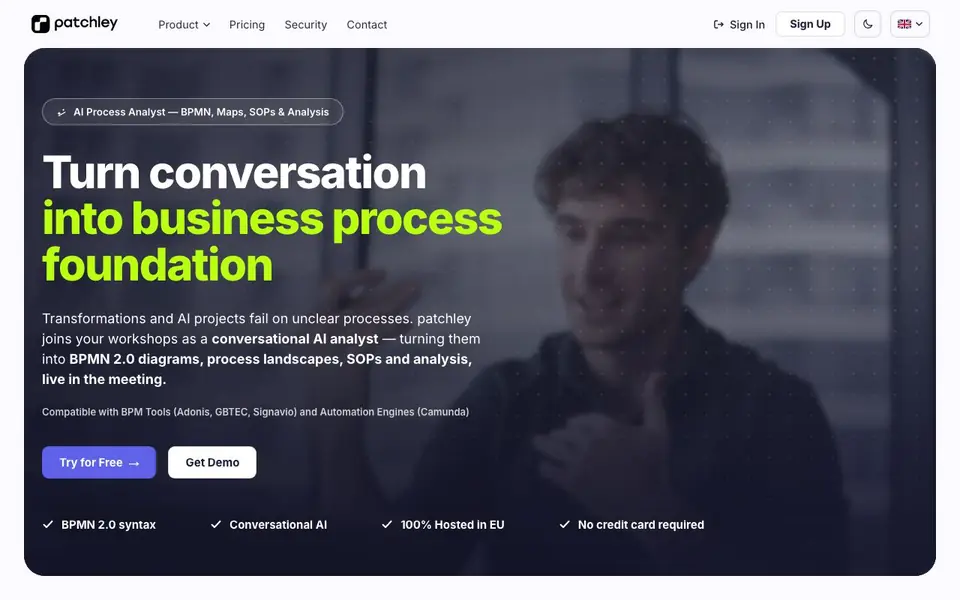
patchley is a conversational AI analyst that joins your workshops and interviews. It listens to the discussion and generates BPMN 2.0 diagrams, flowcharts, process landscapes, and SOPs in real time. The tool is hosted entirely in the EU, so your data stays within European borders.
You start by speaking freely or uploading a process description. patchley structures the conversation, asks follow-up questions, and builds a diagram on canvas before the meeting ends. You can refine it with plain language, switch between flowchart and BPMN 2.0 styles, and edit elements directly. The result is importable into BPM tools like Adonis, GBTEC, Signavio, and automation engines like Camunda.
After capture, you can consolidate diagrams into process landscapes, generate documentation in your own templates, and run quantitative analysis for bottlenecks and automation potential. It suits business analysts, process managers, and teams running transformation projects. The website notes that generation takes 3–10 seconds per diagram, based on internal benchmarks, and results vary with process complexity.
patchley | BPMN AI Generator features
- Live BPMN generation: Creates BPMN 2.0 diagrams and flowcharts from conversation during workshops.
- Voice and text input: Understands any language and responds in both voice and text.
- Canvas editing: Lets you adjust pools, lanes, objects, and layout directly on the diagram.
- Process consolidation: Combines individual diagrams into organization-wide process landscapes.
- Documentation and analysis: Generates SOPs and control docs, plus quantitative analysis of bottlenecks.
What you can do with patchley | BPMN AI Generator
- Capture process flows live during stakeholder workshops.
- Run structured interviews and map answers into process diagrams.
- Generate SOPs and control documentation from captured processes.
- Analyze processes for bottlenecks, effort, and automation potential.
How to get started with patchley | BPMN AI Generator
- Sign up or request a demo on patchley's website.
- Join a workshop or upload a process description to start capturing.
- Speak freely or refine in plain language, then export the BPMN diagram.
Tips for better results with patchley | BPMN AI Generator
- Start by uploading a process description or speaking freely, then let patchley ask follow-up questions to structure the conversation before the diagram appears on canvas.
- Refine the diagram with plain language commands, and switch between flowchart and BPMN 2.0 styles to match the level of detail your audience needs.
- Use patchley's canvas editing to adjust pools, lanes, and object types directly, then consolidate multiple diagrams into a process landscape for a broader view.
- Run quantitative analysis on the captured process to spot bottlenecks and automation potential, and generate SOPs from your own templates to save documentation time.
patchley | BPMN AI Generator pricing
patchley | BPMN AI Generator’s homepage does not list prices. Check patchley.com for current plans.
What to check before you rely on patchley | BPMN AI Generator
- Check whether the free trial or demo includes full export to BPM tools like Adonis or Camunda, since the website does not list plan limits or pricing.
- Verify that your data handling meets your requirements, as patchley is hosted in the EU but the website does not state specific data retention or deletion policies.
- Confirm that the generated BPMN 2.0 diagrams import cleanly into your specific BPM tool version, as compatibility is only mentioned generally for listed tools.
Who patchley | BPMN AI Generator is for
patchley | BPMN AI Generator suits business analysts, process managers and transformation teams. If that is not you, the AI business tools below may fit better.
Similar tools compared with patchley | BPMN AI Generator
| Tool | What it is | Pricing |
|---|---|---|
| patchley | BPMN AI Generator | Conversational AI process analyst for BPMN | See website |
| Tidio | AI customer service and sales platform | Freemium |
| Chatbase | AI customer experience and support agents | Free trial |
| Copy.ai | AI-native go-to-market platform | See website |
| Harvey | AI platform for legal and professional services | See website |
patchley | BPMN AI Generator FAQ
What does patchley do?
It acts as a conversational AI analyst in your workshops. It listens to discussions and generates BPMN 2.0 diagrams, process maps, and SOPs live, so you leave the meeting with a process foundation.
Is patchley free to use?
The website offers a 'Try for Free' option and states no credit card is required. It does not specify whether a free plan or trial is limited, so check the pricing page for details.
Who is patchley for?
It suits business analysts, process managers, and teams running transformation or AI projects. Anyone who needs to turn workshop conversations into structured process documentation and analysis.
Can I export diagrams to other tools?
Yes, patchley generates BPMN 2.0 diagrams that are importable into BPM tools like Adonis, GBTEC, and Signavio, as well as automation engines like Camunda.
Does patchley offer a free plan and what does it include?
patchley offers a free trial that requires no credit card, according to the website. The free trial lets you try the tool, but the website does not specify the exact limits or duration of the free plan. For details on what the free plan includes, check the pricing page on patchley.com.
Can patchley export diagrams to formats like BPMN 2.0 XML or image files?
patchley can import diagrams into BPM tools like Adonis, GBTEC, and Signavio, and into automation engines like Camunda. The website does not mention exporting to image files or other formats like PDF or PNG. For specific export options, contact patchley support or check the documentation.
Does patchley work on mobile devices or only on desktop?
The patchley website does not specify whether it works on mobile devices or only on desktop. It is a web-based tool, so it likely runs in a browser, but the website does not confirm mobile support. For device compatibility, check the patchley website or contact their support team.


