

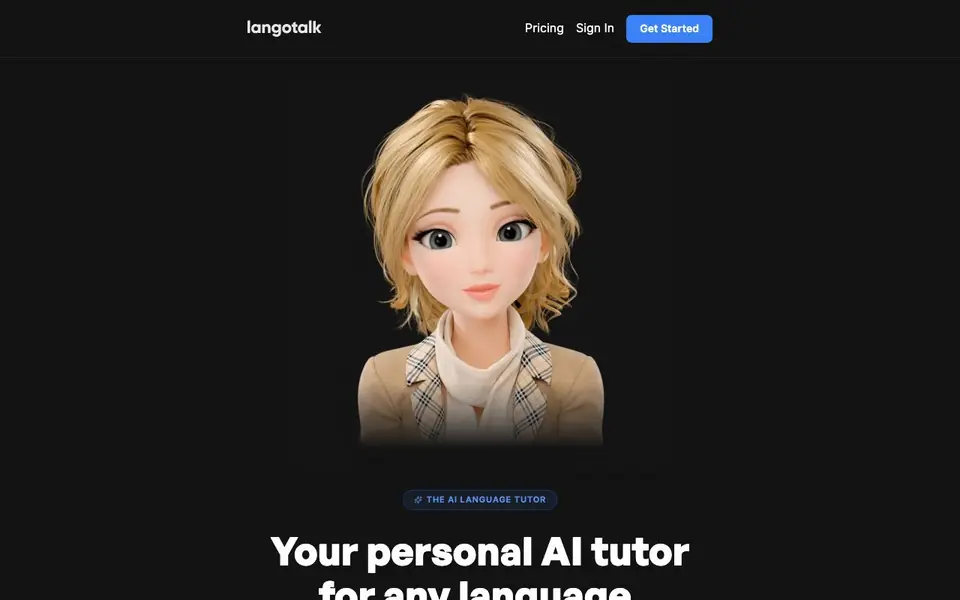
What is Langotalk?
Langotalk is an AI language tutor that helps you learn languages through real conversations. It adapts to your level, corrects your mistakes, and builds lessons around your specific gaps. Unlike repetitive drills, you speak, listen, and read in a stress-free, interactive way.
You start by creating an account and choosing a language. The tutor analyzes your vocabulary, grammar, pronunciation, and fluency as you speak. It remembers every session, tracks patterns in your errors, and plans each lesson around what you need to improve next. You can use your trip, job, or hobbies as conversation material.
Langotalk supports over 20 languages, including Spanish, French, Japanese, and Arabic. It suits beginners and experienced learners alike. The website mentions a mobile app in its FAQ, but does not state its availability or pricing details beyond a free start.
Langotalk features
- Adaptive lessons: Every session is shaped around your vocabulary, weak spots, and goals.
- Memory between sessions: Remembers every session, mistake, and win to personalize future lessons.
- Error pattern tracking: Revisits your mistakes until they stick, not just a one-time correction.
- Real conversation practice: Speak, listen, and read through dialogues that adapt to your level.
- 20+ languages: Spanish, French, Japanese, Arabic, and more with the same tutor experience.
What you can do with Langotalk
- Practice speaking Spanish daily with a tutor that corrects your grammar in real time.
- Prepare for a trip to Japan by using your travel plans as conversation material.
- Overcome speaking anxiety by practicing French in a low-pressure, private setting.
- Improve your pronunciation and fluency in Arabic through structured, adaptive sessions.
How to get started with Langotalk
- Create an account in under 2 minutes on Langotalk's website.
- Choose a language you want to learn.
- Start your first conversation and let the tutor adapt to your level.
Tips for better results with Langotalk
- Tell Langotalk about your trip, job, or hobbies at the start of each session so the conversations and lessons focus on material you will actually use.
- Speak out loud during every Langotalk session instead of typing, since the tutor analyzes your pronunciation and fluency to build a clearer picture of your level.
- Review the error patterns Langotalk tracks after each session, and ask it to drill the specific mistakes you keep making until they stick.
- Use Langotalk for a few minutes daily rather than long weekly sessions, because its memory between sessions works best with frequent, short practice.
- checks
Langotalk pricing
Langotalk has a free way to start, with paid plans for heavier use. Check langotalk.org for current limits and prices.
What to check before you rely on Langotalk
- Check whether the free plan includes speaking practice or only text-based lessons, since the website does not state what the free start covers.
- Verify if Langotalk's mobile app is available on your device, as the website mentions it in the FAQ but does not state platform availability.
- Confirm what export formats or progress reports you can download, because the website does not list any options for saving your session history.
Who Langotalk is for
Langotalk suits language learners, travelers, people with speaking anxiety and self-study students. If that is not you, the AI tools for students below may fit better.
Similar tools compared with Langotalk
| Tool | What it is | Pricing |
|---|---|---|
| Langotalk | AI language tutor for any language | Freemium |
| Gauth | AI homework helper with step-by-step answers | Freemium |
| Khanmigo | AI teaching assistant and tutor | Freemium |
| ChatPDF | AI chat and summarizer for PDFs | Freemium |
| Jenni AI | AI academic writing and research assistant | Freemium |
Langotalk FAQ
Can I speak to the bots?
Yes, Langotalk is designed for speaking practice. You speak, listen, and read through real conversations that adapt to your level, and the tutor corrects your pronunciation and grammar.
What makes Langotalk different from other language learning apps?
Langotalk remembers every session and mistake, tracks error patterns, and builds lessons around your specific gaps. It uses your goals and interests as conversation material, unlike apps that use the same drills for everyone.
I'm just starting out, can I still use Langotalk?
Yes, Langotalk is built for learners at any level. The tutor adapts to your current vocabulary and grammar, so beginners can start with simple conversations and progress step by step.
Do you have a mobile app?
The website lists a question about a mobile app in its FAQ, but it does not state whether one is available. You can check Langotalk's website or contact them for the latest information.
Does Langotalk have a free plan, and what does it include?
Langotalk is labeled as freemium, meaning you can start for free. The website mentions a free start but does not detail what the free plan includes, such as session limits or feature access. Check the pricing page or sign-up flow for the most accurate information.
Can I use Langotalk on my desktop computer or only on a mobile device?
Langotalk's website does not specify which devices or platforms it runs on. It mentions a mobile app in its FAQ, but does not state whether it is available for desktop, iOS, Android, or other systems. For device compatibility, check the app store listings or contact support.
How does Langotalk handle my personal data and conversation history?
Langotalk's website does not provide details on data privacy, storage, or how your conversation history is handled. It does mention that it remembers every session, but not how that data is protected or used. Review their privacy policy or terms of service for specifics.


