

What is Img2Img AI?
Img2Img AI is an all-in-one AI image workstation that lets you transform photos using your own image as the base. It combines text-to-image and image-to-image generation, so you can create new scenes or edit existing pictures. The platform integrates over 10 advanced AI models, including GPT Image 2.5, Nano Banana, and Seedream, giving you a range of quality and credit options.
To get started, you pick a creation mode—text-to-image or image-to-image—then choose a model based on your credits and desired quality. You write a short prompt describing your subject, style, colors, and mood, and the tool analyzes your uploaded photo's composition and lighting to apply changes while keeping key elements consistent. After generating, you can download your image or share it directly to social channels.
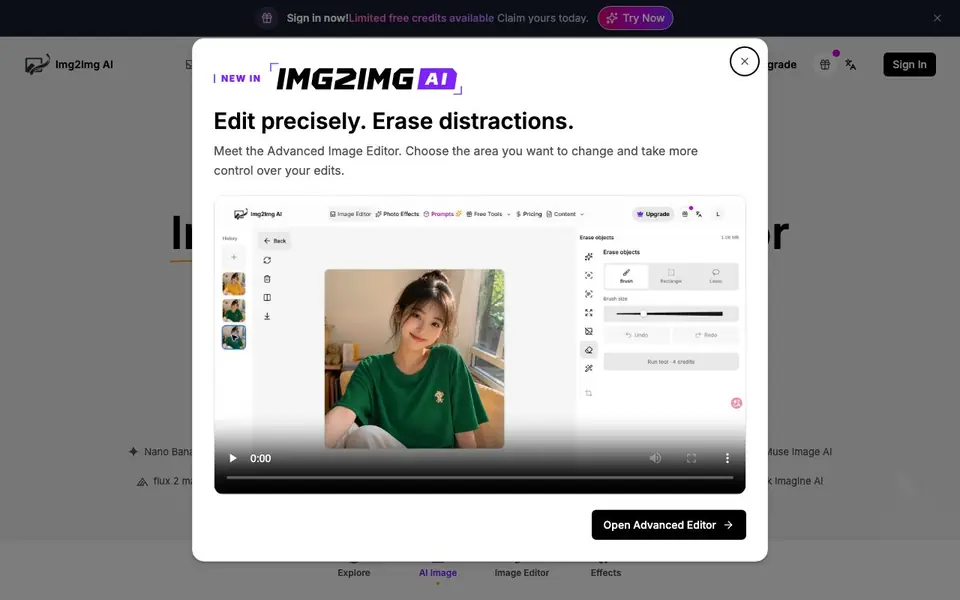
The platform also includes 20+ ready-to-use tools like watermark remover, background remover, and photo restoration, plus 100+ viral AI photo effects and filters. It suits designers, marketers, and creators who want professional results without Photoshop skills. The site mentions limited free credits for new users, and credits for completed steps are not refunded if blocked by safety checks.
Img2Img AI features
- 10+ Elite Models: Access top AI image models like Nano Banana Pro and Seedream for diverse results.
- Image-to-Image Editing: Upload a photo and use prompts to restyle or enhance it while keeping consistency.
- 20+ One-Click Tools: Use utilities like background remover and watermark remover with zero setup.
- 100+ Photo Effects: Apply trending social filters and effects to make images shareable in seconds.
- Prompt Library and Tutorials: Explore curated prompt packs and guides to improve your creations.
What you can do with Img2Img AI
- Restyle a product photo with a new background or mood for marketing.
- Enhance an old family photo using the restoration tool.
- Create multiple variations of a design concept for client feedback.
- Apply viral effects to selfies or social media posts for engagement.
How to get started with Img2Img AI
- Sign in to claim your limited free credits.
- Choose Image to Image mode and upload a reference photo (up to 15MB).
- Select a model, write a prompt, and click Generate to create your image.
Tips for better results with Img2Img AI
- Start with a clear reference photo under 15MB and write a prompt that names the subject, style, colors, and mood to keep key elements consistent across variations.
- Choose a higher-cost model like Seedream 5.0 Pro when you need sharp details, and reserve cheaper models for quick drafts to stretch your credits further.
- Use Img2Img AI's image-to-image mode to restyle a product photo or old family picture, then apply one of the 20+ one-click tools like background remover to finish edits.
- Before generating, check your credit balance and confirm the model's cost per step, because completed steps are not refunded even if safety checks block the result.
Img2Img AI pricing
Img2Img AI has a free way to start, with paid plans for heavier use. Check imgtoimg-ai.com for current limits and prices.
What to check before you rely on Img2Img AI
- Verify how many free credits you actually get at signup, since the site only says limited free credits are available without stating a specific number.
- Check the pricing page for credit costs per model and any subscription tiers, because the homepage does not list exact prices or plan details.
- Confirm your export options and file size limits before relying on it for client work, as the site mentions PNG output and a 15MB upload cap but not other formats.
Who Img2Img AI is for
Img2Img AI suits designers, marketers and content creators. If that is not you, the AI image generators below may fit better.
Similar tools compared with Img2Img AI
| Tool | What it is | Pricing |
|---|---|---|
| Img2Img AI | AI image generator and editor | Freemium |
| SiImageGen | AI image generator and photo editor | Freemium |
| FreeSiTools | Free AI image prompt generator | Free |
| SiPhotoEditor | AI photo editor by description | Paid |
| Civitai | AI art community and model library | Freemium |
Img2Img AI FAQ
What is Img2Img AI?
It's an AI image generator that turns your uploaded photos into new versions using text prompts. You can edit, enhance, restyle, or add effects, and it works as both a text-to-image and image-to-image tool.
Is Img2Img AI free?
The website mentions limited free credits are available for new users when you sign in. Beyond that, you can buy credits, and different models cost different amounts of credits per generation.
Who is Img2Img AI for?
It's designed for designers, marketers, and creators who want to produce professional visuals quickly without needing Photoshop skills. The tool aims to have a zero learning curve, so beginners can use it too.
What can I do with Img2Img AI?
You can generate images from text, edit or restyle uploaded photos, remove backgrounds, remove watermarks, restore old photos, and apply viral effects. It also integrates multiple AI models like GPT Image and Seedream for variety.
Can I use Img2Img AI without creating an account?
The website requires you to sign in to generate images. It says 'Sign in now!' and the generator button is labeled 'Sign in to generate,' so you need an account to use the tool. Check the sign-in page for details on account creation.
What image formats can I export from Img2Img AI?
Img2Img AI lets you choose PNG as the output format in the generator. The website does not mention other export formats like JPEG or WebP. For a full list of export options, check the editor settings or the pricing page.
Does Img2Img AI have a mobile app?
The website does not mention a mobile app for Img2Img AI. It appears to be a web-based tool that you access through a browser. Check the site's footer or help section for any app availability updates.


