

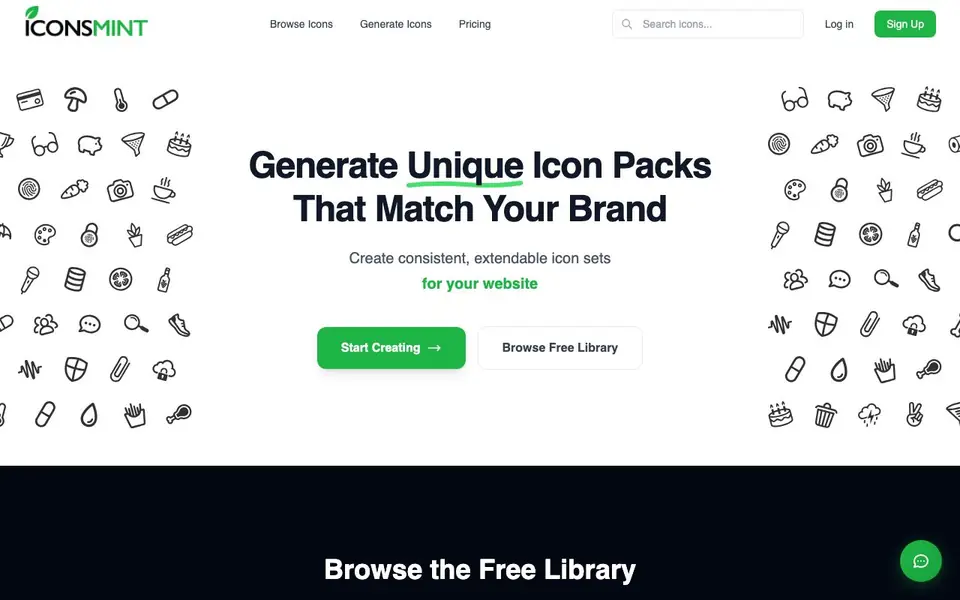
What is IconsMint?
IconsMint is an AI-powered icon studio that turns plain text descriptions into complete icon sets. It focuses on consistency, so every icon in a set shares the same style, weight, and feel. You can use it for dashboards, mobile apps, websites, or startups, and browse a free library of over 121,000 icons.
To start, you describe what you need in plain text, like "Animals." The AI generates a full set of matching icons. You can extend any set you create, adding new icons that match the exact same style and weight. You can also fine-tune stroke thickness, choosing from ultra thin to extra bold, and adjust it as many times as you want.
Icons come in geometric or artistic styles. Geometric offers clean, pixel-perfect lines, while artistic gives hand-drawn character. You can export as SVG, PNG, icon font, or SVG sprite. Paid plans include commercial rights for client projects, with no attribution required. The free plan gives you 5 AI icons on signup and 30 downloads per day.
IconsMint features
- Text-to-set generation: Describe your needs in plain text and get a full set of matching icons.
- Consistent style guarantee: All icons in a set match in style, weight, and feel.
- Extend any set: Add new icons to an existing set that match the exact same style.
- Stroke thickness control: Adjust line weight from ultra thin to extra bold for any outline icon.
- Multiple export formats: Download as SVG, PNG, icon font, or SVG sprite for any framework.
What you can do with IconsMint
- Create a matching icon set for your SaaS dashboard.
- Generate icons for your mobile app's navigation and features.
- Build a custom icon library for your client's website.
- Extend an existing icon set with new icons in the same style.
How to get started with IconsMint
- Sign up for a free account, no credit card required.
- Describe your icon needs in plain text in the AI Studio.
- Generate your set, adjust stroke thickness if needed, and download in your preferred format.
Tips for better results with IconsMint
- Describe your icon set with specific nouns and adjectives, like 'outline animals, geometric style, medium stroke,' to get more distinct results from IconsMint than simple one-word prompts.
- Use IconsMint's extend feature to add icons to an existing set; it keeps the same style and weight, so you can build out a library gradually without restarting.
- Adjust stroke thickness on any outline icon in IconsMint to match your design's visual weight, from ultra thin to extra bold, and redo it as many times as needed.
- Export your IconsMint set as SVG or PNG for design tools, or as icon font or SVG sprite for web frameworks, so you can drop it straight into your project.
- checks
IconsMint pricing
IconsMint has a free way to start, with paid plans for heavier use. Check iconsmint.com for current limits and prices.
What to check before you rely on IconsMint
- Check that your free IconsMint plan's 5 AI icons and 30 daily downloads are enough for your project; the website doesn't state if you can buy more without a credit pack.
- Verify the commercial license terms on IconsMint's paid plans before client work; the free plan's license for generated icons isn't explicitly described on the site.
- Confirm whether IconsMint's free library icons are AI-generated or curated; the site says they're free to download but doesn't specify their origin or usage rights.
- Check if IconsMint offers vector editing or source files beyond SVG, PNG, icon font, and sprite; the site doesn't mention other formats like EPS or Figma plugins.
Who IconsMint is for
IconsMint suits designers, developers and startup founders. If that is not you, the AI image generators below may fit better.
Similar tools compared with IconsMint
| Tool | What it is | Pricing |
|---|---|---|
| IconsMint | AI icon pack generator for brands | Freemium |
| SiImageGen | AI image generator and photo editor | Freemium |
| FreeSiTools | Free AI image prompt generator | Free |
| SiPhotoEditor | AI photo editor by description | Paid |
| Civitai | AI art community and model library | Freemium |
IconsMint FAQ
What does the free plan include?
The free plan gives you 5 AI icons on signup, access to browse over 100,000 icons, 30 downloads per day, and SVG and PNG formats. It costs $0 forever.
Can I use the icons commercially?
Yes, paid plans include full commercial rights. You can use icons in client projects, SaaS products, mobile apps, and websites with no extra fees or attribution required.
What formats can I export icons in?
You can export icons as SVG, PNG, icon font, or SVG sprite. These are production-ready for any framework or design tool.
How does the AI generate consistent icons?
You describe what you need in plain text, and the AI generates a full set of matching icons. The style, weight, and feel are kept consistent. You can also extend sets with new icons that match the same style.
Does IconsMint require an account to browse or download icons?
You need to sign up to use IconsMint, and the free plan includes 5 AI icons on signup and 30 downloads per day. The website does not specify whether browsing the free library requires an account, so check the sign-up page for details.
Can I use IconsMint icons in a commercial mobile app without attribution?
Yes, paid plans on IconsMint include full commercial rights for client projects, SaaS products, mobile apps, and websites, with no extra fees and no attribution required. The free plan does not mention commercial rights, so review the pricing page for what the free tier allows.
What devices or platforms does IconsMint run on?
IconsMint is a web-based tool, so you can use it on any device with a browser and internet connection. The website does not list specific operating system requirements or native apps, so check the site for any system recommendations if you have concerns.


