

What is Flashka?
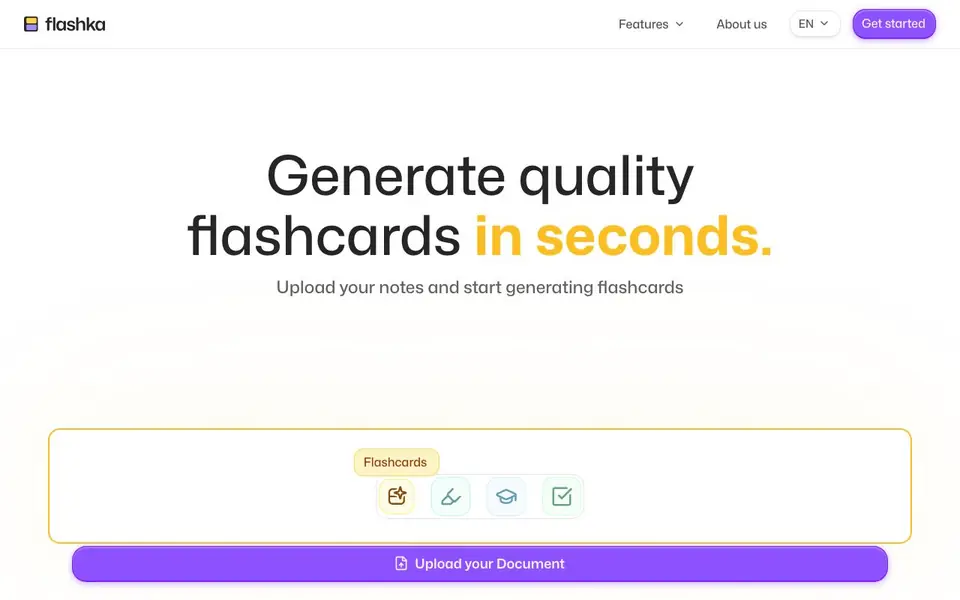
Flashka is an AI-powered study tool that converts your study materials into flashcards, quizzes, and image occlusions. It is designed to help you learn faster and remember more, with a focus on efficient memorization techniques.
You start by uploading a document, such as notes, PDFs, or slides. Flashka then generates flashcards from the content. You can also use the Magic Highlight feature to create flashcards and image occlusions from a simple highlight. After generating, you study using a spaced repetition algorithm that schedules reviews to maximize memorization and minimize effort. You can also test yourself with auto-generated quizzes that provide explanations for each mistake.
Flashka is used by over 1.2 million students in more than 100 countries. It supports many subjects, including medicine, math, languages, law, chemistry, biology, engineering, arts, business, and history. The AI tutor can speak any language, making it accessible to a global audience. The website mentions a free trial, but does not detail specific pricing plans.
Flashka features
- Flashcard generation: Upload notes, PDFs, or slides to automatically create quality flashcards in seconds.
- Magic Highlight: Highlight any text to instantly generate flashcards and image occlusions from it.
- Spaced repetition: An algorithm schedules your reviews to maximize memorization and minimize effort.
- Auto-generated quizzes: Test your knowledge with quizzes that give explanations for each mistake.
- Multi-language support: The AI tutor can speak any language, catering to students from over 100 countries.
What you can do with Flashka
- Upload a PDF of your textbook chapter to create flashcards for quick review.
- Highlight key formulas in your notes to generate image occlusion flashcards for memorization.
- Practice chemistry with auto-generated quizzes on balancing equations and the periodic table.
- Study a new language with flashcards and spaced repetition to retain vocabulary longer.
How to get started with Flashka
- Go to Flashka's website and click 'Get started' to begin.
- Upload your document, such as notes, PDFs, or slides.
- Generate flashcards, then study with spaced repetition or take quizzes to test yourself.
Tips for better results with Flashka
- Upload clean, well-structured PDFs or notes so Flashka can extract the key concepts accurately, avoiding clutter that leads to vague flashcards.
- Use Magic Highlight on your most important formulas or definitions to create targeted image occlusions, then review them with Flashka's spaced repetition.
- After each quiz, read the explanations Flashka provides for mistakes and re-highlight those areas in your source material to reinforce weak spots.
- Study consistently with Flashka's spaced repetition schedule, and adjust your daily review load to match your exam timeline for better retention.
- Test Flashka with a short sample chapter first to see how it handles your subject's terminology and formatting before committing to a full upload.
Flashka pricing
Flashka has a free way to start, with paid plans for heavier use. Check flashka.ai for current limits and prices.
What to check before you rely on Flashka
- Check whether the free trial limits the number of documents or flashcards you can generate, since the website does not state specific plan limits.
- Verify if Flashka supports the file formats you use, like scanned PDFs or PowerPoint slides, as the website only mentions uploading documents.
- Review Flashka's privacy policy to confirm how your uploaded study materials are stored and whether they are used to train the AI, as this is not detailed.
Who Flashka is for
Flashka suits students, language learners, medical students and exam prep candidates. If that is not you, the AI tools for students below may fit better.
Similar tools compared with Flashka
| Tool | What it is | Pricing |
|---|---|---|
| Flashka | AI flashcards, quizzes, and spaced repetition | Freemium |
| Gauth | AI homework helper with step-by-step answers | Freemium |
| Khanmigo | AI teaching assistant and tutor | Freemium |
| ChatPDF | AI chat and summarizer for PDFs | Freemium |
| Jenni AI | AI academic writing and research assistant | Freemium |
Flashka FAQ
What can I upload to Flashka to create flashcards?
You can upload your notes, PDFs, and slides. Flashka then generates quality flashcards from the content you provide, so you can start studying quickly.
Does Flashka offer a free plan?
The website says 'Try it now for free,' suggesting there is a free option. It does not detail whether this is a limited free plan or a trial, so check the site for specifics.
Which subjects does Flashka support?
Flashka covers many subjects, including medicine, math, languages, law, chemistry, biology, engineering, arts, business, and history. You can click on your subject to see tailored content.
How does Flashka help with memorization?
Flashka uses a spaced repetition algorithm that schedules your flashcard reviews. This technique is designed to maximize memorization while minimizing the effort you need to put in.
Can Flashka export my flashcards or quizzes to other apps like Anki or Quizlet?
The Flashka website does not mention any export options to other flashcard apps. If you need to move your study materials elsewhere, check the Help section or contact Flashka support directly to see if exporting is available.
Does Flashka work on mobile devices or only on a web browser?
The Flashka website does not specify whether it has a mobile app or how it runs on phones. You can likely use it in a web browser on any device, but for confirmation about mobile support, check the Help or FAQ pages on flashka.ai.
What does the Flashka free plan include and are there any limits?
The Flashka website mentions a free trial but does not detail what the free plan includes or any limits on flashcards, quizzes, or uploads. To know exactly what you get for free, visit the pricing or sign-up page on flashka.ai for current details.


