

What is DALL·E 2?
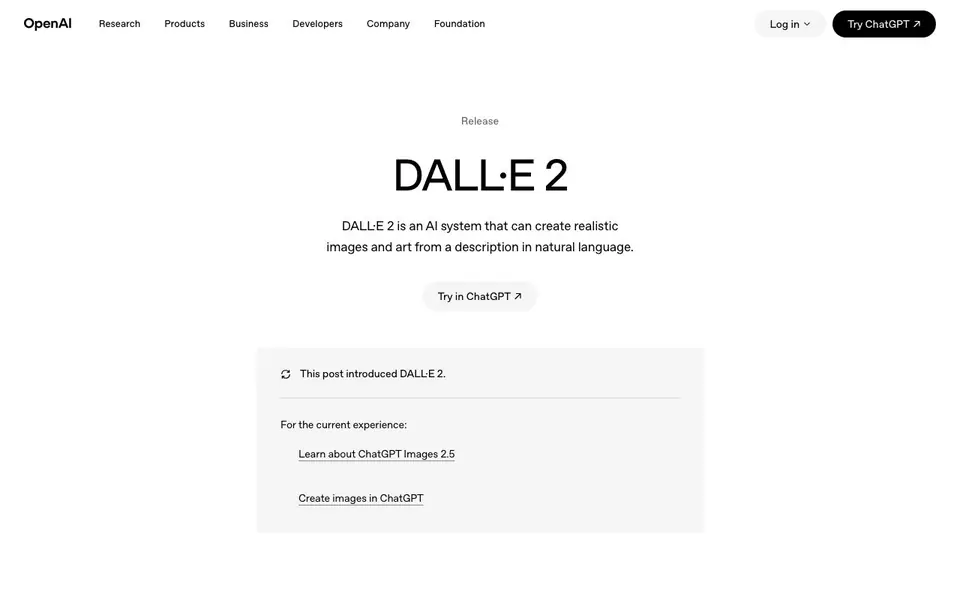
DALL·E 2 is an AI system from OpenAI that creates realistic images and art from natural-language descriptions. It can combine concepts, attributes, and styles to produce original visuals. The system is known for generating more realistic and accurate images than its predecessor, with 4x greater resolution.
You start by typing a text description, such as "a photorealistic image of an astronaut riding a horse." DALL·E 2 then generates an image based on your prompt. You can also use features like outpainting to extend images beyond their borders, inpainting to edit specific areas, and variations to create different versions of an image.
DALL·E 2 is suitable for artists, designers, and anyone exploring creative expression. the website says it began as a research project and is now in beta. It includes safety mitigations to prevent harmful generations, such as limiting violent, hate, or adult content and avoiding photorealistic faces of real individuals. For the current experience, OpenAI directs you to ChatGPT Images 2.5.
DALL·E 2 features
- Text-to-image generation: Creates original, realistic images and art from natural-language descriptions.
- Concept combination: Combines concepts, attributes, and styles in a single image.
- Outpainting: Extends images beyond their original borders to create larger scenes.
- Inpainting: Edits specific areas of an image based on text prompts.
- Image variations: Generates different versions of an existing image.
What you can do with DALL·E 2
- Create original artwork from a text description.
- Extend an existing image with outpainting to fit a larger canvas.
- Edit specific parts of an image using inpainting.
- Generate multiple variations of an image for creative exploration.
How to get started with DALL·E 2
- Go to the DALL·E 2 page on OpenAI's website.
- Click "Try in ChatGPT" to access the current image creation experience.
- Type a natural-language description of the image you want to generate.
Tips for better results with DALL·E 2
- Write detailed prompts that specify subject, style, lighting, and composition, since DALL·E 2 relies on your description to generate accurate images.
- Use outpainting in DALL·E 2 to extend an existing image beyond its borders, which helps you create larger scenes without starting from scratch.
- Try inpainting to edit specific areas of an image by describing the change, so you can fix details or replace elements precisely.
- Generate multiple variations of your prompt in DALL·E 2 to explore different interpretations, then pick the one that best matches your vision.
DALL·E 2 pricing
DALL·E 2’s homepage does not list prices. Check openai.com for current plans.
What to check before you rely on DALL·E 2
- Check whether DALL·E 2 is still accessible directly or if you must use ChatGPT Images 2.5, since the website directs you there for the current experience.
- Verify the pricing and plan limits for DALL·E 2, as the website does not list any pricing or usage caps for this tool.
- Review OpenAI's content policy and safety filters before relying on DALL·E 2, since it blocks violent, adult, political, and photorealistic faces of real individuals.
Who DALL·E 2 is for
DALL·E 2 suits artists, designers and creative professionals. If that is not you, the AI image generators below may fit better.
Similar tools compared with DALL·E 2
| Tool | What it is | Pricing |
|---|---|---|
| DALL·E 2 | AI system for realistic images and art | See website |
| SiImageGen | AI image generator and photo editor | Freemium |
| FreeSiTools | Free AI image prompt generator | Free |
| SiPhotoEditor | AI photo editor by description | Paid |
| Civitai | AI art community and model library | Freemium |
DALL·E 2 FAQ
What is DALL·E 2?
DALL·E 2 is an AI system from OpenAI that creates realistic images and art from text descriptions. It can combine concepts, attributes, and styles to generate original visuals, and it offers features like outpainting, inpainting, and variations.
Is DALL·E 2 free to use?
The website does not state pricing details for DALL·E 2. It mentions the system is available in beta and directs you to try it in ChatGPT for the current experience. Check OpenAI's pricing pages for specific costs.
Who is DALL·E 2 for?
DALL·E 2 is for anyone interested in creative expression, including artists, designers, and hobbyists. It allows you to generate images from text prompts, making it useful for visual projects and experimentation.
What can I create with DALL·E 2?
You can create original, realistic images and art from text descriptions. You can also use outpainting to extend images, inpainting to edit areas, and variations to explore different versions of an image.
What image formats can DALL·E 2 export, and can I connect it to other tools?
The DALL·E 2 website does not mention specific export formats or direct integrations with other tools. For details on how to save or share your generated images, check the OpenAI help center or the DALL·E 2 interface after you log in.
On which devices or platforms can I use DALL·E 2?
DALL·E 2 is available through the OpenAI website in a browser, and you can also access it via the ChatGPT interface. The website does not mention a dedicated mobile app or offline desktop version. Check the OpenAI platform for the latest access options.
Does DALL·E 2 require an account, and what does the free plan include?
You need an OpenAI account to use DALL·E 2. The website does not specify a free plan or its limits, as pricing and credits are not detailed on this page. For current pricing and free tier details, visit the OpenAI pricing page or your account dashboard.


