

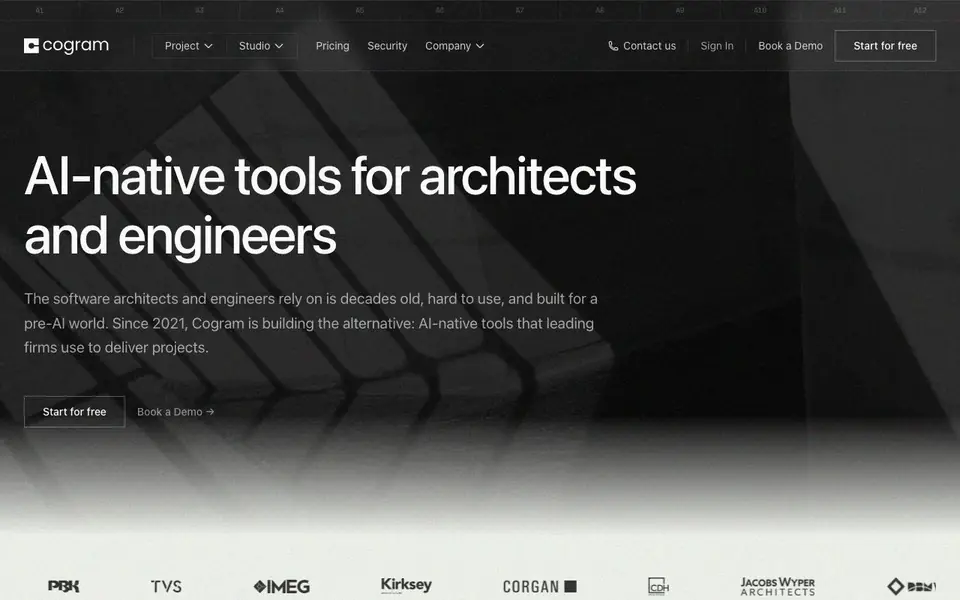
What is Cogram?
Cogram is an AI platform built specifically for architects and engineers. It replaces outdated project software with tools that handle repetitive administrative work. You can manage RFIs, submittals, meeting minutes, email filing, and field reports in one integrated system.
You start by connecting Cogram to tools you already use, like Outlook, Microsoft Teams, Zoom, Google Meet, Procore, Deltek, and Unanet. The AI drafts documents in your own templates, so you do less copy-paste and formatting. For field reports, you can speak observations and snap photos, and Cogram turns them into structured reports.
Cogram suits architects, designers, engineers, consultants, and contractors. It emphasizes security with SOC 2 Type II certification, GDPR compliance, and optional private-cloud or on-prem storage. The company states it does not train AI models on your data. Custom integrations are available through an API.
Cogram features
- Agent: Ask questions and analyze project documents with AI tailored for architecture and engineering.
- Email Management: Automatically file and search all project correspondence across email platforms.
- RFIs & Submittals: Log and review requests and submittals quickly, with integration to Procore.
- Meeting Minutes: Generate minutes for virtual and in-person meetings using your own templates.
- Field Reports: Dictate observations and add photos to create field reports in your format.
What you can do with Cogram
- Automate weekly meeting minutes for design review sessions.
- File and retrieve project emails without manual sorting.
- Track RFIs and submittals across multiple construction projects.
- Generate daily field reports from spoken notes and site photos.
How to get started with Cogram
- Sign up for a free guided trial on Cogram's website.
- Connect your existing tools like Outlook, Teams, or Procore.
- Set up your templates and start automating documentation tasks.
Tips for better results with Cogram
- Connect Cogram to your existing Outlook, Teams, Zoom, or Google Meet accounts first so it can automatically draft meeting minutes and file emails in your templates.
- Use Cogram's Agent to ask questions about your project documents and get analysis tailored to architecture and engineering, saving time on manual review.
- For field reports, speak your observations and snap photos directly in Cogram to turn them into structured reports using your own format.
- Set up Cogram with Procore to streamline RFI and submittal logging and review, reducing duplicate data entry across platforms.
Cogram pricing
Cogram’s homepage does not list prices. Check cogram.com for current plans.
What to check before you rely on Cogram
- Check whether your firm's data policies allow using Cogram's cloud storage, since optional private-cloud or on-prem deployment may require additional setup.
- Verify that Cogram's integrations with your specific tools (like Deltek or Unanet) are active and configured before relying on automated workflows.
- Confirm your plan's limits on document volume or user seats, as the website does not list pricing or plan details, so contact sales for specifics.
Who Cogram is for
Cogram suits architects, engineers, consultants and contractors. If that is not you, the AI business tools below may fit better.
Similar tools compared with Cogram
| Tool | What it is | Pricing |
|---|---|---|
| Cogram | AI platform for architects and engineers | See website |
| Tidio | AI customer service and sales platform | Freemium |
| Chatbase | AI customer experience and support agents | Free trial |
| Copy.ai | AI-native go-to-market platform | See website |
| Harvey | AI platform for legal and professional services | See website |
Cogram FAQ
What does Cogram do?
Cogram is an AI platform for architects and engineers. It automates project documentation like RFIs, submittals, meeting minutes, email filing, and field reports. You can also ask questions about project documents using the Agent tool.
Does Cogram train AI models on my data?
No. Cogram's website explicitly states that no AI models are trained on customer data. This applies across their platform, and they also offer optional private-cloud or on-prem data storage for extra control.
What tools does Cogram integrate with?
Cogram connects with Microsoft Teams, Outlook, Zoom, Google Meet, Procore, Autodesk Construction Cloud, Deltek, and Unanet. Custom integrations are supported through their API, and projects can sync from PM or ERP systems.
Is Cogram free to use?
Cogram offers free guided trials, according to their website. For full pricing details, you would need to contact their team or book a demo, as specific plan costs are not listed on the homepage.
Can Cogram export data to other tools or formats?
The Cogram website does not mention specific export options or file formats. For details on what you can export from Cogram and how, check the platform's help center or contact their team directly.
Does Cogram work on mobile devices or tablets?
The Cogram website does not mention whether it offers mobile apps or if it is accessible on tablets. To find out if you can use Cogram on your phone or tablet, check the website's system requirements or contact their support.
What does the Cogram free plan include?
Cogram offers a 'Start for free' option, but the website does not specify what the free plan includes or its limitations. To understand what you get with the free plan, visit the pricing page or contact Cogram's sales team for details.


