

What is Callab AI?
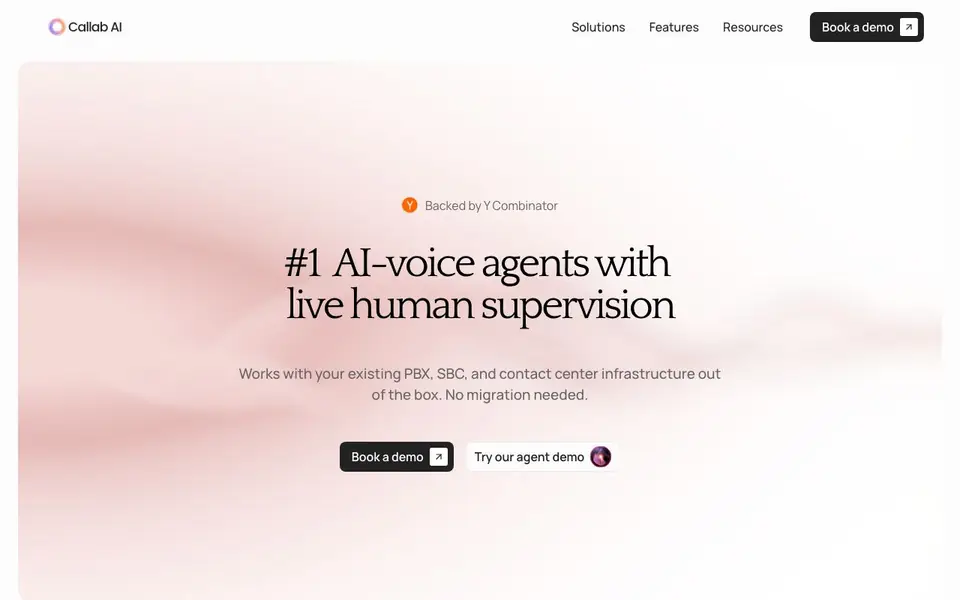
Callab AI runs AI voice agents for enterprise contact centers. It connects directly to your existing PBX, SBC, or contact center infrastructure as a SIP endpoint. No migration or middleware is needed. The platform is built around keeping a human supervisor in the loop on every call.
You build and configure AI agents without code. Upload product manuals, policy docs, or pricing sheets to create a knowledge base the AI references during calls. Every call is recorded, transcribed, and sentiment-tagged automatically. Supervisors see live transcripts, sentiment scores, and confidence levels, and can take over any conversation with one click.
The system handles complex call routing, transfers with full conversation history, and updates your CRM automatically with names, budgets, intent, and next steps. Batch calling lets you launch hundreds of personalized calls at once. Callab AI is HIPAA compliant, with SOC 2 Type II and GDPR/CCPA compliance in progress. It integrates with Twilio, Vonage, and any SIP-based telephony stack.
Callab AI features
- No-code agent builder: Configure AI voice agents in minutes without writing code.
- Live human supervision: Supervisors monitor every call in real-time and can take over with one click.
- Knowledge base integration: Upload manuals and policy docs for the AI to reference during calls.
- Post-call analysis: Every call is recorded, transcribed, and sentiment-tagged for easy review.
- CRM auto-update: Pull names, budgets, intent, and next steps from calls and sync them to CRM fields.
What you can do with Callab AI
- Handle inbound customer service calls with AI agents that know your policies.
- Launch hundreds of outbound sales calls at once with batch calling.
- Escalate complex calls to live agents with full conversation context.
- Monitor call quality and sentiment across your entire contact center in real-time.
How to get started with Callab AI
- Book a demo or try the agent demo on the website.
- Have a discovery call to map your telephony architecture and call flows.
- Run a pilot on a subset of call traffic, then scale to full volume.
Tips for better results with Callab AI
- Upload your product manuals, policy docs, and pricing sheets to Callab AI's knowledge base before testing, so the AI references accurate information during live calls.
- Use Callab AI's live supervision dashboard to monitor transcripts and sentiment scores, and practice one-click takeover on a few pilot calls to ensure your team can intervene smoothly.
- Map your call flows and escalation paths in advance, so Callab AI's context-aware transfers hand off complete conversation history to the right department or live agent.
- Run a controlled pilot with Callab AI on a subset of your call traffic first, then review post-call recordings and transcriptions to fine-tune agent responses before scaling up.
- Configure CRM field mapping in Callab AI before batch calling, so names, budgets, intent, and next steps sync automatically without manual data gaps.
Callab AI pricing
Callab AI’s homepage does not list prices. Check callab.ai for current plans.
What to check before you rely on Callab AI
- Check whether Callab AI's pricing is listed on the website; it is not, so you need to request a quote or demo to understand costs.
- Verify that Callab AI's compliance certifications, like HIPAA and SOC 2 Type II, match your requirements; GDPR and CCPA are listed as in progress.
- Confirm that your existing PBX, SBC, or contact center infrastructure supports SIP integration, as Callab AI requires this to connect without middleware.
Who Callab AI is for
Callab AI suits enterprise contact centers, customer service teams, sales teams and operations managers. If that is not you, the AI business tools below may fit better.
Similar tools compared with Callab AI
| Tool | What it is | Pricing |
|---|---|---|
| Callab AI | AI voice agents for enterprise contact centers | See website |
| Tidio | AI customer service and sales platform | Freemium |
| Chatbase | AI customer experience and support agents | Free trial |
| Copy.ai | AI-native go-to-market platform | See website |
| Harvey | AI platform for legal and professional services | See website |
Callab AI FAQ
Does Callab AI work with my existing phone system?
Yes. Callab AI connects to any SIP-based telephony stack, including on-premises PBX, SBC, and cloud systems. It plugs in as a SIP endpoint, so no migration or middleware is needed.
Can a human supervisor take over calls?
Yes. Every call is monitored in real-time with live transcripts, sentiment scores, and confidence levels. Supervisors can join any conversation with one click, and the caller never notices the switch.
What happens to call data after a call ends?
Each call is recorded, transcribed, and sentiment-tagged automatically. You can search and review them from a centralized dashboard. The AI also updates your CRM with structured data like names, budgets, intent, and next steps.
Is Callab AI compliant with security standards?
Callab AI is HIPAA compliant and has SOC 2 Type II and GDPR/CCPA compliance in progress. The website mentions encrypted audio streams and consent management, but does not state specific pricing or deployment timelines.
Does Callab AI require a paid plan or is there a free trial?
The Callab AI website does not mention specific pricing or a free trial. To find out about plans and trial options, you should contact their sales team or book a demo through the site. They will provide details based on your contact center needs.
Can Callab AI export call recordings and transcripts to other systems?
Callab AI automatically records, transcribes, and sentiment-tags every call, and it updates your CRM with call data. However, the website does not specify if you can export recordings or transcripts to other platforms beyond CRM integration. For specific export options, check with their support or during a demo.
Does Callab AI work on mobile devices or only on desktop?
Callab AI is designed for enterprise contact centers and connects via SIP to your existing telephony infrastructure. The website does not mention dedicated mobile apps or device compatibility. You likely access the platform through a web browser, but for exact requirements, you should ask during a demo or contact their team.


