

What is Brilliant?
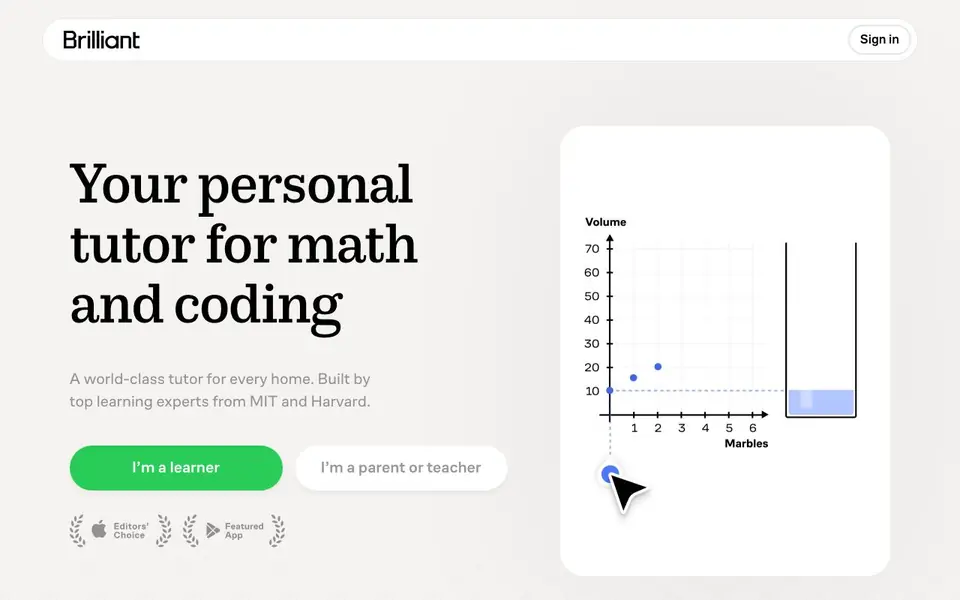
Brilliant is a visual, interactive tutoring platform for math and coding, built by learning experts from MIT and Harvard. It is designed for learners from 5th grade through college and beyond, covering subjects like algebra, calculus, Python, computer science, and data analysis. With over 10 million learners and 100,000+ 5-star app store reviews, it is a trusted resource for students, parents, and teachers.
At the heart of Brilliant is Koji, your personal AI tutor. Unlike other AI chatbots that simply give answers, Koji works with you on a shared interactive canvas. He asks guiding questions, sketches on your screen, gives hints, and provides visual help. He adapts to your level, tracks what you have mastered, and builds a personalized learning plan around your gaps. You can interact with him using voice or chat, and he is available whenever you need help, whether it is Sunday night before a test or a quiet 20 minutes before dinner.
Brilliant is fully accredited by ACS WASC and kidSAFE certified, meeting strict U.S. standards for kids' online privacy and safety. It is trusted by thousands of schools and offers real-time progress tracking with visual dashboards for parents and learners. The platform is free for individual classrooms, with district pricing available on request. It is designed to fit into your schedule, replacing the chore of finding a tutor and driving to sessions.
Brilliant features
- Interactive canvas: Learn with Koji on a shared canvas where he sketches, gives hints, and provides visual help.
- Personalized learning plan: Koji tracks your mastery and builds a plan around gaps in your understanding.
- Mastery assessments: Regular assessments ensure you understand each concept, with targeted practice if needed.
- Progress dashboards: Visual dashboards show what clicked, what is difficult, and what to do next.
- Voice or chat help: Get instant one-on-one guidance, alternative explanations, or hints using voice or chat.
What you can do with Brilliant
- Master algebra, calculus, or trigonometry concepts with guided, visual explanations.
- Learn Python or computer science fundamentals through interactive coding exercises.
- Prepare for a test the night before with on-demand tutoring help from Koji.
- Use Brilliant as a homework tool in the classroom or for individual student practice.
How to get started with Brilliant
- Sign in to Brilliant and choose whether you are a learner or a parent or teacher.
- Select a subject like math or coding and start with a course that matches your level.
- Work with Koji on the interactive canvas, answering guiding questions and solving problems until you master the concept.
Tips for better results with Brilliant
- Use Koji's shared canvas actively by sketching your own attempts before asking for hints, so he can pinpoint exactly where you get stuck.
- Let Brilliant assess your current level first, then follow the personalized plan Koji builds around your gaps instead of jumping to advanced topics.
- Practice with Brilliant in short daily sessions of 15 to 20 minutes, using Koji's voice or chat help whenever a concept feels unclear.
- Before a test, ask Koji to walk you through mastery assessments and targeted practice problems, focusing on the areas your dashboard flags as difficult.
Brilliant pricing
Brilliant has a free way to start, with paid plans for heavier use. Check brilliant.org for current limits and prices.
What to check before you rely on Brilliant
- Check whether the free plan includes access to Koji's full tutoring features, since the website labels Brilliant as freemium but does not state what is free.
- Verify if your school or district already has a Brilliant subscription, as the site says individual classrooms are free but district pricing is on request.
- Confirm that Brilliant supports the specific subjects you need, like data analysis or neural networks, since the course list varies by topic and level.
Who Brilliant is for
Brilliant suits students, parents, teachers and lifelong learners. If that is not you, the AI tools for students below may fit better.
Similar tools compared with Brilliant
| Tool | What it is | Pricing |
|---|---|---|
| Brilliant | Interactive math and coding tutor | Freemium |
| Gauth | AI homework helper with step-by-step answers | Freemium |
| Khanmigo | AI teaching assistant and tutor | Freemium |
| ChatPDF | AI chat and summarizer for PDFs | Freemium |
| Jenni AI | AI academic writing and research assistant | Freemium |
Brilliant FAQ
What does Koji do differently from other AI tutoring tools?
Koji is designed not to be a cheating machine. Instead of just giving you the answer, he asks guiding questions, sketches on your screen, gives hints, and provides visual help. He works with you until you can solve hard problems yourself, ensuring you truly understand the material.
Is Brilliant free or does it cost money?
Brilliant is free for individual classrooms, and district pricing is available on request. For individual learners, the website does not state specific pricing details, but it mentions getting a year of tutoring for the price of a few in-person sessions. Check the site for current plan options.
Who is Brilliant designed for?
Brilliant is designed for learners from 5th grade through college and beyond. It covers math, computer science, science, and data analysis. It is also built for parents and teachers, with features like progress tracking and dashboards to monitor learning. It is trusted by thousands of schools.
What subjects and courses does Brilliant cover?
Brilliant covers math topics like fractions, quadratics, functions, and derivatives, plus 28 additional courses. In coding, it covers thinking in code, Python, algorithmic thinking, and neural networks. It also includes science topics like circuits and quantum computing, and data analysis courses like probability and regression.
Can I use Brilliant on my phone or tablet?
Yes, Brilliant has mobile apps for iOS and Android, so you can learn with Koji on your phone or tablet. The app store reviews mention the mobile experience, and you can download it from the App Store or Google Play. For specific device requirements, check the app store listing.
Does Brilliant offer a free plan, and what does it include?
Brilliant is freemium, meaning you can start for free. The free plan gives you access to a limited set of courses and daily challenges. To unlock all courses and features like Koji's full tutoring, you need a paid subscription. For exact details, visit the Brilliant website's pricing page.
Is Brilliant suitable for adults who want to learn coding?
Yes, Brilliant is designed for learners from 5th grade through college and beyond, so adults can use it too. The platform covers coding topics like Python and computer science fundamentals, and Koji adapts to your level. It's a good fit for self-learners who want a visual, interactive approach.


