
What is Unsloth AI?
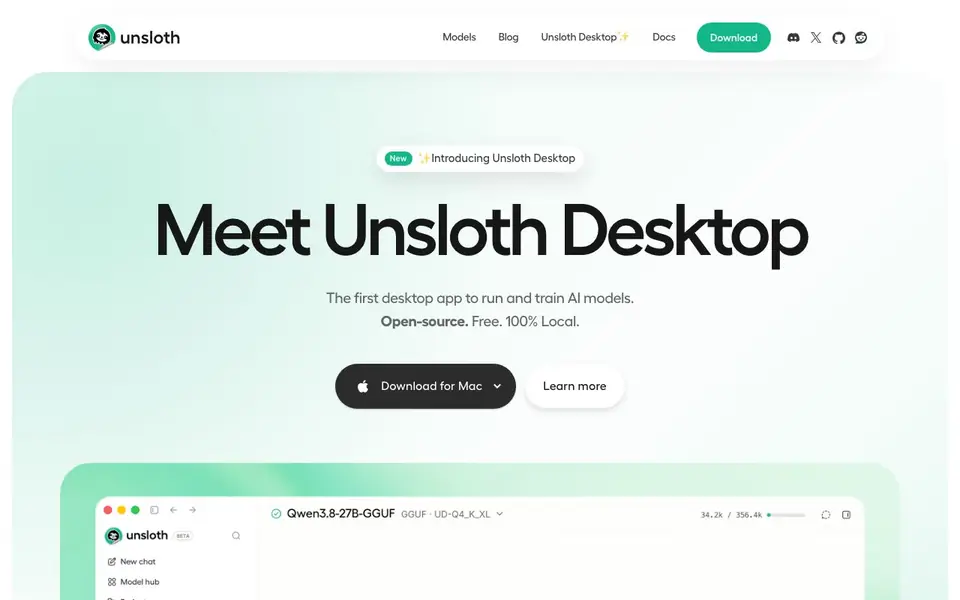
Unsloth Desktop is a free, open-source desktop application that lets you run and train AI models entirely on your own computer. It supports text, image, video, and audio models, and works on Mac, Windows, and Linux. The app is designed to keep your work local, so you don't need to send data to the cloud.
Getting started is simple: download a model from the built-in hub and start chatting within minutes. You can also train models using no-code workflows, generate images with models like Qwen-Image-2.1 or FLUX, and create videos with Wan and LTX. The app includes advanced features like self-healing tool calls that improve accuracy, a secure sandbox for running code, and unlimited private web search.
Unsloth Desktop is ideal for developers, researchers, and AI enthusiasts who want to experiment with open models without relying on cloud services. It also integrates with coding agents like Claude Code and Codex, and exposes an OpenAI-compatible API for connecting existing apps. The website mentions that you can serve models over HTTPS via a free Cloudflare tunnel, but does not specify any hardware requirements or limitations.
Unsloth AI features
- Local model hub: Discover, manage, and download quantized models for your device.
- No-code training: Train models with simple workflows without writing code.
- Image generation: Create images with Qwen-Image-2.1, FLUX, and LoRA adapters.
- Video generation: Generate videos with Wan and LTX models locally.
- Self-healing tool calls: Automatically detect and retry failed tool calls for better accuracy.
- Secure code execution: Run Bash and Python in a sandbox for real tasks.
- Web search: Get unlimited, private web search and Deep Research with citations.
What you can do with Unsloth AI
- Run open models like Qwen or Gemma on your own computer.
- Train a custom model on your local GPU without cloud costs.
- Generate images and videos locally for creative projects.
- Connect Claude Code or Codex to local models for coding tasks.
- Search the web privately while your model thinks.
How to get started with Unsloth AI
- Download Unsloth Desktop from the website for Mac, Windows, or Linux.
- Open the app and pick a model from the built-in hub to start chatting.
- Use no-code workflows to train or generate media, and connect agents via unsloth start.
Tips for better results with Unsloth AI
- Start by downloading a quantized model from the built-in hub that matches your device's available RAM and VRAM, as the website does not specify hardware requirements, so matching the right quantization is key.
- Use Unsloth Desktop's no-code training workflows to fine-tune models on your local GPU, avoiding cloud costs and keeping your data private, which is ideal for custom projects.
- Connect coding agents like Claude Code or Codex to Unsloth Desktop using the unsloth start command, and swap models without changing your agent workflow for flexible development.
- Leverage Unsloth Desktop's self-healing tool calls and secure sandbox to run Bash and Python code, which can improve tool-calling accuracy by up to 50% for real tasks.
- For creative work, generate images with Qwen-Image-2.1 or FLUX and videos with Wan or LTX locally, and use the built-in web search for private research with citations.
Unsloth AI pricing
Unsloth AI is free to use according to its website.
What to check before you rely on Unsloth AI
- Before relying on Unsloth Desktop for real work, verify that your hardware meets the requirements, as the website does not list any specific hardware requirements or limitations.
- Check the pricing label says free, but confirm there are no hidden costs for features like the Cloudflare tunnel or web search, as the website does not state any pricing details.
- Ensure your data stays local as promised, but review the open-source code and documentation to confirm no telemetry or cloud dependencies exist, since the website does not mention them.
Who Unsloth AI is for
Unsloth AI suits developers, researchers, AI hobbyists and privacy-conscious users. If that is not you, the AI developer platforms below may fit better.
Similar tools compared with Unsloth AI
| Tool | What it is | Pricing |
|---|---|---|
| Unsloth AI | Local AI model runner and trainer | Free |
| SiVideoAPI | Unified API for top AI video models | Freemium |
| OpenSI | AI model comparison and pricing tool | See website |
| OpenRouter | Unified API for many AI models | Freemium |
| Ollama | Run open models locally or cloud | Freemium |
Unsloth AI FAQ
Is Unsloth Desktop really free?
Yes, the website states it is open-source and free. There is no mention of any paid plans or premium features, so you can use it without cost.
What models can I run with Unsloth Desktop?
You can run nearly every open model, including Qwen, GLAM, Gemma, and more. The built-in model hub helps you find and download the right quantization for your device.
Can I generate images and videos with Unsloth Desktop?
Yes, it supports image generation with models like Qwen-Image-2.1 and FLUX, and video generation with Wan and LTX. You can also edit images locally with inpainting and upscaling.
Does Unsloth Desktop work with coding agents like Claude Code?
Yes, you can connect Claude Code, Codex, and other agents to local models using the unsloth start command. It also provides an OpenAI-compatible API for other apps.
Does Unsloth AI require an account to use?
The Unsloth AI website does not mention whether you need an account to use Unsloth Desktop. To find out, check the app's download page or the quickstart guide, which should clarify the setup process before you start.
Can Unsloth AI export models or data to other formats?
The Unsloth AI website does not specify what export formats are available for models or data. For details on exporting your trained models or generated content, refer to the documentation or the app's interface, as the site only highlights local storage and cloud tunnel access.
What hardware do I need to run Unsloth AI on my computer?
The Unsloth AI website does not list specific hardware requirements, but it mentions running on Mac, Windows, and Linux and references NVIDIA GPUs for performance examples. For exact specs, check the documentation or the download page, as the site focuses on local operation without cloud dependency.


