
What is poki?
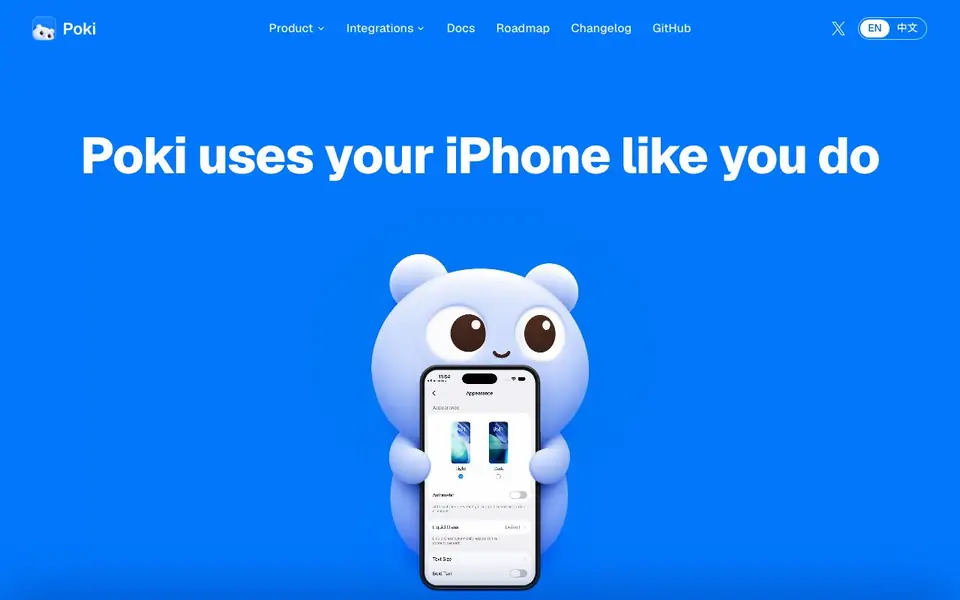
Poki is an open-source tool that connects AI agents to your iPhone. It runs on a Mac and uses the iOS accessibility tree to understand what is on your screen. It then sends native touch events to operate real apps and system interfaces, just like you would.
You start by connecting your iPhone to your Mac and trusting the computer. Then you sign in with your model account. After that, you send a task through iMessage, Telegram, or a terminal. Poki plans the steps, runs them on your phone, and reports back when done.
Poki gets smarter with repeated use. Verified runs compile into routes, so similar tasks take a shorter path. It works with Claude Code, Codex, or any MCP client using your own subscription. No extra hardware or jailbreak is required. The project is AGPL-3.0 licensed.
poki features
- Native touch events: Operates real iOS apps and system interfaces without jailbreak.
- Self-learning framework: Repeated tasks compile into faster routes over time.
- MCP integration: Connects to Claude Code, Codex, and other MCP clients.
- Multiple channels: Send tasks via iMessage, Telegram, or terminal.
- Open source: AGPL-3.0 licensed, free to use and modify.
What you can do with poki
- Add shopping lists from messages to Reminders automatically.
- Read WeChat lists and save them to Notes.
- Check Alipay bills and summarize category totals.
- Book train tickets on Trip.com and add them to Calendar.
How to get started with poki
- Connect your iPhone to your Mac and trust the computer.
- Sign in with your model account or connect an MCP client.
- Send a task via iMessage, Telegram, or terminal and watch it run.
Tips for better results with poki
- Connect your iPhone to your Mac and trust the computer before sending any task, or Poki cannot access the screen or send touch events.
- Start with simple, concrete tasks like adding a shopping list to Reminders so Poki can learn the route and speed up similar requests later.
- Use Poki through iMessage or terminal for quick tasks, and verify the first run carefully to ensure the agent interacts with the right apps.
- Reuse the same phrasing for repeated tasks, since Poki compiles verified runs into shorter routes, making each subsequent execution faster.
poki pricing
poki is free to use according to its website.
What to check before you rely on poki
- Check that your iPhone is paired and trusted with your Mac, as Poki requires this connection to operate real apps and system interfaces.
- Verify your model account subscription covers the MCP client you use, since Poki relies on your own account for model calls.
- Confirm the website does not state pricing for future features like the native iOS app or Telegram channel, so plan for potential costs.
Who poki is for
poki suits developers, automation enthusiasts and power users. If that is not you, the AI agents below may fit better.
Similar tools compared with poki
| Tool | What it is | Pricing |
|---|---|---|
| poki | Open-source iPhone control for AI agents | Free |
| n8n | AI workflow automation platform | Freemium |
| Lindy | AI teammate for team workflows | Freemium |
| Zapier | AI workflow and agent orchestration platform | Freemium |
| LM Studio | Local AI agent for work and code | See website |
poki FAQ
What does Poki do?
Poki lets AI agents control your iPhone by using the accessibility tree and native touch events. It can operate real apps like Messages, Maps, and WeChat, performing tasks you normally do by hand.
Is Poki free?
Yes, Poki is open source under AGPL-3.0 and free to use. You only need a Mac and an iPhone, plus a model account or an existing MCP client subscription.
Who is Poki for?
Poki suits developers and automation enthusiasts who want to run AI agents on a real iPhone. It's especially useful if you already use Claude Code or Codex and want to extend control to mobile.
Does Poki require jailbreak or extra hardware?
No. Poki works with just a Mac and an iPhone. It uses the iOS accessibility tree and native touch synthesis, so no jailbreak or external hardware is needed.
What devices and operating systems does Poki require to run?
Poki requires a Mac and an iPhone. The controller runs on your Mac, and the iPhone is connected to it via USB or Wi-Fi. You do not need any extra hardware or a jailbroken iPhone. The website does not mention support for other platforms like Windows or Android.
Can Poki export data or connect to apps like Reminders, Notes, or Calendar?
Poki operates real iOS apps by sending native touch events, so it can work with apps like Reminders, Notes, Calendar, WeChat, Alipay, and Trip.com. The website shows examples of adding shopping lists to Reminders, saving notes, and adding calendar entries. It does not mention direct data export to other services.
Does Poki require an account or a paid subscription to use?
Poki is free and open source under the AGPL-3.0 license. To use it, you need to sign in with your own model account, such as Claude Code or Codex, which may have its own subscription. The website does not mention any Poki-specific account or paid plan.


