

What is Phoenix?
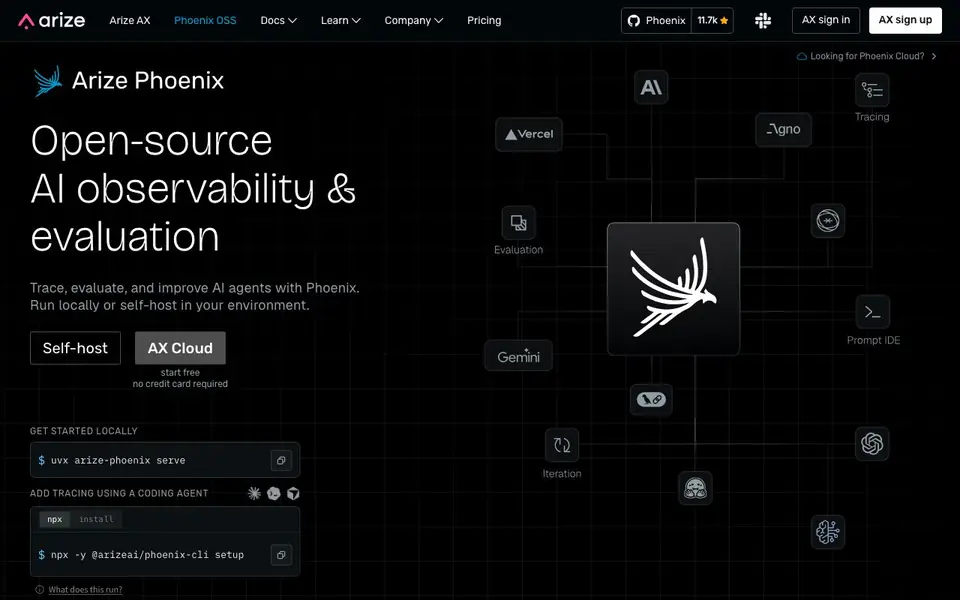
Phoenix is an open-source platform for AI observability and evaluation. It helps you trace, evaluate, and improve AI agents. You can run it locally or self-host it in your own environment. The tool is built for developers who want to understand how their LLM applications behave.
To get started, you run a simple command to serve Phoenix locally. Then you add tracing to your application using a coding agent or manual setup. Once tracing is active, Phoenix records the paths your LLM requests take through multiple steps. You can then visualize these traces to spot where workflows break or where responses go wrong.
Phoenix suits AI engineers and developers building with LLMs. It helps debug and troubleshoot issues like hallucinations, retrieval problems, and tool execution errors. The platform is trusted by thousands of developers and has a large community. It integrates with tools like LlamaIndex for one-click setup.
Phoenix features
- Trace visualization: See the full path of LLM requests as they move through your application steps.
- Evaluation with LLMs: Use one LLM to judge another for relevance, toxicity, and response quality.
- Local or self-hosted: Run Phoenix on your machine or deploy it in your own environment for full control.
- OpenInference specification: Leverage telemetry data to understand LLM execution and application context.
- Root cause analysis: Identify where workflows fail, including retrieval and tool execution problems.
What you can do with Phoenix
- Debug LLM workflows by tracing request paths and spotting failure points.
- Evaluate response quality for relevance, toxicity, and accuracy.
- Monitor AI agents in production to catch hallucinations and poor outputs.
- Integrate observability into your development process for ongoing model improvement.
How to get started with Phoenix
- Run the command 'uvx arize-phoenix serve' to start Phoenix locally.
- Add tracing to your application using a coding agent or the CLI setup command.
- Visualize traces and evaluate responses to identify and fix issues.
Tips for better results with Phoenix
- Start by running the local serve command and add tracing with the CLI setup to capture real request paths before analyzing any workflow issues.
- Use Phoenix's LLM-as-a-judge evaluations to score responses for relevance and toxicity, then compare scores across different model versions to spot regressions.
- Trace your agent's tool calls and retrieval steps in Phoenix to pinpoint exactly where a workflow breaks, rather than guessing from final outputs.
- Integrate Phoenix with LlamaIndex using its one-click setup to get tracing working faster, then customize the evaluation criteria to match your specific use case.
Phoenix pricing
Phoenix has a free way to start, with paid plans for heavier use. Check arize.com for current limits and prices.
What to check before you rely on Phoenix
- Check whether the freemium label includes a free tier with limits on traces or evaluations, since the website does not list specific plan quotas.
- Verify that your data and privacy requirements align with self-hosting, as the site does not state what data is collected or stored in local mode.
- Confirm the export formats available for traces and evaluation results, because the website does not mention how to download or share data externally.
Who Phoenix is for
Phoenix suits AI engineers, developers, machine learning teams and LLM application builders. If that is not you, the AI developer platforms below may fit better.
Similar tools compared with Phoenix
| Tool | What it is | Pricing |
|---|---|---|
| Phoenix | Open-source AI observability and evaluation platform | Freemium |
| SiVideoAPI | Unified API for top AI video models | Freemium |
| OpenSI | AI model comparison and pricing tool | See website |
| OpenRouter | Unified API for many AI models | Freemium |
| Ollama | Run open models locally or cloud | Freemium |
Phoenix FAQ
What does Phoenix do?
Phoenix is an open-source platform for AI observability and evaluation. It traces LLM requests through your application, visualizes the paths, and helps you evaluate response quality. You can use it to debug and improve AI agents.
Is Phoenix free to use?
Phoenix is open-source, so you can run it locally or self-host it for free. There is also a cloud version called Phoenix Cloud, but the website does not state its pricing details. You can check the pricing page for more information.
Who is Phoenix for?
Phoenix is for AI engineers and developers building with LLMs. It helps teams debug and troubleshoot LLM-powered applications. It is also useful for machine learning engineers who want to monitor model performance in production.
How do I get started with Phoenix?
You start by running the command 'uvx arize-phoenix serve' to launch Phoenix locally. Then you add tracing to your application using a coding agent or the CLI setup. After that, you can visualize traces and evaluate responses.
Can Phoenix export traces or evaluation results to other tools?
The Phoenix website does not mention specific export formats or integrations beyond LlamaIndex. For details on exporting data or connecting to other systems, check the Phoenix documentation or GitHub repository. You can also ask the community for real-world examples.
Does Phoenix run on Windows, macOS, or Linux?
Phoenix runs locally via a command like 'uvx arize-phoenix serve', which suggests it works on any platform that supports Python and uv. The website does not list specific OS requirements, so check the official docs for installation notes. Most likely it works on all major desktop operating systems.
What does the free plan of Phoenix include?
Phoenix is open-source, so the free self-hosted version includes all core features like tracing, evaluation, and visualization. The website states 'start free no credit card required' for the cloud option, but does not detail limits. For exact free plan boundaries, see the pricing page or docs.


