

What is OpenClaw?
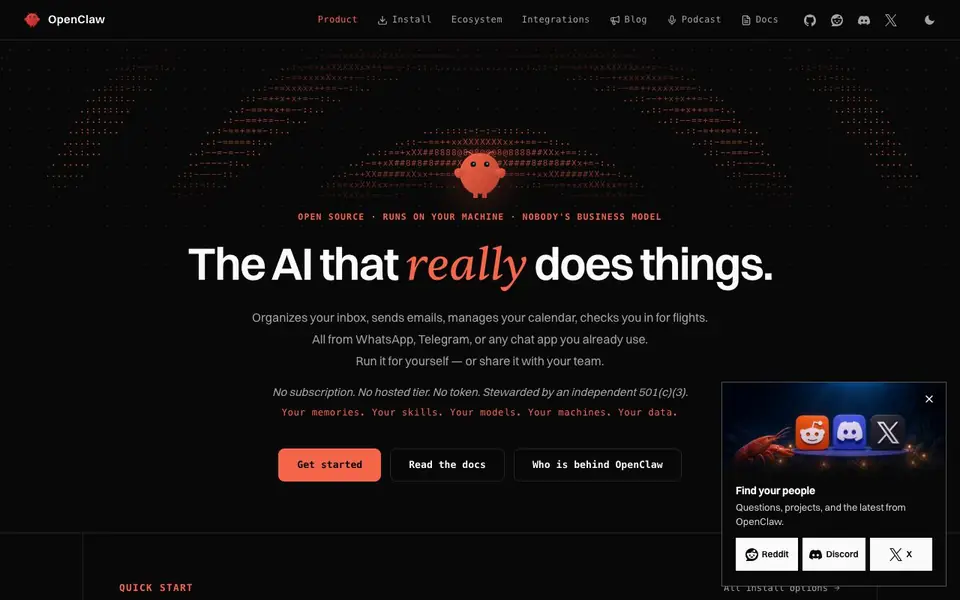
OpenClaw is an open-source AI assistant that runs directly on your computer, not in the cloud. It organizes your inbox, sends emails, manages your calendar, and even checks you in for flights. You control everything—your memories, skills, models, and data stay on your machine, with no subscription or hosted tier.
Getting started is straightforward. You can download a desktop app for macOS, Windows, or Linux that installs everything you need, or use a one-liner command. After setup, you connect it to chat apps like WhatsApp or Telegram, and then you can interact with it through those familiar interfaces. It also supports sharing with your team.
The project is stewarded by an independent 501(c)(3) nonprofit, and it's free to use. The website highlights its open-source nature and community growth, but it doesn't specify any limitations or advanced configuration details beyond the basic install options.
OpenClaw features
- Email organization: Automatically sorts your inbox and helps you send messages.
- Calendar management: Handles scheduling and keeps your calendar up to date.
- Flight check-in: Checks you in for flights without manual effort.
- Chat app integration: Works from WhatsApp, Telegram, or any chat app you use.
- Local data control: Runs on your machine, keeping your memories and data private.
What you can do with OpenClaw
- Organize your inbox and respond to emails from WhatsApp.
- Manage your calendar and schedule meetings via Telegram.
- Check in for flights automatically before you travel.
- Share the assistant with your team for collaborative tasks.
How to get started with OpenClaw
- Download the desktop app for your operating system or run the one-liner install command.
- Set up the gateway and connect your chat apps like WhatsApp or Telegram.
- Start giving it tasks like managing email or calendar through your chat interface.
Tips for better results with OpenClaw
- Install OpenClaw on your own machine first, then connect it to WhatsApp or Telegram to manage your inbox and calendar from chat apps you already use daily.
- Start with one task, like flight check-in, and test OpenClaw's response before adding email sorting or scheduling to avoid overwhelming the assistant with multiple responsibilities.
- Use OpenClaw's desktop app for macOS, Windows, or Linux to keep all your data local, and explore the docs to learn how to customize its skills for your specific workflow.
- Share OpenClaw with your team after you've verified it handles your personal tasks reliably, so you can collaborate on shared calendar and email management without moving data to the cloud.
OpenClaw pricing
OpenClaw is free to use according to its website.
What to check before you rely on OpenClaw
- Check the website for any stated limits on email volume, calendar events, or flight check-ins, since it does not specify these details.
- Verify that OpenClaw supports your exact chat app version and operating system, as the site lists integrations but not compatibility specifics.
- Review the open-source license and data privacy terms yourself, because the website does not explain how your local data is handled beyond saying it stays on your machine.
Who OpenClaw is for
OpenClaw suits individuals, teams, developers and privacy-conscious users. If that is not you, the AI agents below may fit better.
Similar tools compared with OpenClaw
| Tool | What it is | Pricing |
|---|---|---|
| OpenClaw | Open-source AI personal assistant | Free |
| n8n | AI workflow automation platform | Freemium |
| Lindy | AI teammate for team workflows | Freemium |
| Zapier | AI workflow and agent orchestration platform | Freemium |
| LM Studio | Local AI agent for work and code | See website |
OpenClaw FAQ
What does OpenClaw do?
OpenClaw is an open-source AI assistant that runs on your machine. It handles tasks like organizing your inbox, sending emails, managing your calendar, and checking you in for flights, all through chat apps like WhatsApp or Telegram.
Is OpenClaw free to use?
Yes, OpenClaw is free. The website states there is no subscription, no hosted tier, and no token required. It's open source and stewarded by an independent 501(c)(3) nonprofit.
Who is OpenClaw for?
OpenClaw suits individuals who want a personal AI assistant and teams that want to share it. It's also great for developers who like open-source tools and for people who prefer keeping their data on their own machine.
What chat apps does OpenClaw work with?
OpenClaw works with WhatsApp, Telegram, and any chat app you already use. The website doesn't list every supported app, so you can check the docs for the full list.
What can OpenClaw export or connect to besides chat apps?
OpenClaw's website focuses on chat app integration and local data control. It does not list specific export formats or connections to other services beyond the chat apps mentioned. For details on integrations, check the Integrations section on the OpenClaw website.
Does OpenClaw require an account or sign-up to use?
OpenClaw's website does not mention needing an account. It highlights being open-source and free, with no subscription or hosted tier. To get started, you download the app or use a one-liner command. For any account-related specifics, check the install or docs pages on the OpenClaw site.
What does the free plan of OpenClaw include?
OpenClaw is free to use with no subscription or hosted tier, according to its website. It runs on your machine and includes features like email organization, calendar management, and flight check-in. The site does not specify limitations, so assume full access to these features unless the docs state otherwise.


