

What is Neon AI?
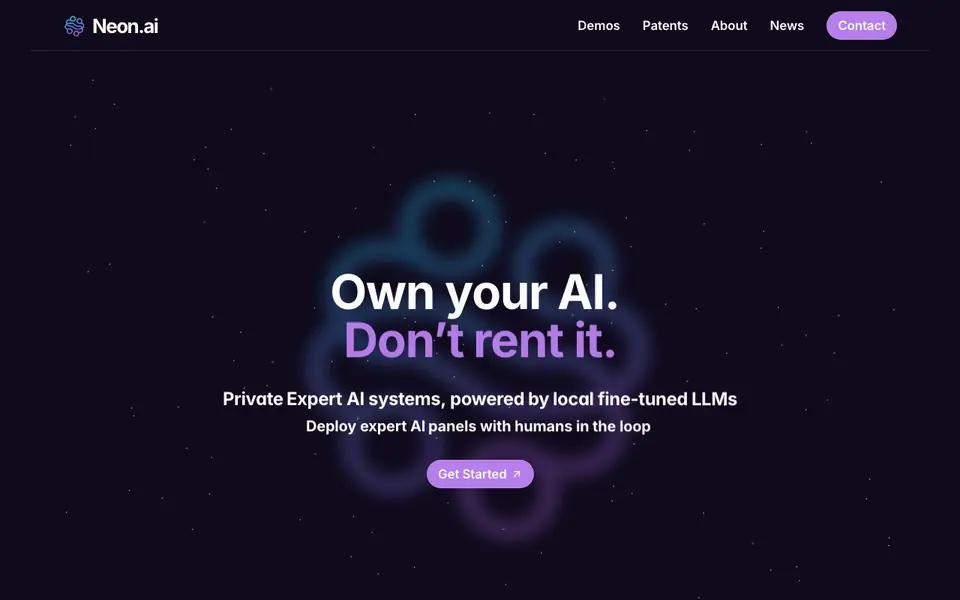
Neon.ai builds custom AI systems that are private and tailored to your business. Instead of renting a generic chatbot, you own the AI. It uses locally fine-tuned LLMs so your data stays under your control. You can deploy panels of AI experts that work together on complex problems, each with a specific role like security auditor, compliance manager, or medical scribe.
You start by choosing or creating a team of AI specialists for your domain. These AI "subminds" converse with each other and with your human experts in real time. A human gateway lets your team review and approve outbound responses before they go out. This keeps decisions auditable, traceable, and transparent.
Neon.ai suits enterprises in clinical, compliance, HR, marketing, and operations. It also offers conversational avatars and personalized AI companions, plus private LLMs you fully own. The website shows many pre-built expert roles and mentions patented architecture, but does not list pricing or a free trial.
Neon AI features
- Private LLMs: Fine-tuned models run locally so you own and control the AI, not rent it.
- Expert AI panels: Deploy multiple AI specialists that collaborate on complex tasks across domains.
- Human gateway: Approve outbound responses before they are sent, keeping humans in the loop.
- Auditable logic: Every AI decision is traceable and transparent for compliance and review.
- Pre-built roles: Choose from dozens of expert personas like radiologist, DevOps engineer, or SEO specialist.
What you can do with Neon AI
- Launch a clinical advisory board with AI radiologists, oncologists, and pulmonologists working together.
- Set up a compliance team that audits system logs and flags privacy issues automatically.
- Deploy HR experts to screen resumes bias-free and generate custom upskill plans.
- Orchestrate marketing specialists to optimize keywords and grade sales conversions.
How to get started with Neon AI
- Visit Neon.ai and click Get Started to begin building your custom AI system.
- Choose your AI expert panel from the pre-built roles or define your own specialists.
- Integrate human approval gates so your team reviews and approves AI outputs before they go live.
Tips for better results with Neon AI
- Start with a single expert role like Security Auditor or Medical Scribe to test Neon AI on one task before building a full panel of specialists.
- Use the human gateway to review and approve every outbound response from Neon AI, ensuring your team maintains control over critical decisions.
- Define clear roles for each AI expert in your Neon AI panel, so they collaborate effectively on complex problems without overlapping responsibilities.
- Leverage Neon AI's pre-built expert personas to quickly set up a team for your domain, then fine-tune them locally to match your business needs.
Neon AI pricing
Neon AI’s homepage does not list prices. Check neon.ai for current plans.
What to check before you rely on Neon AI
- Check whether Neon AI's pricing fits your budget, since the website does not list costs or a free trial option.
- Verify that Neon AI's deployment supports your existing infrastructure, as the website does not specify platform compatibility or integration details.
- Confirm how Neon AI handles data privacy and compliance for your industry, since the site mentions local LLMs but lacks detailed security certifications.
Who Neon AI is for
Neon AI suits enterprises, clinical teams, compliance officers and HR departments. If that is not you, the AI agents below may fit better.
Similar tools compared with Neon AI
| Tool | What it is | Pricing |
|---|---|---|
| Neon AI | Private expert AI systems with human oversight | See website |
| n8n | AI workflow automation platform | Freemium |
| Lindy | AI teammate for team workflows | Freemium |
| Zapier | AI workflow and agent orchestration platform | Freemium |
| LM Studio | Local AI agent for work and code | See website |
Neon AI FAQ
What can I build with Neon.ai?
You can build private AI expert panels for your business. Examples include clinical advisory boards, compliance auditors, HR specialists, and marketing analysts. Each AI expert has a specific role and collaborates with others to solve problems.
Is my data private?
Yes. Neon.ai uses locally fine-tuned LLMs, which means your data stays under your control. The website emphasizes owning your AI rather than renting it, so your models and data are not shared with third parties.
How does human oversight work?
Neon.ai includes a human gateway. Your team can review and approve outbound responses before they are sent. This keeps humans in the loop and ensures decisions are auditable and traceable.
Does Neon.ai offer a free plan?
The website does not state pricing or a free plan. You can contact them through the site to get details on costs and availability.
What can Neon AI export or connect to?
The Neon AI website does not mention specific export formats or external integrations. It focuses on building private AI systems with local fine-tuned LLMs and expert panels. To find out what you can connect or export, check the contact page or reach out to the Neon AI team directly.
On which devices or platforms does Neon AI run?
The Neon AI website does not specify supported devices or platforms. It emphasizes local fine-tuned LLMs and deployment of expert AI panels, which suggests it may run on your own infrastructure. For exact requirements, you should contact Neon AI or review their documentation if available.
Does Neon AI require an account to use?
The Neon AI website does not mention whether an account is required. It highlights getting started with custom AI systems, but no sign-up details are provided. To clarify, you can visit the Get Started section on the site or contact Neon AI for account requirements.


