

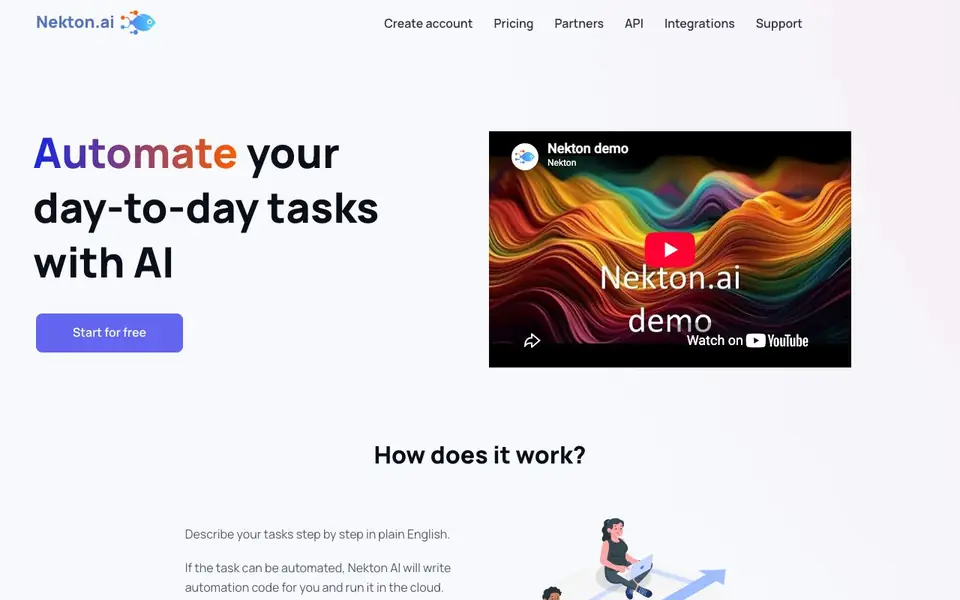
What is Nekton?
Nekton is an AI-powered automation tool that turns your plain-English task descriptions into working automations. You describe what you want step by step, and Nekton writes the automation code and runs it in the cloud. It is powered by OpenAI and ChatGPT, so you get access to advanced AI without learning complex tools.
To start, you describe your task in plain English, like "send a customer survey" or "post news to Twitter." Nekton then checks if the task can be automated, writes the code, and runs it. You can mix manual and automated steps, so you automate gradually as needed. It integrates with thousands of services through their APIs, and you can share workflows with others via a link — no sign-ups required for them.
Nekton works well for small, specific tasks using cloud services and public APIs, and for small-to-medium amounts of data. It does not work well for complex, unclear tasks like "build me an e-commerce business," running automation locally, or processing lots of data. It suits business and personal workflows across IT, software development, marketing, product, sales, and more.
Nekton features
- Forms: Collect input from users and use it in your automation workflows.
- Sharing: Send a link to your workflow so others can run it without signing up.
- Schedules: Run your workflow automatically on a set schedule.
- Integrations: Connect with thousands of apps and use their APIs for custom actions.
- No maintenance: Automations run in the cloud, so you don't manage infrastructure.
What you can do with Nekton
- Get notified when people talk about a problem your product solves.
- Automate news posting to Twitter.
- Send a customer survey automatically.
- Create checklists for recurring tasks.
How to get started with Nekton
- Create an account on Nekton.ai and start for free.
- Describe your task step by step in plain English.
- Nekton writes the automation code and runs it in the cloud for you.
Tips for better results with Nekton
- Break your task into small, specific steps and describe each one in plain English, like 'send a customer survey' or 'post news to Twitter', so Nekton can write accurate automation code.
- Start with a simple workflow in Nekton that mixes manual and automated steps, then gradually automate more as you see how it handles your data and cloud services.
- Use Nekton for tasks that rely on public APIs and cloud services, and keep your data amounts small to medium, since it struggles with local or large-scale processing.
- Share your Nekton workflow via a link to let others run it without signing up, and use forms or schedules to collect input or trigger runs automatically.
- Test Nekton with a small, clear task first, like a checklist or a notification, before building more complex automations, to see if it fits your needs.
Nekton pricing
Nekton has a free way to start, with paid plans for heavier use. Check nekton.ai for current limits and prices.
What to check before you rely on Nekton
- Check the free plan's limits on runs, data volume, and features, since the website labels Nekton as freemium but does not state specific caps.
- Verify that the services and APIs you want to automate are accessible from the internet, as Nekton cannot run automations locally.
- Review Nekton's privacy policy and data handling for your workflow inputs and outputs, as the website does not detail data retention or security practices.
- Confirm whether your planned tasks are small and specific enough, because Nekton does not work well for complex or unclear automation requests.
Who Nekton is for
Nekton suits IT professionals, marketers, product managers and sales teams. If that is not you, the AI agents below may fit better.
Similar tools compared with Nekton
| Tool | What it is | Pricing |
|---|---|---|
| Nekton | AI workflow automation from plain English | Freemium |
| n8n | AI workflow automation platform | Freemium |
| Lindy | AI teammate for team workflows | Freemium |
| Zapier | AI workflow and agent orchestration platform | Freemium |
| LM Studio | Local AI agent for work and code | See website |
Nekton FAQ
What does Nekton do?
Nekton automates your day-to-day tasks by turning plain-English descriptions into automation code. It runs that code in the cloud, so you don't need to set up or maintain any infrastructure yourself.
Is Nekton free?
The website says you can start for free, and there is a pricing page linked. It does not state details about paid plans or limits on the homepage, so check the pricing page for specifics.
Who is Nekton for?
Nekton is for anyone who wants to automate business or personal workflows without learning complex tools. It mentions examples in IT, software development, marketing, product, and sales, so it suits a range of roles.
What can I automate with Nekton?
You can automate small, specific tasks like sending surveys, posting news to Twitter, or creating checklists. It integrates with thousands of services via their APIs, but it does not work well for complex, unclear tasks or processing large amounts of data.
Can Nekton run on my computer or does it only work in the cloud?
Nekton runs automations in the cloud, so you do not need to set up or maintain any infrastructure on your own computer. The website does not mention a desktop app or local execution option. Check the Nekton website or contact support for the latest details on supported platforms.
What does the free plan of Nekton include?
Nekton offers a free start, and you can begin using it without paying. The website does not specify exactly which features or usage limits are included in the free plan. To see current free plan details, visit the Nekton pricing page on their website.
Does Nekton require me to create an account to use it?
To create and run your own workflows, you likely need an account, as you start by describing tasks and Nekton runs them for you. However, people you share a workflow link with can run it without signing up. The website does not explicitly state account requirements for creators, so check the Nekton sign-up page for confirmation.


