

What is Mistral?
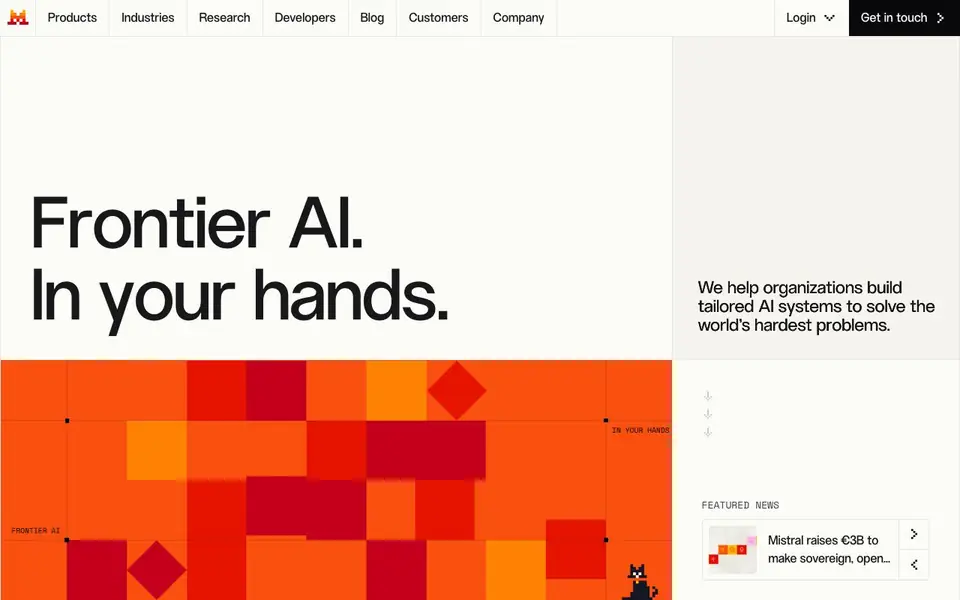
Mistral is an AI platform for organizations that want to build tailored AI systems. It offers frontier models, tools for training custom models, and infrastructure for running AI at scale. You can use it to create AI assistants, autonomous agents, and multimodal applications.
You start by choosing a product like Studio to build and test AI apps, Forge to train custom models, or Vibe for long-horizon tasks. Mistral also provides AI Cloud for training and inference, plus applied AI services with expert guidance. The platform supports coding, document intelligence, and speech domains.
Mistral suits enterprises in finance, manufacturing, public sector, and more. It emphasizes open-weight models and sovereign AI, with options for in-region deployment. The website highlights customers like HSBC and ASML, but does not list specific pricing details.
Mistral features
- Studio: Build, test, and run AI agents and apps with full control and enterprise tooling.
- Forge: Train, align, and evaluate custom AI models using your proprietary knowledge.
- Vibe: An AI agent for long-horizon work, fluent in your knowledge and tools.
- Vibe for code: Coding agents that work in the terminal, IDE, and background for async tasks.
- AI Cloud: Frontier-scale infrastructure for training and inference, available for your use.
What you can do with Mistral
- Deploy AI assistants and agents in your enterprise environment with privacy controls.
- Train custom models on your domain data for specialized tasks like document intelligence.
- Automate coding workflows with agents that handle code generation and reviews.
- Analyze structured data and synthesize reports using the Vibe agent.
How to get started with Mistral
- Visit the Mistral website and explore products like Studio, Forge, or Vibe.
- Choose a product and start building or testing your AI application.
- For custom models, use Forge to train and align with your data, or contact for applied AI services.
Tips for better results with Mistral
- Start with Studio to prototype your agent before committing to a full deployment, since it lets you test and iterate quickly without needing custom infrastructure.
- Use Forge to train a custom model on your proprietary data if your task is specialized, like document intelligence, rather than relying on a general frontier model.
- For long-horizon tasks like report synthesis, try Vibe and give it clear multi-step instructions, plus access to your tools, to get the most reliable output.
- Check the Mistral documentation and cookbooks for each product before building, as they show setup patterns and best practices that save you trial and error.
Mistral pricing
Mistral’s homepage does not list prices. Check mistral.ai for current plans.
What to check before you rely on Mistral
- Verify whether your planned usage fits within a free tier or trial, since the website does not list specific pricing for Studio, Forge, or Vibe.
- Confirm which deployment options, like in-region or AI Cloud, are available for your data residency needs, as the site only highlights sovereign AI generally.
- Review the export formats and API limits for the models you plan to use, because the website does not state these details for each product.
Who Mistral is for
Mistral suits enterprises, developers, financial services and public sector. If that is not you, the AI developer platforms below may fit better.
Similar tools compared with Mistral
| Tool | What it is | Pricing |
|---|---|---|
| Mistral | Enterprise AI platform with models and tools | See website |
| SiVideoAPI | Unified API for top AI video models | Freemium |
| OpenSI | AI model comparison and pricing tool | See website |
| OpenRouter | Unified API for many AI models | Freemium |
| Ollama | Run open models locally or cloud | Freemium |
Mistral FAQ
What does Mistral offer?
Mistral provides AI models, tools for building agents and apps (Studio), custom model training (Forge), and infrastructure (AI Cloud). It also has applied AI services for enterprise deployment.
Is Mistral free?
The website does not state pricing details. It mentions plans and API pricing in the navigation, but you need to check the pricing section for specifics.
Who is Mistral for?
Mistral targets enterprises in sectors like financial services, manufacturing, public sector, and energy. It helps organizations build tailored AI systems for their specific needs.
Can I train my own models with Mistral?
Yes, Forge lets you train, align, and evaluate custom AI models. It supports domain adaptation, reinforcement learning, and synthetic data generation.
What can Mistral export or connect to?
The Mistral website does not list specific export formats or third-party integrations. It mentions partners like Cloudera for enterprise data and Mozilla for browser integration, but details on exports or connections are not provided. Check the Mistral documentation or contact their sales team for specific integration capabilities.
Which devices or platforms does Mistral run on?
Mistral offers AI Cloud for training and inference, and Vibe for code works in the terminal, IDE, and background. The website does not specify supported operating systems or devices. For platform requirements, refer to the Mistral docs or developer resources on mistral.ai.
Does Mistral require an account to use?
The Mistral website does not explicitly state whether an account is required. You can log in to access Studio, Vibe, and other products, which suggests an account is needed for these tools. For exact requirements, check the Mistral help center or sign-up process on mistral.ai.


