

What is Mio – Your AI Phone Assistant?
Mio was an AI phone assistant built to handle the tedious parts of phone calls. It would dial numbers, navigate automated menus, sit through hold music, and then ring you when a real person picked up. The goal was to save you from wasting time on hold, especially for calls to banks, consulates, or airlines.
You would set Mio to make a call, and it would take over from there. It listened to the phone tree, pressed the right buttons, and waited patiently. Once a human was on the line, Mio would notify you so you could jump in and talk. This meant you could go about your day instead of staring at the phone.
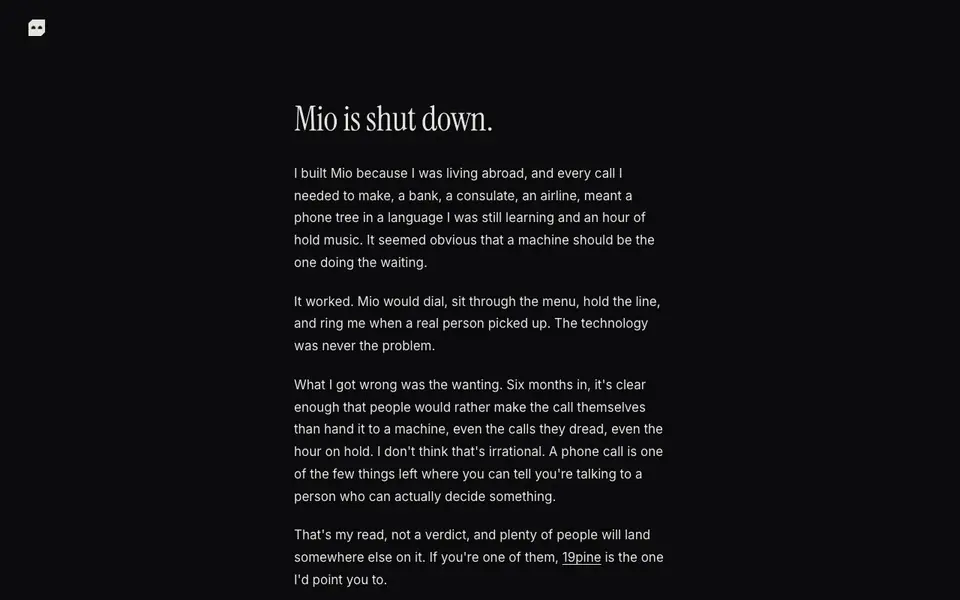
Mio is now shut down. The creator explains that people preferred making calls themselves, even the dreaded ones, because talking to a real person directly felt more reliable. The website suggests 19pine as an alternative. The phone guides remain available for free, with no sign-up required.
Mio – Your AI Phone Assistant features
- Automatic dialing: Mio places the call for you, so you don't have to start the conversation.
- Menu navigation: It works through phone tree options to get you to the right department.
- Hold waiting: Mio stays on the line through hold music, so you can do other things.
- Person detection: It knows when a real person picks up and alerts you to join.
- Free guides: The phone guides on the site are still up and free to use.
What you can do with Mio – Your AI Phone Assistant
- Call a bank to resolve an issue without waiting on hold.
- Reach a consulate for an appointment, skipping the phone tree.
- Contact an airline about a flight change while you work.
- Handle any customer service call that involves long hold times.
How to get started with Mio – Your AI Phone Assistant
- Visit Mio's website to see the shutdown notice and free guides.
- Check the guides for tips on navigating phone systems yourself.
- Consider 19pine, the recommended alternative, if you want AI call help.
Tips for better results with Mio – Your AI Phone Assistant
- Use Mio for calls where you can step away from your desk, since it handles dialing, menus, and hold music until a person answers.
- Set Mio to call during your least busy hours so you can drop everything when it rings you with a live agent on the line.
- Review Mio's free phone guides before your call to learn the exact menu options for banks, consulates, or airlines, saving you time.
- Pair Mio with a notepad to jot down account numbers or reference codes while it waits, so you are ready to talk when it alerts you.
Mio – Your AI Phone Assistant pricing
Mio – Your AI Phone Assistant’s homepage does not list prices. Check mio.gg for current plans.
What to check before you rely on Mio – Your AI Phone Assistant
- Check that Mio is still operational before relying on it, since the website states it is shut down and suggests 19pine as an alternative.
- Verify whether Mio supports the specific phone numbers or countries you need, as the site does not list coverage details.
- Confirm what happens to your call data and recordings, because the website does not state its data retention or privacy policies.
Who Mio – Your AI Phone Assistant is for
Mio – Your AI Phone Assistant suits people living abroad, busy professionals and anyone avoiding phone trees. If that is not you, the AI agents below may fit better.
Similar tools compared with Mio – Your AI Phone Assistant
| Tool | What it is | Pricing |
|---|---|---|
| Mio – Your AI Phone Assistant | AI phone assistant that waited on hold | See website |
| n8n | AI workflow automation platform | Freemium |
| Lindy | AI teammate for team workflows | Freemium |
| Zapier | AI workflow and agent orchestration platform | Freemium |
| LM Studio | Local AI agent for work and code | See website |
Mio – Your AI Phone Assistant FAQ
Is Mio still available to use?
No, Mio is shut down. The website states it clearly at the top. You can't sign up or use the service anymore, but the phone guides are still free to access.
What did Mio do exactly?
Mio made phone calls for you. It dialed the number, worked through the automated menu, held the line, and then rang you when a real person answered. This saved you from waiting on hold yourself.
Why was Mio shut down?
The creator found that people preferred making calls themselves rather than handing them to a machine. Even with the hold time, talking directly to a person felt more valuable. This is the reason given on the site.
Are there alternatives to Mio?
The website points to 19pine as a recommended alternative. It doesn't list other options or provide details about 19pine's features, so you'd need to check that service separately.
Does Mio work on both iOS and Android?
The Mio website does not mention which mobile operating systems Mio supported. Since Mio is shut down, you can no longer use it on any platform. For details about its past compatibility, check the archived version of the site or contact the creator via the contact page.
Can Mio integrate with other apps like calendars or contact lists?
The Mio website does not mention any integrations with other apps. Mio was a standalone AI phone assistant that handled calls directly. If you need a similar tool today, the site suggests 19pine as an alternative, so check that service for integration options.
What did Mio's free plan include?
The Mio website does not describe any free plan or pricing details. The only free offering mentioned is the phone guides, which remain available without sign-up. Since Mio is shut down, you cannot access its paid or free calling features anymore. For current alternatives, consider 19pine.


