
What is mcp?
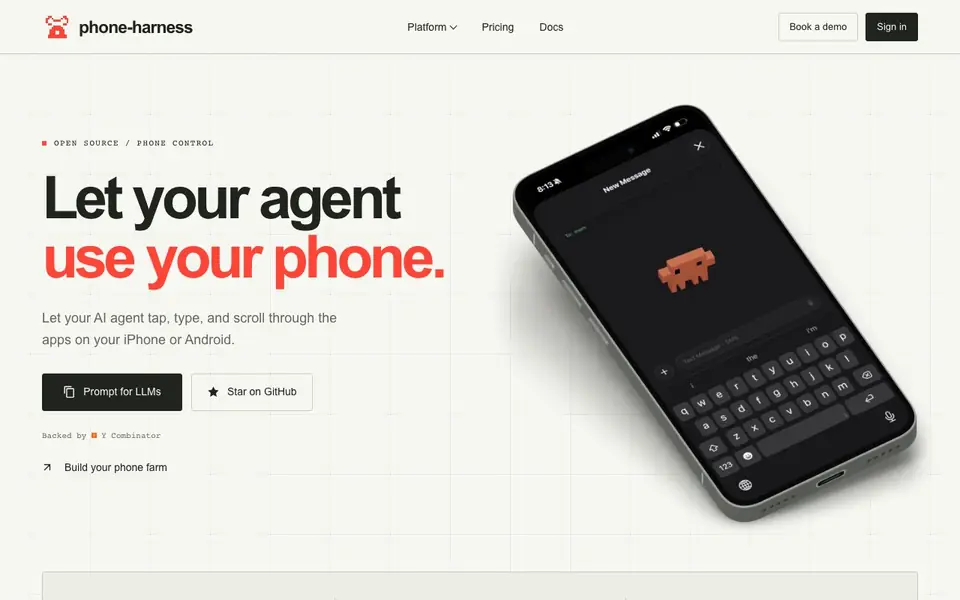
Phone Harness is an open-source platform that gives AI agents direct control over mobile devices. Your agent interacts with the phone interface just like a human—tapping, typing, and scrolling through apps on iPhone or Android. No jailbreak, no API, and no app installation required. It works by reading the screen through vision OCR or the phone's accessibility tree, then using real input to perform actions. You can connect your own phone, use a cloud-hosted device, or build a phone farm.
To get started, you can sign in or create an account on the platform. New accounts come with $5 of credit for Android emulators, billed at 5 cents per minute. Real iPhones are available as a flat subscription. You can also connect your own phone and drive it from anywhere. The platform provides a live viewer, an agent API, and an MCP server for integration.
Phone Harness suits developers and teams building AI agents that need to interact with mobile apps—for testing, automation, or handling tasks like SMS verification. It supports persistent state, so logins and app data survive between sessions. The cloud service is in open beta, and dedicated real phones are available for custom workloads with volume pricing.
mcp features
- Tap, type, scroll: Your agent interacts with apps using real touch input, just like a person.
- Vision OCR or accessibility tree: The agent sees the screen through OCR or the phone's accessibility data.
- Bring your own phone: Connect your personal iPhone or Android device and control it remotely.
- Cloud emulators and real iPhones: Use hosted Android emulators or real iPhones with eSIM and phone numbers.
- Persistent state: Apps and logins are kept between sessions, so your agent can resume work.
What you can do with mcp
- Automate app testing by letting your agent navigate and interact with mobile interfaces.
- Handle SMS verification and 2FA codes through real phone numbers.
- Build a phone farm to run multiple agents on many devices at once.
- Let your agent perform tasks in apps that have no API, using the UI directly.
How to get started with mcp
- Sign in or create an account on the Phone Harness platform.
- Choose a cloud Android emulator, a real iPhone, or connect your own phone.
- Use the agent API or MCP server to start controlling the device from your agent.
Tips for better results with mcp
- Start with the $5 Android emulator credit to test your agent's basic tap, type, and scroll flows before committing to a real iPhone subscription.
- Use the persistent state feature in Phone Harness to keep logins and app data between sessions, so your agent can resume tasks without re-authenticating.
- Connect your own phone via iPhone Mirroring or adb to avoid cloud costs while you prototype, then scale to cloud devices for production workloads.
- Leverage the live viewer in Phone Harness to watch your agent's actions in real time and debug where it misreads the screen or taps the wrong element.
mcp pricing
mcp has a free way to start, with paid plans for heavier use. Check phone-harness.com for current limits and prices.
What to check before you rely on mcp
- Verify whether the $5 credit and 5-cent-per-minute rate apply only to Android emulators, since real iPhone pricing is a flat subscription not detailed per minute.
- Confirm that your target apps are accessible via vision OCR or accessibility tree, as Phone Harness relies on these and may not work with all app layouts.
- Check the open beta status of the cloud service, as availability or reliability may change, and review the terms for data handling on cloud-hosted devices.
Who mcp is for
mcp suits developers, AI agent builders, QA teams and automation engineers. If that is not you, the AI agents below may fit better.
Similar tools compared with mcp
| Tool | What it is | Pricing |
|---|---|---|
| mcp | AI agent phone control platform | Freemium |
| n8n | AI workflow automation platform | Freemium |
| Lindy | AI teammate for team workflows | Freemium |
| Zapier | AI workflow and agent orchestration platform | Freemium |
| LM Studio | Local AI agent for work and code | See website |
mcp FAQ
What does Phone Harness do?
It lets your AI agent tap, type, and scroll through apps on an iPhone or Android, just like a human. No jailbreak, no API, and no app installation needed.
Is Phone Harness free?
Cloud Android emulators start with $5 of credit and cost 5 cents per minute. Real iPhones are a flat subscription, starting at $64 per month billed annually. There is no free plan beyond the initial credit.
Who is Phone Harness for?
It's for developers and teams building AI agents that need to interact with mobile apps—for testing, automation, or handling tasks like SMS verification.
Can I use my own phone with Phone Harness?
Yes, you can connect your own iPhone or Android device and drive it from anywhere. The platform supports iPhone Mirroring and Android over adb.
What devices and platforms does Phone Harness run on?
Phone Harness works with iPhone and Android devices. You can connect your own phone or use cloud-hosted Android emulators and real iPhones. The platform runs in your browser, so you don't need to install software on your computer or the phone itself.
Does Phone Harness require an account to use?
Yes, you need to sign in or create an account to use Phone Harness. New accounts get $5 of credit for Android emulators. After that, you pay per minute for emulators or a flat monthly fee for real iPhones. The website doesn't mention a way to use it without an account.
Can Phone Harness export data or integrate with other tools?
Phone Harness provides an agent API and an MCP server for integration. The website doesn't specify what data you can export or which external tools it connects to. For details on integrations, check the Docs section or contact support.


