

What is LLaMA?
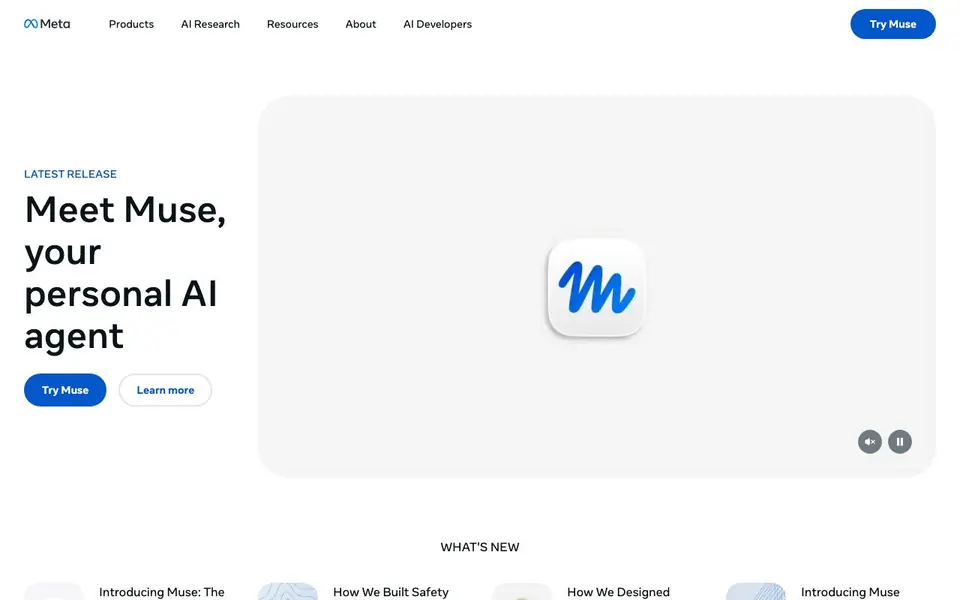
Meta AI is Meta's suite of AI products, centered on Muse, a personal AI agent designed to take tasks off your plate. It includes the Meta AI assistant for asking anything anytime, and Muse Image for creating and editing images. The site also showcases Muse models like Muse Spark 1.3 for agentic and coding tasks, and Muse Image for advanced image generation.
You can use Muse for everyday help—ask questions, get answers, and visualize ideas. For developers, Muse Spark models offer coding capabilities, including a terminal coding agent that can plan and implement changes across large code repositories. The Meta AI app is available on mobile and desktop, and you can also try features through the website.
Meta emphasizes open innovation and making AI accessible to everyone. The site highlights safety considerations in building Muse and partnerships like with EssilorLuxottica for Meta Glasses. It's suited for general users, developers, and creators, though specific pricing or availability details are not stated on the homepage.
LLaMA features
- Muse agent: Personal AI agent that helps you get more things done by handling tasks.
- Meta AI assistant: Ask anything anytime and get helpful answers wherever you are.
- Muse Image: Create images with presets, make precise edits, and visualize ideas.
- Muse Spark 1.3: Improved performance across agentic and coding tasks for real-world use.
- Muse Code: Terminal coding agent that plans, implements, and validates multi-file changes.
What you can do with LLaMA
- Ask questions and get answers on the go with the Meta AI app.
- Generate and edit images using Muse Image's presets and editing tools.
- Use Muse Code to plan and implement complex changes in large code repositories.
- Explore agentic AI examples to understand how agents can automate tasks.
How to get started with LLaMA
- Visit the Meta AI website and explore the Muse and Meta AI features.
- Try Muse directly or download the Meta AI app on mobile or desktop.
- For developers, check the Muse models and resources to start building.
Tips for better results with LLaMA
- Use Muse Code in your terminal to plan and implement multi-file changes, then validate the results before committing to ensure accuracy.
- Ask Muse specific, detailed questions to get more helpful answers, and break complex tasks into smaller steps for better outcomes.
- Try Muse Image with presets for quick edits, then refine with precise instructions to achieve the exact visual you want.
- Explore agentic AI examples with Muse to see how it can automate repetitive tasks, then adapt those patterns to your own workflow.
LLaMA pricing
LLaMA’s homepage does not list prices. Check ai.meta.com for current plans.
What to check before you rely on LLaMA
- Check whether Muse requires a paid plan or is free to use, since the website does not state pricing or availability details.
- Verify which platforms Muse supports, as the site mentions mobile and desktop but does not list specific operating systems.
- Confirm data and privacy policies for your use case, since the homepage highlights safety but does not detail how your data is handled.
Who LLaMA is for
LLaMA suits general users, developers, creators and researchers. If that is not you, the AI agents below may fit better.
Similar tools compared with LLaMA
| Tool | What it is | Pricing |
|---|---|---|
| LLaMA | Personal AI agent and assistant | See website |
| n8n | AI workflow automation platform | Freemium |
| Lindy | AI teammate for team workflows | Freemium |
| Zapier | AI workflow and agent orchestration platform | Freemium |
| LM Studio | Local AI agent for work and code | See website |
LLaMA FAQ
What is Muse?
Muse is Meta's personal AI agent designed to take tasks off your plate. It helps you get things done, and you can try it directly on the website or download the app.
Is Meta AI free to use?
The website does not state pricing details. You can try Muse and use the Meta AI app, but you should check the site or app for any costs or plans.
What can I do with Meta AI?
You can ask questions anytime, create and edit images with Muse Image, and use the assistant for helpful answers. Developers can also use Muse models for coding tasks.
Who is Meta AI for?
Meta AI is built for everyone, from general users needing an assistant to developers using Muse Spark models for coding. It also offers research resources for those interested in AI.
Does LLaMA require an account to use?
The website does not mention whether you need an account to use LLaMA. To find out, check the Meta AI app or website during sign-up, or review the terms and privacy policy linked on the page.
What devices and platforms does LLaMA run on?
LLaMA is available through the Meta AI app on mobile and desktop, and you can also try features on the website. The page does not list specific operating systems, so check your device's app store for compatibility details.
Can LLaMA help with coding tasks?
Yes, LLaMA includes Muse Spark models designed for coding. Muse Code, part of Muse Spark 1.2, is a terminal coding agent that can plan, implement, and validate multi-file changes in large code repositories. This makes it useful for developers working on complex projects.


