
What is kwant?
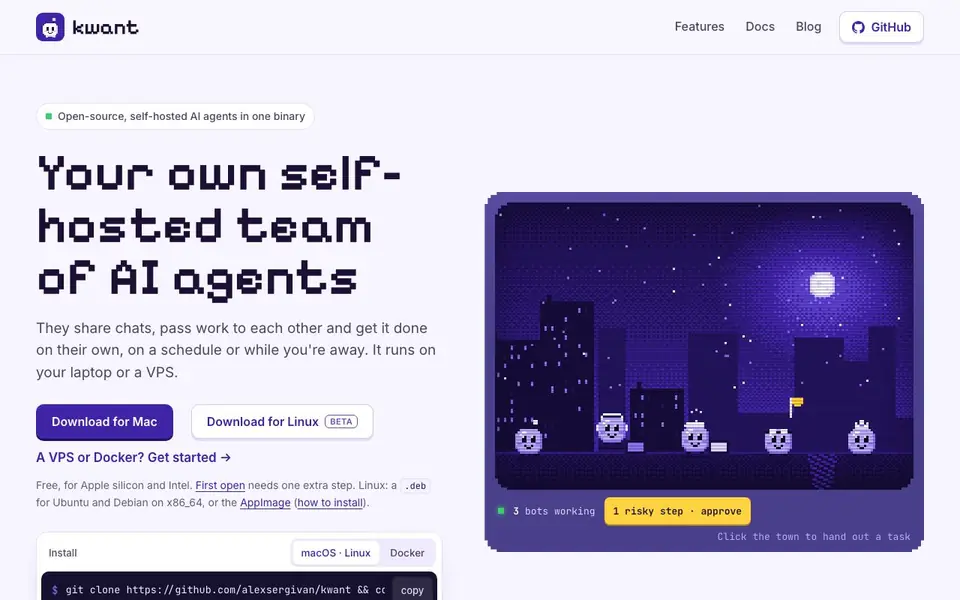
kwant is an open-source, self-hosted AI agent team that runs from a single Rust binary called kwnt. You install it on your Mac or Linux machine, or a VPS, and it gives you a team of bots that share chats, pass work to each other with @mentions, and complete tasks on their own or on a schedule. It is designed for people who want more control and verification than typical chat assistants offer.
You start by downloading the app for Mac or Linux, or using Docker or a git clone. The app opens windows for This Mac and any servers you add, so you can run agents locally or remotely. You can set up ready-made teams like Inbox, Sales, or Coding in one step, or let it suggest members from your code. Bots can work from Jira tickets, write their own skills from a task example, and you can even message them from Telegram.
A key feature is the approval system: risky steps like pushes or network calls ask for your permission first, showing exactly what will happen. You can allow once, always allow, or deny. The tool also verifies results, quotes sources, and keeps a Truth Ledger for conflicting facts. It suits developers, small teams, and anyone who wants AI agents that run reliably while they are away, with checks and transparency built in.
kwant features
- Verified results: Cards turn Verified only when kwant runs its own checks on the work.
- Approval prompts: Risky actions like pushes or network calls show details and ask before running.
- Scheduled routines: Bots run tasks like research every morning and report what changed.
- Team handoffs: Bots pass work to each other with @mentions and share chats.
- Spaces and accounts: Keep work, side projects, and home separate with isolated bots and chats.
What you can do with kwant
- Automate daily research and get summaries of new reviews or competitor changes.
- Hand a Jira ticket to a bot that writes a brief and builds the task.
- Run a coding team that reviews and creates pull requests with your approval.
- Set up a sales team to follow up on leads while you are away.
How to get started with kwant
- Download kwant for Mac or Linux, or clone the repo and run make run.
- Open the app and add a server or use This Mac to start your agent environment.
- Set up a ready-made team or add bots, then assign tasks via chat or schedule.
Tips for better results with kwant
- Start with a ready-made team like Inbox, Sales, or Coding to see how kwant organizes handoffs before building custom bots. This saves setup time and shows the workflow.
- Use kwant's approval prompts for risky actions like pushes or network calls. Review what will happen, then choose allow once or always allow to keep control without slowing routine work.
- Set up a scheduled routine in kwant, such as daily research at 07:00, so bots report changes while you sleep. Check the verified results each morning to confirm accuracy.
- Create separate spaces in kwant for work, side projects, and home to keep bots, chats, and accounts isolated. Switch with Ctrl+1–9 to avoid context leaking between tasks.
kwant pricing
kwant is free to use according to its website.
What to check before you rely on kwant
- Check that your Mac or Linux system meets kwant's requirements, including Apple silicon or Intel for Mac, and Ubuntu or Debian for Linux. The website does not list other platforms.
- Verify the pricing label says free, but the website does not state any usage limits or what happens if you exceed them. Confirm before relying on it for heavy workloads.
- Review kwant's open-source AGPL-3.0 license and self-hosted setup to understand your data and privacy obligations. The website does not detail data storage or retention policies.
Who kwant is for
kwant suits developers, small teams, solo founders and automation enthusiasts. If that is not you, the AI agents below may fit better.
Similar tools compared with kwant
| Tool | What it is | Pricing |
|---|---|---|
| kwant | Self-hosted AI agent team in one binary | Free |
| n8n | AI workflow automation platform | Freemium |
| Lindy | AI teammate for team workflows | Freemium |
| Zapier | AI workflow and agent orchestration platform | Freemium |
| LM Studio | Local AI agent for work and code | See website |
kwant FAQ
Is kwant free to use?
Yes, kwant is free and open-source under AGPL-3.0. You download the binary for Mac or Linux, or run it via Docker. There is no mention of paid plans on the website.
What can I do with kwant?
You can create a team of AI agents that share chats, hand off tasks, run on schedules, and work from Jira tickets. They can research, code, or handle sales tasks, with approvals for risky actions.
Who is kwant for?
It is for developers and small teams who want self-hosted AI agents with verification and control. It suits people who need automation that runs while they are away, without relying on cloud services.
Does kwant work with other AI models?
Yes, you can use Claude, Codex, or Grok logins, API keys, or your own server. If one runs out of usage, the next account takes over, and the chat tells you.
Can kwant export or connect to external services beyond Jira and Telegram?
The kwant website mentions Jira tickets and Telegram messaging as integrations. It does not list other specific export or connection options. For a full list of what kwant can connect to, check the Docs section on the kwant.si website.
Does kwant run on Windows or only on Mac and Linux?
The kwant website offers downloads for Mac and Linux only, with a.deb package for Ubuntu and Debian on x86_64 and an AppImage. It does not mention a Windows version. For the latest platform support, check the kwant.si download page.
What does the free plan of kwant include, and are there any limits?
The kwant website labels the tool as free and open-source under AGPL-3.0. It does not mention a separate paid plan or specific usage limits. Since it is self-hosted, you run it on your own machine or VPS. For details on any restrictions, review the license or Docs on kwant.si.


