

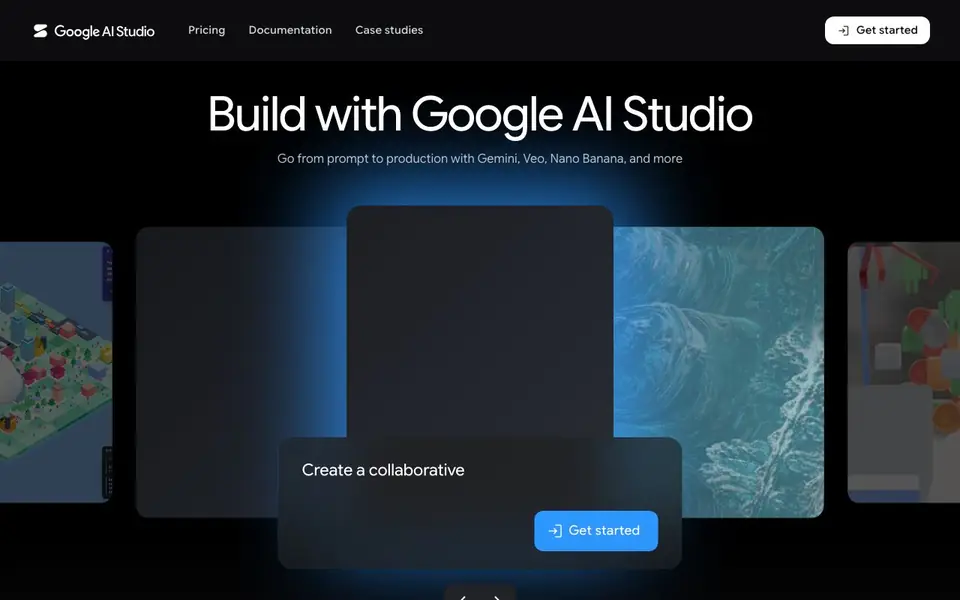
What is Google AI Studio?
Google AI Studio is a browser-based environment where you can try out Google's newest AI models, including Gemini 3 for reasoning, Nano Banana for images, Veo for video, and Lyria for music. It is designed as the fastest path from a prompt to a working production app, so you can test ideas before you commit to building.
You start by picking a model and experimenting in the playground. When you are ready to build, you get an API key to connect your app, use official SDKs for Python, JavaScript, Go, Java, and C++, and add tools like function calling or grounding with Google Search and Maps. There are also ready-made projects you can remix, such as games, art, and personal websites.
It suits developers who want to prototype quickly with Google's models, as well as non-coders who want to remix existing apps. The website shows case studies from companies like Shopify, but does not list specific pricing details or free tier limits on the main page.
Google AI Studio features
- Model playground: Try Gemini 3, Nano Banana, Veo, and other models directly in your browser.
- API key management: Create and monitor API keys and resource usage in one place.
- Official SDKs: Use Python, JavaScript, Go, Java, or C++ to integrate models into your apps.
- Interactions API: Build stateful multi-turn agents with managed tool execution and history.
- Remixable projects: Start from ready-made apps like games, art, and websites and customize them.
What you can do with Google AI Studio
- Prototype a new app idea with the latest Gemini model before writing code.
- Build a conversational language learning app with Gemini's chat capabilities.
- Create a background removal tool using Nano Banana image generation.
- Generate photorealistic window views based on live weather and location data.
How to get started with Google AI Studio
- Go to the Google AI Studio website and sign up or log in.
- Pick a model from the gallery and start experimenting in the playground.
- Get an API key and use the SDKs or remix a sample project to build your app.
Tips for better results with Google AI Studio
- Start in the playground with Gemini 3 to test your prompt ideas before writing any code, then move to the API once you know what works.
- Use the remixable projects like Window Seat or Sky Metropolis as a base, then customize them to match your own use case quickly.
- When building with Google AI Studio, leverage the Interactions API for multi-turn agents so you don't have to manage conversation history yourself.
- Check the official SDKs for Python or JavaScript first, as they handle authentication and tool calling, saving you setup time in Google AI Studio.
Google AI Studio pricing
Google AI Studio’s homepage does not list prices. Check aistudio.google.com for current plans.
What to check before you rely on Google AI Studio
- Verify your API key usage limits and quota in the dashboard, since the main page does not list free tier limits or pricing details.
- Confirm that the models you need, like Veo or Lyria, are available in your region, as the website does not state geographic availability.
- Review Google AI Studio's data handling and privacy terms before using sensitive inputs, since the site does not explicitly detail data retention policies.
Who Google AI Studio is for
Google AI Studio suits developers, prototypers and hobbyist builders. If that is not you, the AI developer platforms below may fit better.
Similar tools compared with Google AI Studio
| Tool | What it is | Pricing |
|---|---|---|
| Google AI Studio | Google's AI model playground and API | See website |
| SiVideoAPI | Unified API for top AI video models | Freemium |
| OpenSI | AI model comparison and pricing tool | See website |
| OpenRouter | Unified API for many AI models | Freemium |
| Ollama | Run open models locally or cloud | Freemium |
Google AI Studio FAQ
What models can I try in Google AI Studio?
You can experiment with Gemini 3 for reasoning, Nano Banana for image generation, Veo for video, Gemini TTS for speech, and Lyria for music. The playground lets you test these models directly in your browser.
Is Google AI Studio free to use?
The website does not state pricing details on the main page. You can sign up and get started, but you should check the Pricing page linked on the site for specific free tier or paid plan information.
Who is Google AI Studio for?
It is mainly for developers who want to build apps with Google's Gemini API. It also helps non-developers who want to remix existing projects, like games or websites, without starting from scratch.
Can I use Google AI Studio to build a full app?
Yes. You can get an API key, use official SDKs for several programming languages, and add features like function calling or Search grounding. There are also sample projects you can remix to speed up development.
Can Google AI Studio export my code or app to other platforms?
Google AI Studio provides an API key and official SDKs for Python, JavaScript, Go, Java, and C++, so you can integrate the models into your own apps. The website does not mention exporting directly to specific platforms like mobile or web hosting. Check the documentation for integration details.
Does Google AI Studio have a mobile app or require a desktop browser?
Google AI Studio is a browser-based environment, so you can access it from any device with a web browser. The website does not mention a dedicated mobile app. For the best experience, use a recent browser on a desktop or laptop.
What data does Google AI Studio collect and how is it used?
Google AI Studio uses cookies to deliver and enhance services, analyze traffic, and, if you agree, serve advertising and personalize content. The website does not detail other data handling practices. For full information, review Google's privacy and terms links at the bottom of the page.


