

What is Browser Use?
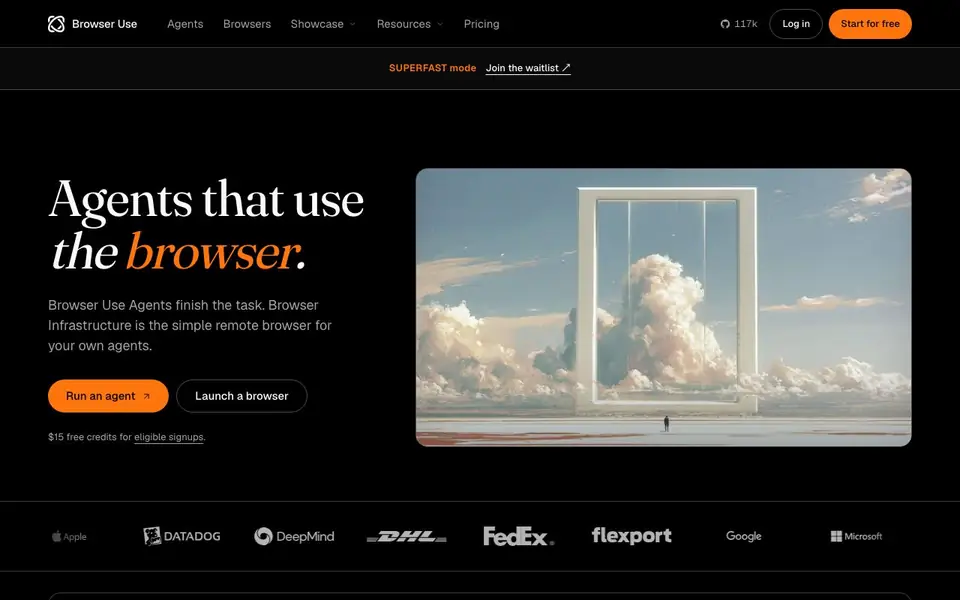
Browser Use is a platform for AI agents that work in the browser. It has two main parts. Browser Use Agents finish tasks for you, like booking tickets or filling forms. Browser Infrastructure gives you a simple remote browser your own AI agents can use through SDK, REST, or CDP.
To get started, you paste a connection URL and go. You can run an agent or launch a browser directly. The platform tracks performance on internal benchmarks, showing high accuracy at low cost per task. It also offers a superfast mode you can join a waitlist for.
Browser Use suits developers, automation teams, and AI startups. It handles protected sites that often block bots. The open-source version has 117k GitHub stars and is MIT licensed. You can run it in the cloud or on your own machine. Pricing starts free with credits from $5, and there is no subscription or expiry.
Browser Use features
- Browser Use Agents: AI agents that complete web tasks like shopping, booking, and data extraction for you.
- Browser Infrastructure: A remote browser your own agents can control via SDK, REST, or CDP.
- Protected site access: Reaches 81% of 71 protected sites, better than other providers in benchmarks.
- Open source: MIT-licensed with 117k GitHub stars, run it in the cloud or locally.
- Pay-as-you-go pricing: Start free, add credits from $5, no subscription and no expiry.
What you can do with Browser Use
- Book cinema seats or travel tickets through a browser agent.
- Export portal results to CSV automatically.
- QA your website by running browser tasks.
- Automate form filling and login processes.
How to get started with Browser Use
- Paste a connection URL to connect your browser or agent.
- Choose a task like running an agent or launching a browser.
- Add credits and start automating your web workflows.
Tips for better results with Browser Use
- Start with the free credits to test Browser Use on a simple task like form filling before committing to paid credits, so you can gauge accuracy and cost.
- Use Browser Use Agents for tasks with clear steps like booking tickets or exporting data, and specify the exact end point to avoid wasted browser time.
- For your own agents, launch a Browser Infrastructure browser via SDK or CDP and reuse the same session across tasks to cut hourly costs.
- Check the internal benchmark results on the Browser Use site to match your task type with its strengths, like protected site access, before scaling up.
- checks
Browser Use pricing
Browser Use has a free way to start, with paid plans for heavier use. Check browser-use.com for current limits and prices.
What to check before you rely on Browser Use
- Verify that the free credits are still offered for your signup, since the site says eligible signups get $15 but does not list eligibility criteria.
- Confirm the pricing page for agent costs beyond the stated model cost plus 20%, as the site does not detail browser time or traffic charges.
- Check the export formats and data handling for your use case, since the site does not specify what file types or privacy controls are available.
Who Browser Use is for
Browser Use suits developers, automation teams, AI startups and QA engineers. If that is not you, the AI agents below may fit better.
Similar tools compared with Browser Use
| Tool | What it is | Pricing |
|---|---|---|
| Browser Use | AI agents and remote browsers for automation | Freemium |
| n8n | AI workflow automation platform | Freemium |
| Lindy | AI teammate for team workflows | Freemium |
| Zapier | AI workflow and agent orchestration platform | Freemium |
| LM Studio | Local AI agent for work and code | See website |
Browser Use FAQ
What does Browser Use do?
Browser Use provides AI agents that complete tasks in the browser, like booking or data extraction. It also offers remote browsers your own agents can control via SDK, REST, or CDP.
Is Browser Use free?
You can start free and get $15 free credits for eligible signups. After that, you pay as you go with credits from $5. There is no subscription and credits never expire.
Who is Browser Use for?
It is for developers, AI startups, and automation teams. You can use it to build agents that handle web tasks, or to give your existing agents a managed browser for protected sites.
How much does it cost to run tasks?
Browsers cost $0.02 per hour plus internet traffic. Browser Use Agents cost model cost plus 20%, plus browser time and traffic. The website does not state exact model pricing.
What integrations or connections does Browser Use support?
Browser Use offers an SDK, REST API, and CDP for connecting your own agents to its remote browser. The website also mentions an MCP server and a web agent API. For specific third-party integrations beyond these, check the documentation or contact the team.
Can I use Browser Use on my own computer or only in the cloud?
Browser Use can run both in the cloud and on your own machine. The open-source version is MIT licensed and can be self-hosted. The website does not list specific operating system requirements, so check the GitHub repository or documentation for details on local setup.
What does the free plan of Browser Use include?
Browser Use offers free credits for eligible signups, and you can start without paying. The pricing page shows browsers cost $0.02 per hour plus traffic, and agents cost model cost plus 20% plus browser time. The website does not specify a credit amount for all users, so check the signup page for current terms.


