
What is TemPolor?
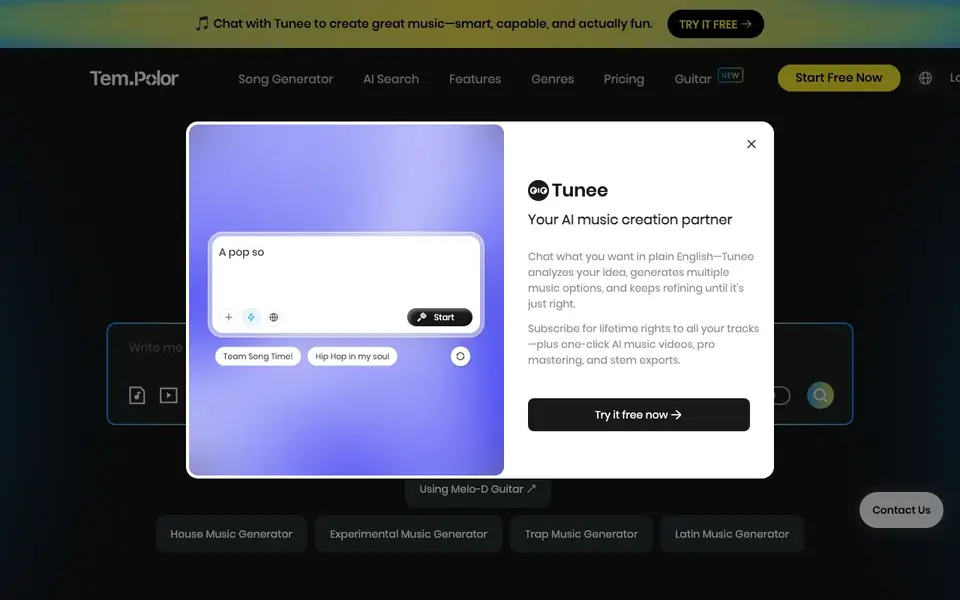
TemPolor is an AI music generator that creates complete songs from text descriptions, lyrics, or even uploaded videos. You can choose between different AI models, with V3 supporting Chinese, English, and Japanese for up to 2-minute tracks, or V3.5 for longer 4.5-minute tracks with Korean, Spanish, and French. The tool also offers a vocal library, including voice cloning, and a tag hub with prompts for various genres and moods.
To create music, you can start in Simple Mode by describing the vibe you want, or use Expert Mode for more control. You can also upload a video and let the AI analyze its mood and rhythm to generate matching background music. For those with existing audio, the reference track feature creates four versions with varying similarity levels, all copyright-free.
TemPolor includes additional tools like a lyrics generator, music extender, stem splitter, and MIDI arranger. The site claims a 99% user satisfaction rate and over 10 million songs generated. It's designed for creators who need original music without copyright issues, and offers a free trial to get started.
TemPolor features
- Advanced AI Models: Choose between V3 for 2-minute tracks in three languages or V3.5 for 4.5-minute tracks with six languages.
- AI Lyrics: Automatically generate creative lyrics or write your own custom lyrics for a personal touch.
- Vocal Library: Select from diverse professional vocal styles or clone your own voice for unique songs.
- Custom Music Scorer: Upload a video and AI analyzes its mood and rhythm to generate perfectly matched music.
- Reference Track: Upload your audio and generate four versions with varying similarity levels, all copyright-free.
What you can do with TemPolor
- Create background music for YouTube videos or ads.
- Generate original songs for podcasts or streaming.
- Score a video with music that matches its mood and rhythm.
- Produce custom tracks for personal projects without copyright worries.
How to get started with TemPolor
- Visit TemPolor's website and click 'Start Free Now' to begin.
- Choose a mode: Simple Mode to describe the vibe or Expert Mode for detailed control.
- Generate your track, then download or edit it with tools like the stem splitter or music extender.
Tips for better results with TemPolor
- Start with Simple Mode by describing the mood and genre you want, then refine the output in Expert Mode to adjust structure and instrumentation for closer control.
- For video scoring, upload a clear, well-edited clip so TemPolor can analyze its rhythm and atmosphere accurately, and review the generated track against key scene changes.
- Use the reference track feature with a clean, high-quality audio file, and compare all four similarity versions to pick the one that best matches your intended style.
- When generating lyrics, provide specific themes or keywords in your prompt to guide TemPolor's AI, then edit the output manually to fit your song's flow and message.
- Experiment with the tag hub prompts for your desired genre and mood, and combine multiple tags to create more nuanced results than using a single generic description.
- For longer projects, choose V3.5 to get 4.5-minute tracks, but plan your song structure in advance since the extended length may require more careful prompt detail.
TemPolor pricing
TemPolor has a free way to start, with paid plans for heavier use. Check tempolor.com for current limits and prices.
What to check before you rely on TemPolor
- Check whether the free trial limits track length, number of generations, or downloads, since the website does not state specific free plan quotas.
- Verify if voice cloning is available in the free tier or requires payment, as the site lists the feature but does not specify its pricing.
- Confirm that generated tracks are truly copyright-free for commercial use in your region, since the guarantee is stated but legal specifics are not detailed.
- Test the export format and audio quality before finalizing, as the website does not list available file types or resolution options.
- Check if your uploaded video or reference audio is stored or used for training, since the site does not mention data privacy or retention policies.
Who TemPolor is for
TemPolor suits content creators, video editors, podcasters and musicians. If that is not you, the AI music generators below may fit better.
Similar tools compared with TemPolor
| Tool | What it is | Pricing |
|---|---|---|
| TemPolor | AI music generator for royalty-free tracks | Freemium |
| AIVA | AI music generation assistant | Freemium |
| Soundraw | AI music generator for royalty-free beats | Freemium |
| Suno | AI music and song generator | Freemium |
| ElevenLabs | AI voice generator and voice agents platform | Freemium |
TemPolor FAQ
Is TemPolor's music truly royalty-free?
Yes, the site states that AI-generated tracks are completely original and copyright-free, so you can use them worry-free in your projects.
Can I use TemPolor for free?
TemPolor offers a free trial, as indicated by the 'Try It Free' and 'Start Free Now' buttons. For full access, you'd need to check their pricing page.
What languages does TemPolor support for song generation?
Model V3 supports Chinese, English, and Japanese for tracks up to 2 minutes. V3.5 extends to 4.5 minutes and adds Korean, Spanish, and French.
Can I modify the AI-generated music?
Yes, you have the right to modify the music. The site includes tools like stem splitter and music extender for editing, and the FAQ confirms you can use it in creative projects.
What formats can I export TemPolor tracks in?
The TemPolor website does not list specific export formats for your generated tracks. To find out which file types are available, check the download options within the tool after you create a song, or contact TemPolor support for detailed information.
Does TemPolor have a mobile app?
The TemPolor website does not mention a dedicated mobile app. You can access TemPolor through a web browser on your computer or mobile device. For the best experience, try using the site directly on your preferred browser.
What does TemPolor's free plan include?
TemPolor offers a free trial to get started, but the website does not specify the exact limits of the free plan, such as the number of songs you can generate or access to all features. Visit the pricing page on tempolor.com for the most current details on what's included for free.


