

What is Boomy?
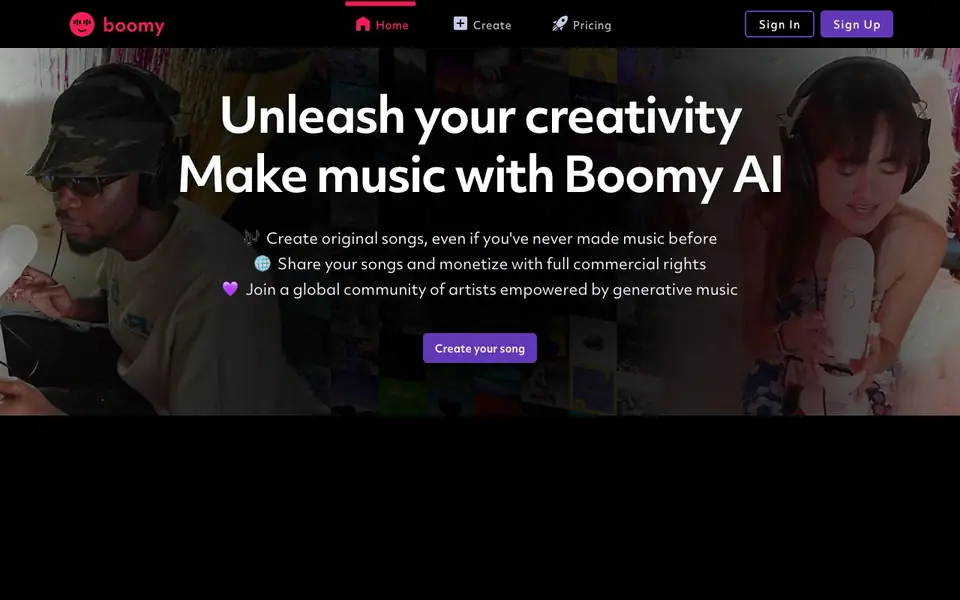
Boomy is an AI music generator that helps you create original songs from scratch, even if you have no prior music experience. The tool is designed to make the creative process simple and accessible, so you can focus on expressing yourself rather than learning complex production techniques. Boomy's website highlights that artists using it have created over 22 million original songs, showing its popularity among a global community of creators.
To get started, you sign up on the site and use the "Create" feature to generate a song. The AI handles the heavy lifting of composition, letting you customize and refine the result to match your style. Once your song is ready, you can share it with others and, importantly, monetize it with full commercial rights, meaning you own the rights to use your music in projects like videos or animations.
Boomy suits beginners who want to make music for fun or for practical uses, such as background tracks for social media reels. the website says that users love it for animations and reels, and it leaves room for your own creativity and self-expression. However, the website does not provide details on pricing plans or specific features beyond the core creation and sharing capabilities.
Boomy features
- Original song creation: Generate complete songs with AI, no prior music experience needed.
- Full commercial rights: Monetize your music and use it in projects like videos or animations.
- Global community: Join a network of artists using generative music for inspiration and collaboration.
- Creative customization: Shape the AI output to leave room for your own self-expression.
- Easy sharing: Publish and share your songs directly from the platform.
What you can do with Boomy
- Create background music for social media reels and animations.
- Make your first original song as a beginner musician.
- Generate royalty-free tracks for video projects with commercial rights.
- Explore generative music as a hobby and share results with a community.
How to get started with Boomy
- Sign up for a Boomy account on the website.
- Use the Create feature to generate an original song with AI.
- Customize the song to fit your style, then share or monetize it.
Tips for better results with Boomy
- Start with the Create feature to generate a base song, then use customization options to tweak the arrangement and style until it matches your intended mood or purpose.
- Experiment with multiple generations for the same idea, as Boomy's AI can produce varied results, and pick the best foundation to refine further for your project.
- Use Boomy for short background tracks like social media reels or animations, and adjust the song length or intensity to fit the pacing of your visual content.
- Share your finished Boomy tracks with the community to get feedback, and reuse your best creations across different projects since you hold full commercial rights.
- checks
Boomy pricing
Boomy’s homepage does not list prices. Check boomy.com for current plans.
What to check before you rely on Boomy
- Check if the free tier includes watermarks or limits on downloads, since the website does not state pricing or plan details for Boomy.
- Verify the exact export formats and audio quality available, as the site only mentions sharing and monetization, not file types or resolution.
- Review Boomy's privacy policy and terms to confirm how your data and generated songs are handled, especially before publishing commercially.
Who Boomy is for
Boomy suits beginner musicians, content creators, hobbyists and animators. If that is not you, the AI music generators below may fit better.
Similar tools compared with Boomy
| Tool | What it is | Pricing |
|---|---|---|
| Boomy | AI music maker for original songs | See website |
| AIVA | AI music generation assistant | Freemium |
| Soundraw | AI music generator for royalty-free beats | Freemium |
| Suno | AI music and song generator | Freemium |
| ElevenLabs | AI voice generator and voice agents platform | Freemium |
Boomy FAQ
Do I need music experience to use Boomy?
No. Boomy is designed for people who have never made music before. The AI generates songs for you, and you can customize them to add your own creative touch.
Can I use the songs I create commercially?
Yes. Boomy gives you full commercial rights to your songs, so you can monetize them and use them in projects like videos, animations, or other content.
What can I do with the songs I make?
You can share your songs with others and use them in creative projects. The website mentions users making music for reels and animations, and you can also join the community to connect with other artists.
Is Boomy free to use?
The website does not state pricing details. You can sign up and create songs, but you should check the Pricing page on Boomy's site for information about any costs or plans.
What can I export from Boomy, and can I connect it to other platforms?
Boomy lets you share your songs directly from the platform, and the website mentions you can monetize them with full commercial rights. It does not specify export formats like MP3 or WAV, nor does it list integrations with services like Spotify or YouTube. Check the Boomy website or app for current export options.
Does Boomy run on mobile devices or only on a web browser?
Boomy's website is accessible through a browser, and you sign up and use the Create feature online. The site does not mention a dedicated mobile app for iOS or Android, nor does it specify whether the web version is optimized for phones. For the latest device support, check Boomy's official site or app stores.
What does Boomy's free plan include, and do I need an account to use it?
Boomy requires you to sign up on the website to start creating songs. The site does not detail what a free plan includes or if there are paid tiers, as pricing information is not listed. To find out current free features or account requirements, visit Boomy's pricing page or contact their support.


