

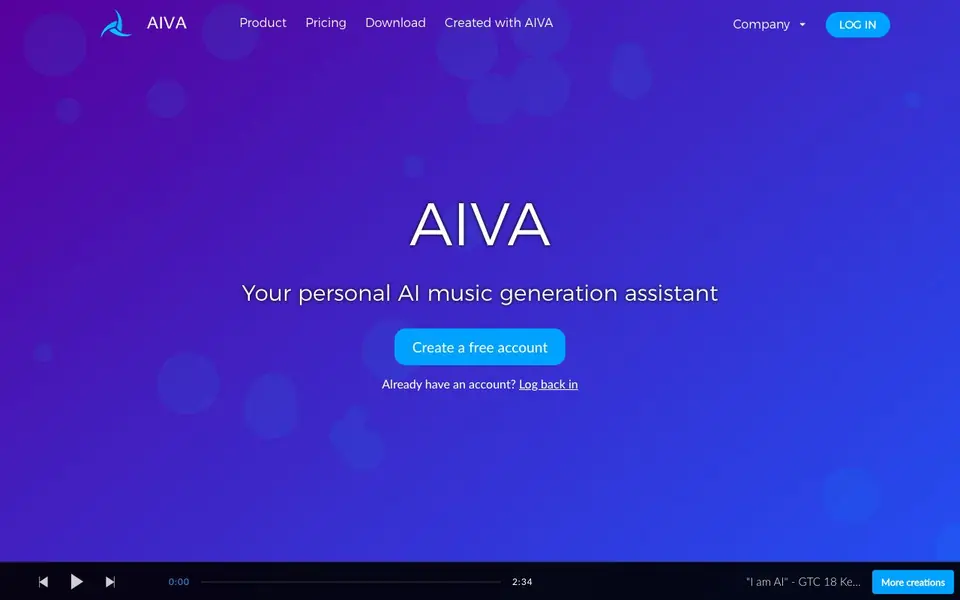
What is AIVA?
AIVA is an AI music generation assistant that creates new songs in more than 250 different styles in seconds. It is designed for both complete beginners and seasoned music professionals. You can use generative AI to create your own songs without needing deep music theory knowledge.
You can customize your experience by creating your own style models, uploading audio or MIDI influences, and editing generated tracks. Downloads are available in various file formats, including MP3 and MIDI, so you can fit AIVA into your existing workflow. The tool supports whatever process you prefer.
AIVA offers a free plan for non-commercial use with credit to AIVA, and paid plans for monetization. The Pro plan lets you own the full copyright of your compositions. It suits hobbyists, content creators, and professionals who want to generate music quickly and legally.
AIVA features
- 250+ music styles: Generate songs across a wide range of genres in seconds.
- Custom style models: Create your own unique styles based on your preferences.
- Audio/MIDI influence upload: Upload reference tracks to guide the generation process.
- Track editing: Edit generated tracks to fine-tune your compositions.
- Multiple file formats: Download tracks as MP3, MIDI, or high-quality WAV files.
What you can do with AIVA
- Create background music for YouTube videos.
- Generate soundtracks for Twitch streams.
- Produce original compositions for social media content.
- Develop unique tracks for personal projects without licensing issues.
How to get started with AIVA
- Create a free account on AIVA's website.
- Choose a music style or upload your own influence.
- Generate your song and download it in your preferred format.
Tips for better results with AIVA
- Upload an audio or MIDI reference track to guide AIVA toward the mood and structure you want, then edit the result to match your project.
- Start with AIVA's free plan to test its 250+ styles on short tracks, and upgrade only when you need longer durations or more downloads.
- Create custom style models in AIVA by training on your own influences, so repeated projects keep a consistent sound without starting from scratch.
- Download your AIVA track as MIDI to tweak individual notes in your own DAW, then export the final version in MP3 or WAV for distribution.
AIVA pricing
AIVA has a free way to start, with paid plans for heavier use. Check aiva.ai for current limits and prices.
What to check before you rely on AIVA
- Check which plan you are on, because the free tier allows only 3 downloads per month and tracks up to 3 minutes, while paid tiers raise those limits.
- Verify whether you need monetization rights, since AIVA's free plan requires credit and forbids commercial use, and the website does not list a one-time purchase option.
- Confirm that AIVA's output formats match your workflow, as MP3 and MIDI come with free and Standard plans, but WAV export requires the Pro plan.
Who AIVA is for
AIVA suits beginners, content creators, music professionals and students. If that is not you, the AI music generators below may fit better.
Similar tools compared with AIVA
| Tool | What it is | Pricing |
|---|---|---|
| AIVA | AI music generation assistant | Freemium |
| Soundraw | AI music generator for royalty-free beats | Freemium |
| Suno | AI music and song generator | Freemium |
| ElevenLabs | AI voice generator and voice agents platform | Freemium |
| LALAL.AI | AI vocal remover and stem splitter | Freemium |
AIVA FAQ
What can I do with AIVA?
You can generate original songs in over 250 styles, create custom style models, upload audio or MIDI influences, and edit your tracks. Downloads are available in formats like MP3 and MIDI.
Is AIVA free?
AIVA has a free plan that lets you download 3 tracks per month for non-commercial use, with credit given to AIVA. Paid plans start at €11 per month for more downloads and monetization options.
Who is AIVA for?
AIVA is for both complete beginners and seasoned music professionals. It also offers discounts for students and schools, and has enterprise options.
Can I monetize music made with AIVA?
Yes, with paid plans. The Standard plan allows limited monetization on platforms like YouTube and Twitch, while the Pro plan gives you full copyright ownership and unrestricted monetization.
What file formats can I export from AIVA?
AIVA lets you download your generated tracks in MP3 and MIDI formats on the free and Standard plans. The Pro plan adds high-quality WAV file exports and access to all available file formats. Check the pricing page for the full list of formats included with each plan.
Does AIVA work on mobile devices or only on desktop?
The AIVA website does not mention specific device or platform support. You can access AIVA through your web browser on any device with an internet connection, but for the best experience, check the site or contact AIVA support to confirm if mobile browsers are fully supported.
What does the AIVA free plan include exactly?
The AIVA free plan includes 3 downloads per month, track durations up to 3 minutes, and MP3 and MIDI formats. It is for non-commercial use only, requires giving credit to AIVA, and AIVA owns the copyright. No credit card is needed to start.


