

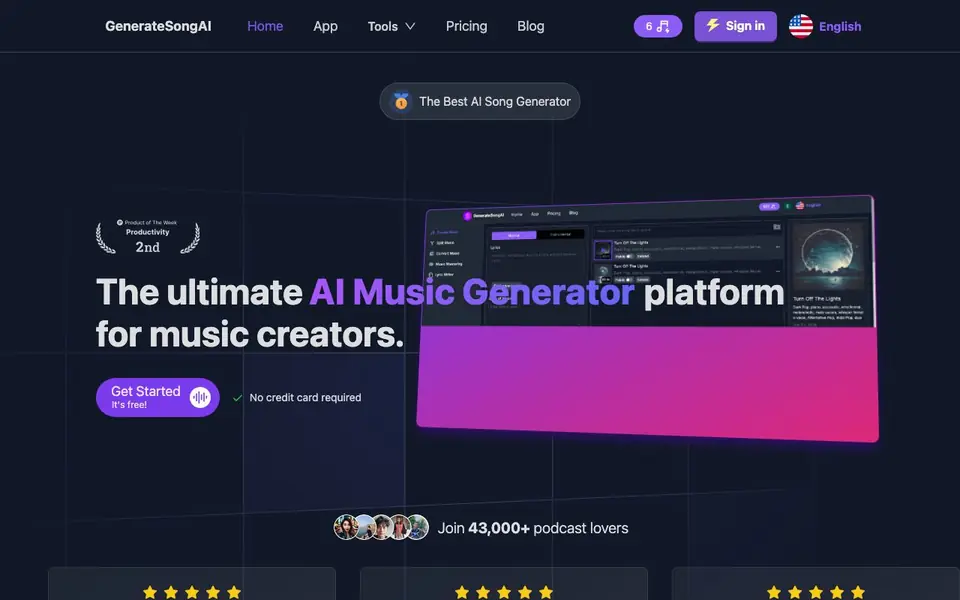
What is GenerateSongAI?
GenerateSongAI is an AI music platform that creates complete songs from simple text descriptions or lyrics. You can pick genres like pop, classical, or EDM, and the tool handles the rest. It also includes tools for splitting vocals from instrumentals, remixing existing tracks, and generating singing voices.
To start, you type a text prompt or paste lyrics, choose your preferred style, and the AI produces a track in minutes. You can then customize genre, tempo, and mood to match your vision. The platform exports in WAV, FLAC, and MP3 formats, and includes built-in social sharing options.
It suits indie filmmakers, YouTubers, game developers, and content creators who need unique soundtracks. All generated music is royalty-free, so you get full commercial rights. The free plan gives you 3 AI music credits, while paid plans start at $14.9 per month for 200 credits, up to unlimited credits on the highest tier.
GenerateSongAI features
- One-Click Music Creation: Generate high-quality music instantly from a simple text description or lyrics.
- Text to Music: Transform text prompts into songs across genres like pop, classical, and EDM.
- AI Singing Generator: Create songs using your voice or any other voice with diverse vocal options.
- Advanced Music Split: Extract vocals and instruments from audio files for remixing or manipulation.
- High-Quality Audio Exports: Export tracks in WAV, FLAC, and MP3 with studio-quality sound.
What you can do with GenerateSongAI
- Create custom background music for your YouTube videos.
- Generate unique soundtracks for indie films or games.
- Remix existing songs by splitting vocals and adding new elements.
- Produce personalized singing tracks using different vocal styles.
How to get started with GenerateSongAI
- Go to the GenerateSongAI website and click Get Started.
- Type a text description or paste lyrics into the generator.
- Choose your genre and style, then let the AI produce your song.
Tips for better results with GenerateSongAI
- Start with a detailed text prompt that includes mood, tempo, and instrumentation, then refine genre and style settings to get closer to your intended sound.
- Use GenerateSongAI's music split tool to separate vocals from an existing track, then remix the stems with new elements for a fresh arrangement.
- Experiment with the AI singing generator by providing clear vocal style descriptions, and compare different voice options to match the emotion of your lyrics.
- Export your final track in WAV or FLAC for maximum quality, and keep an MP3 version for quick sharing or previews on social platforms.
GenerateSongAI pricing
GenerateSongAI has a free way to start, with paid plans for heavier use. Check generatesongai.com for current limits and prices.
What to check before you rely on GenerateSongAI
- Confirm your free plan's 3 credits are enough for your project, and check if paid plans require a subscription or offer one-time purchases.
- Verify that the royalty-free license covers your intended commercial use, since the website does not detail specific usage restrictions.
- Check if GenerateSongAI supports the platforms you need, as the site does not list integrations or mobile app availability.
Who GenerateSongAI is for
GenerateSongAI suits indie filmmakers, YouTubers, game developers and content creators. If that is not you, the AI music generators below may fit better.
Similar tools compared with GenerateSongAI
| Tool | What it is | Pricing |
|---|---|---|
| GenerateSongAI | AI music generator from text | Freemium |
| AIVA | AI music generation assistant | Freemium |
| Soundraw | AI music generator for royalty-free beats | Freemium |
| Suno | AI music and song generator | Freemium |
| ElevenLabs | AI voice generator and voice agents platform | Freemium |
GenerateSongAI FAQ
Is GenerateSongAI free to use?
Yes, there is a free plan that gives you 3 AI music credits per month. Paid plans start at $14.9 per month for 200 credits, and the highest tier offers unlimited credits.
What can I create with GenerateSongAI?
You can create complete songs from text prompts or lyrics, generate singing voices, split vocals from instrumentals, and remix existing audio files.
Do I own the music I generate?
Yes, all generated tracks are royalty-free, meaning you get full commercial rights to use them in your projects.
What audio formats can I export?
You can export your music in premium formats like WAV, FLAC, and MP3 with studio-quality sound.
Does GenerateSongAI require me to create an account before I can use it?
GenerateSongAI lets you start with a free plan that includes 3 AI music credits, and the homepage says it's free with no credit card required. To actually save or manage your generated tracks, you'll likely need to sign up, but the website doesn't explicitly state the account requirement. Check the app or pricing page for details.
Can I use GenerateSongAI on my mobile phone or tablet?
GenerateSongAI is a web-based platform, so you can access it through a browser on any device with internet, including phones and tablets. The website doesn't mention a dedicated mobile app, so for the best experience, use a modern browser. You can also check the site's app section for any downloadable options.
What does the free plan on GenerateSongAI include besides the 3 credits?
The free plan on GenerateSongAI gives you 3 AI music credits to generate tracks. It likely includes access to all core features like text-to-music and exports, but the website doesn't specify limits on features or export formats for free users. For exact details, visit the pricing page or sign up to see what's available.


