

What is AudioPod AI?
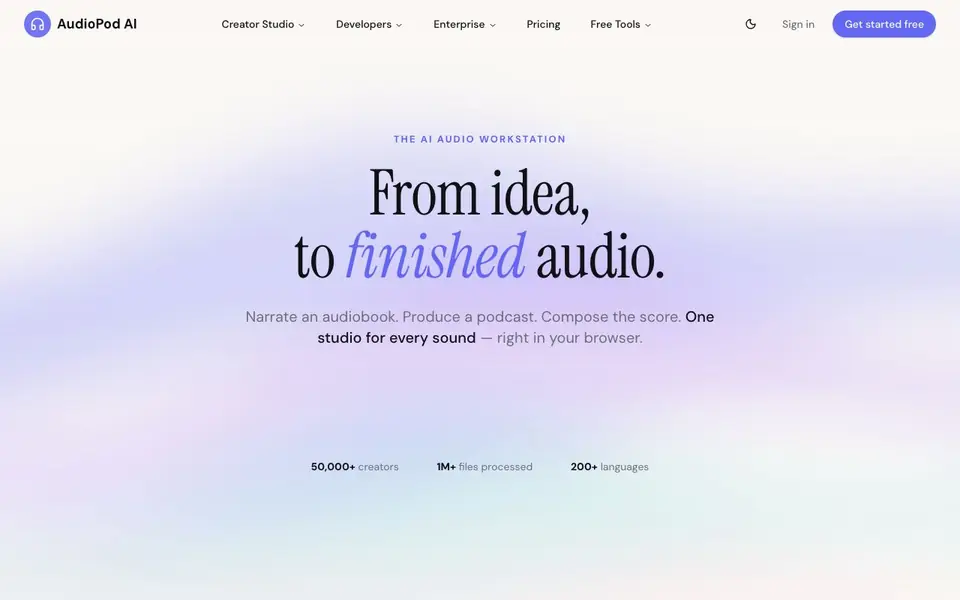
AudioPod AI is an all-in-one audio workstation that runs in your browser. It helps you turn ideas into finished audio, whether that means narrating an audiobook, producing a podcast, or composing a score. The platform supports over 200 languages and offers a free tier with 1,000 credits, no credit card required.
You start by importing a manuscript, PDF, or EPUB for audiobooks, and AudioPod auto-splits chapters. You can narrate in a cloned or studio voice, master to ACX spec, and export retail-ready files. For podcasts, you drop in documents or notes and get an episode with one to four AI hosts, a script you can edit, and source-grounded content that only speaks from what you provide.
The tool also includes text-to-speech with 500+ voices, voice cloning from a few seconds of audio, speech-to-text, music generation, speaker separation, and a stem splitter. Developers can build on the audio API, and teams from indie startups to enterprises use it. The website mentions 50,000+ creators and 1M+ files processed, but does not detail all pricing tiers beyond the free plan.
AudioPod AI features
- Audiobook Studio: Import PDFs or EPUBs, auto-split chapters, narrate in cloned or studio voices, and master to ACX spec for retail-ready exports.
- Podcast Studio: Turn PDFs, articles, or notes into a podcast episode with one to four AI hosts and an editable script.
- Text to Speech: Generate natural, expressive speech in 200+ languages from any script, with 500+ voices to choose from.
- Voice Cloning: Clone your own voice from just a few seconds of audio for personalized narration.
- Music Generation: Compose original music from a single prompt to score your audio projects.
What you can do with AudioPod AI
- Narrate an audiobook from a manuscript and export ACX-spec files.
- Turn documents into a studio-quality podcast with AI hosts.
- Clone your voice for consistent narration across episodes.
- Separate speakers or split stems in existing audio files.
- Generate original music scores for your podcasts or audiobooks.
How to get started with AudioPod AI
- Sign up for a free account with 1,000 credits, no card required.
- Choose a studio: Audiobook Studio for manuscripts or Podcast Studio for documents.
- Import your file, edit the script or chapters, and generate audio with AI voices.
Tips for better results with AudioPod AI
- Import a clean PDF or EPUB manuscript into AudioPod AI so chapter auto-splitting works accurately, then review each split before narrating to catch formatting errors early.
- Edit the generated podcast script in AudioPod AI before finalizing, since the AI hosts speak only from your source material and you can correct any awkward phrasing or omissions.
- Clone your voice from a few seconds of clear, quiet audio in AudioPod AI to keep narration consistent across episodes, and test it on a short sample first to check quality.
- Use AudioPod AI's stem splitter and speaker separation on existing audio files before mixing, but verify the output levels and clarity in your own editing software afterward.
AudioPod AI pricing
AudioPod AI has a free way to start, with paid plans for heavier use. Check audiopod.ai for current limits and prices.
What to check before you rely on AudioPod AI
- Check your free tier credit balance in AudioPod AI before starting a long project, since the website lists 1,000 free credits but does not state how many credits each export consumes.
- Verify that the website does not list pricing for paid tiers beyond the free plan, so contact sales or look for a pricing page before committing to heavy usage.
- Confirm the export formats you need are supported by AudioPod AI, since the site mentions ACX-spec files but does not detail all output options for podcasts or music.
Who AudioPod AI is for
AudioPod AI suits podcasters, audiobook authors, content creators and developers. If that is not you, the AI music generators below may fit better.
Similar tools compared with AudioPod AI
| Tool | What it is | Pricing |
|---|---|---|
| AudioPod AI | AI audio workstation for podcasts and audiobooks | Freemium |
| AIVA | AI music generation assistant | Freemium |
| Soundraw | AI music generator for royalty-free beats | Freemium |
| Suno | AI music and song generator | Freemium |
| ElevenLabs | AI voice generator and voice agents platform | Freemium |
AudioPod AI FAQ
Is AudioPod AI free to use?
Yes, AudioPod AI offers a free plan with 1,000 credits, and no credit card is required to get started. You can cancel anytime. The website does not detail paid plan pricing, so check the Pricing page for specifics.
What can I create with AudioPod AI?
You can create audiobooks, podcasts, and music. For audiobooks, import a PDF or EPUB and narrate in a cloned or studio voice. For podcasts, drop in documents and get an episode with AI hosts. You can also generate text-to-speech in 200+ languages.
Can I clone my own voice?
Yes, AudioPod AI lets you clone your voice from just a few seconds of audio. This allows you to narrate audiobooks or podcasts in your own voice without needing a recording studio.
Who is AudioPod AI for?
It suits podcasters, audiobook authors, content creators, and developers. The website lists teams from indie startups to enterprises and AI labs building on the audio API, so it works for individual creators and larger organizations alike.
Does AudioPod AI have a mobile app or is it only in the browser?
AudioPod AI runs in your browser, and the website does not mention a dedicated mobile app. You can access it from any device with a web browser, but for the best experience, use a desktop or laptop. Check the official site for any future app announcements.
What file formats can AudioPod AI export for my audiobook or podcast?
AudioPod AI exports retail-ready audiobook files mastered to ACX spec, which is the standard for Audible and iTunes. For podcasts, it exports the finished episode audio. The website does not list every specific file format, so check the platform's export options after you start a project.
Does AudioPod AI require an account to use the free tier?
Yes, you need to sign in to use AudioPod AI. The free tier gives you 1,000 credits with no credit card required, and you can cancel anytime. To start, click 'Get started free' on the website and create an account.


