

What is Buffer?
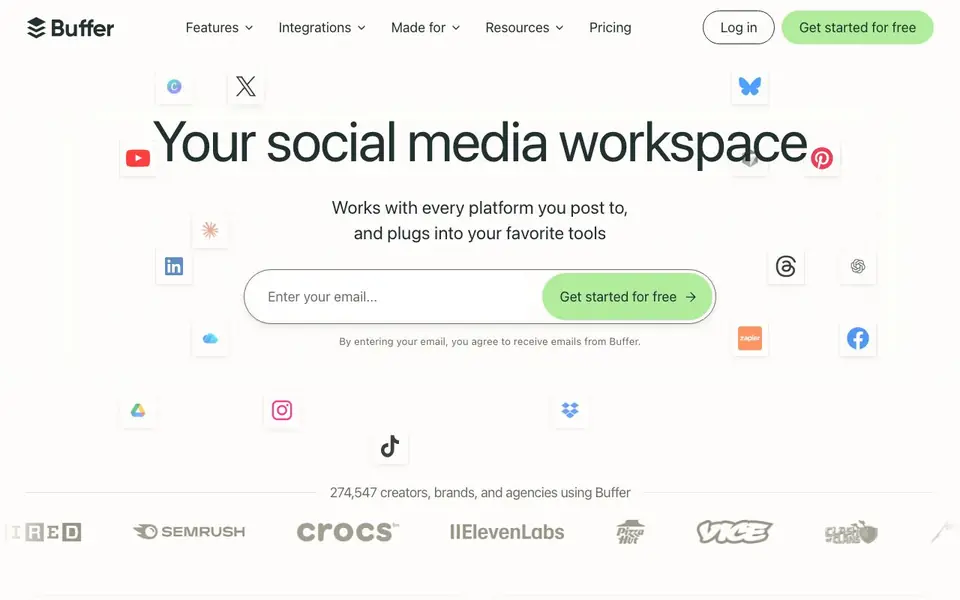
Buffer is a social media management workspace for creators, brands, and agencies. It lets you schedule posts to major platforms like Facebook, Instagram, TikTok, LinkedIn, Threads, Bluesky, YouTube Shorts, Pinterest, Google Business, Mastodon, X, and Substack. You can also create, organize, and repurpose content, with an AI Assistant to brainstorm ideas and craft platform-specific posts.
You start by connecting your social accounts. Then you can plan and schedule posts using the publishing tools, or use the AI assistant to generate content ideas and rewrite drafts. The Community feature lets you triage and respond to comments from all channels in one dashboard, speeding up engagement. Insights gives you analytics and reporting to see what works.
Buffer also offers collaboration tools for teams to manage, edit, and approve posts, plus a mobile app for on-the-go management. You can connect Buffer to AI assistants like Claude or ChatGPT via MCP or API to pull performance data and plan content from a conversation. The site mentions a forever free plan with no credit card needed, and paid upgrades for more features.
Buffer features
- Publishing: Schedule content to over a dozen social platforms from one dashboard.
- AI Assistant: Brainstorm ideas, rewrite content, and create platform-specific posts.
- Community management: Reply to comments across channels at 10x speed from one place.
- Insights and analytics: Get answers, not just numbers, to learn what works and improve.
- Team collaboration: Manage, edit, and approve social posts together with your team.
What you can do with Buffer
- Schedule a week of Instagram and TikTok posts in advance.
- Respond to customer comments on Facebook and LinkedIn quickly.
- Use AI to turn a blog post into platform-specific social content.
- Pull performance data into ChatGPT to plan next week's posts.
How to get started with Buffer
- Enter your email on the Buffer website to start for free.
- Connect your social media accounts to Buffer.
- Create or schedule posts, and use the AI assistant if you need help.
Tips for better results with Buffer
- Connect your social accounts first, then use Buffer's AI Assistant to generate platform-specific post drafts and schedule them in one sitting to save time.
- Use Buffer's Community dashboard to triage and reply to comments across channels daily, keeping engagement consistent without switching between apps.
- Pull your top-performing post data from Buffer into ChatGPT or Claude via the MCP or API, then ask it to plan next week's content around what works.
- Start with the forever free plan to test Buffer's scheduling and analytics on a few platforms, then upgrade only if you need team collaboration or more posts.
Buffer pricing
Buffer has a free way to start, with paid plans for heavier use. Check buffer.com for current limits and prices.
What to check before you rely on Buffer
- Verify which platforms you actually need are supported by Buffer, since the free plan may limit the number of connected accounts or scheduled posts.
- Check Buffer's pricing page for paid plan details, as the website does not list specific limits or prices for the free versus paid tiers.
- Review Buffer's privacy and data policies to confirm how your social media data is handled, especially if you connect it to external AI assistants via API.
Who Buffer is for
Buffer suits creators, brands, agencies and social media managers. If that is not you, the AI marketing tools below may fit better.
Similar tools compared with Buffer
| Tool | What it is | Pricing |
|---|---|---|
| Buffer | Social media management and scheduling workspace | Freemium |
| Copy.ai | AI-native go-to-market platform | See website |
| Jasper | AI agent workspace for marketing teams | Free trial |
| Writesonic | AI search growth and visibility platform | See website |
| Predis.ai | AI ad generator for video, UGC, and images | Freemium |
Buffer FAQ
Is Buffer free to use?
Yes, Buffer offers a forever free plan that requires no credit card. You can upgrade to paid plans for more features, but the free tier is available indefinitely.
Which social platforms does Buffer support?
Buffer supports Facebook, Instagram, TikTok, LinkedIn, Threads, Bluesky, YouTube Shorts, Pinterest, Google Business, Mastodon, X, and Substack.
Can Buffer help with content creation?
Yes, Buffer includes an AI Assistant that helps brainstorm ideas, rewrite content, and craft posts tailored to each platform. It also supports repurposing content for different channels.
Does Buffer work with AI assistants like ChatGPT?
Yes, Buffer can connect to Claude or ChatGPT via MCP or API. You can pull performance data, plan content, and send posts to your queue from a conversation.
Can Buffer export my scheduled posts or analytics data?
Buffer's website does not mention exporting scheduled posts or analytics data directly. However, you can connect Buffer to AI assistants like ChatGPT or Claude via MCP or API to pull performance data. For specific export options, check Buffer's Help Center or contact their support team.
Does Buffer have a mobile app for iOS and Android?
Yes, Buffer offers a mobile app for managing your social media accounts from anywhere. The website highlights the mobile app as a feature, but it does not specify whether it is available for iOS, Android, or both. Check the app stores or Buffer's website for platform details.
What does Buffer's free plan include?
Buffer's website mentions a forever free plan with no credit card required. It includes basic publishing features, but the exact limits, such as the number of scheduled posts or connected accounts, are not detailed on the site. For specifics, visit Buffer's pricing page or contact their support.


